© 2009 snom technology AG
man_snom870_v101_en
33
snom 870 User Manual
Display Icons, Buttons, and Indications
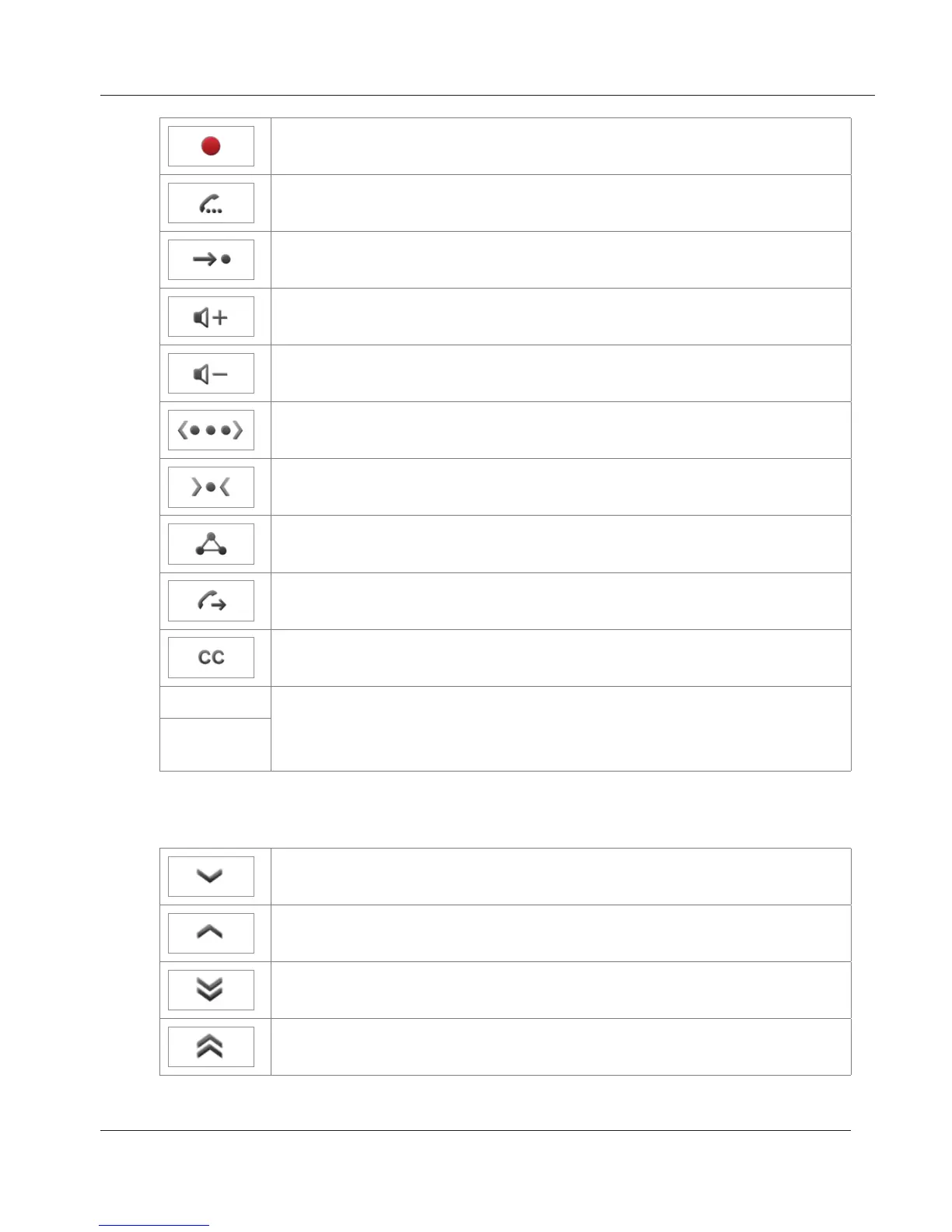
Conversation is being recorded. Tap icon to stop recording.
Put call on hold
Transfer current call
Turn on casing loudspeaker
Turn off casing loudspeaker
Expand list of time zones to show all entries
Contract list of time zones to show only those entries where
selected phone language is spoken
Set up conference
Open text field to enter number for dialing
Turn on call completion when dialed number is busy
YES / NO
Confirm/cancel action
OK/
CANCEL
Go to next screen
Go to preceding screen
Go to next letter in alphabet/beginning of next timezone
Go to preceding letter in alphabet/beginning of preceding
timezone
www.InternetVoipPhone.co.uk | sales@internetvoipphone.co.uk | 0800 088 48 46



 To Next Page