© 2009 snom technology AG
man_snom870_v101_en
38
snom 870 User Manual
Directories
b. In other cases, you will see a succession of screens with touch
buttons. Example:
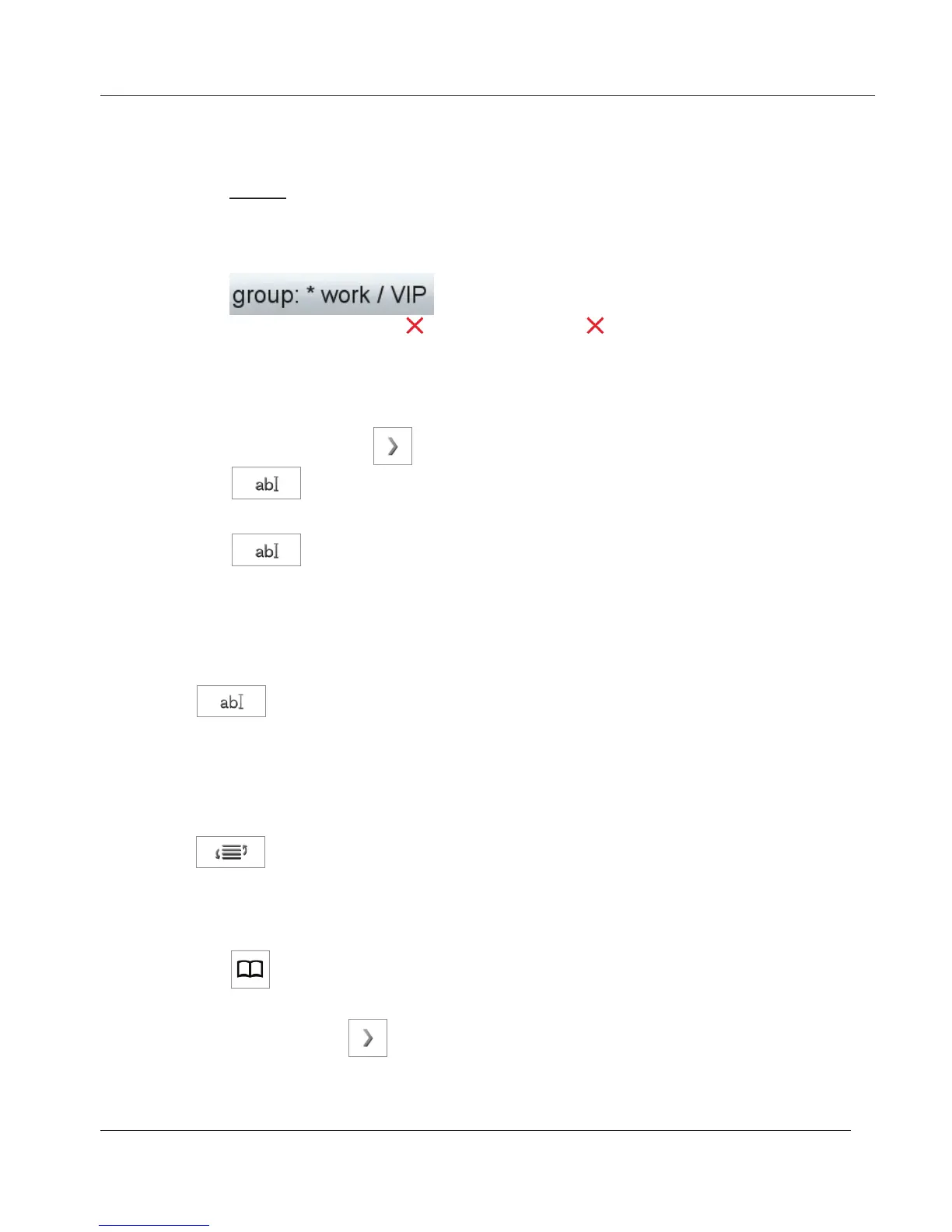
Group: favorites > group > contact type. Tap button to select and go
to next screen. If you wish to add the entry to your "Favorites", tap the
"Yes" button. Select group and contact type. In our example the entry
is on the favorites list, the group is "work", and the contact type "VIP".
7. When done, tap button or press hardkey to return to directory.
aDDing new entry from Call list
1. Open the call list.
2. Tap the detail arrow
.
3. Tap
to put name and number in the internal phone book. If the
name is not shown, the number will be used in its place.
4. Tap
again to open edit mode and show details buttons on screen.
Continue as described below, "Editing existing entry" on page 38, paragraph
5.
Tap to put name and number in the internal phone book. If the name
is not shown, the number will be used in its place. To add more data, continue
as described below, "Editing existing entry" on page 38, paragraph 5.
Tap . Select criterion for sorting by tapping the button (first name, last
name, organization, etc.).
1. Tap to open the phone's directory.
2. Scroll to entry.
3. Tap arrow button
of entry to be edited.
4. If the entry has at least two associated phone numbers, tap the name
button if you wish to edit basic information or one of the number buttons if
www.InternetVoipPhone.co.uk | sales@internetvoipphone.co.uk | 0800 088 48 46



 To Next Page