© 2009 snom technology AG
man_snom870_v101_en
39
snom 870 User Manual
Directories
you wish to edit information associated with that number.
5. Tap
to show details buttons on screen. Tap the button of the
detail to be edited.
a. In some cases, a succession of text fields will open. Edit the data, if
necessary, and tap the field or press
to save and to open the next
text field.
b. In other cases, you will see a succession of screens with touch
buttons. Example: "group" button with the data "favorite", group
"work", contact type "VIP".
Tap the button to open "favorite" > "group" > "contact type" one after
the other. The currently selected button is marked with an asterisk.
Tap the button of your choice, even when are keeping your current
selection, to save and go on to the next screen.
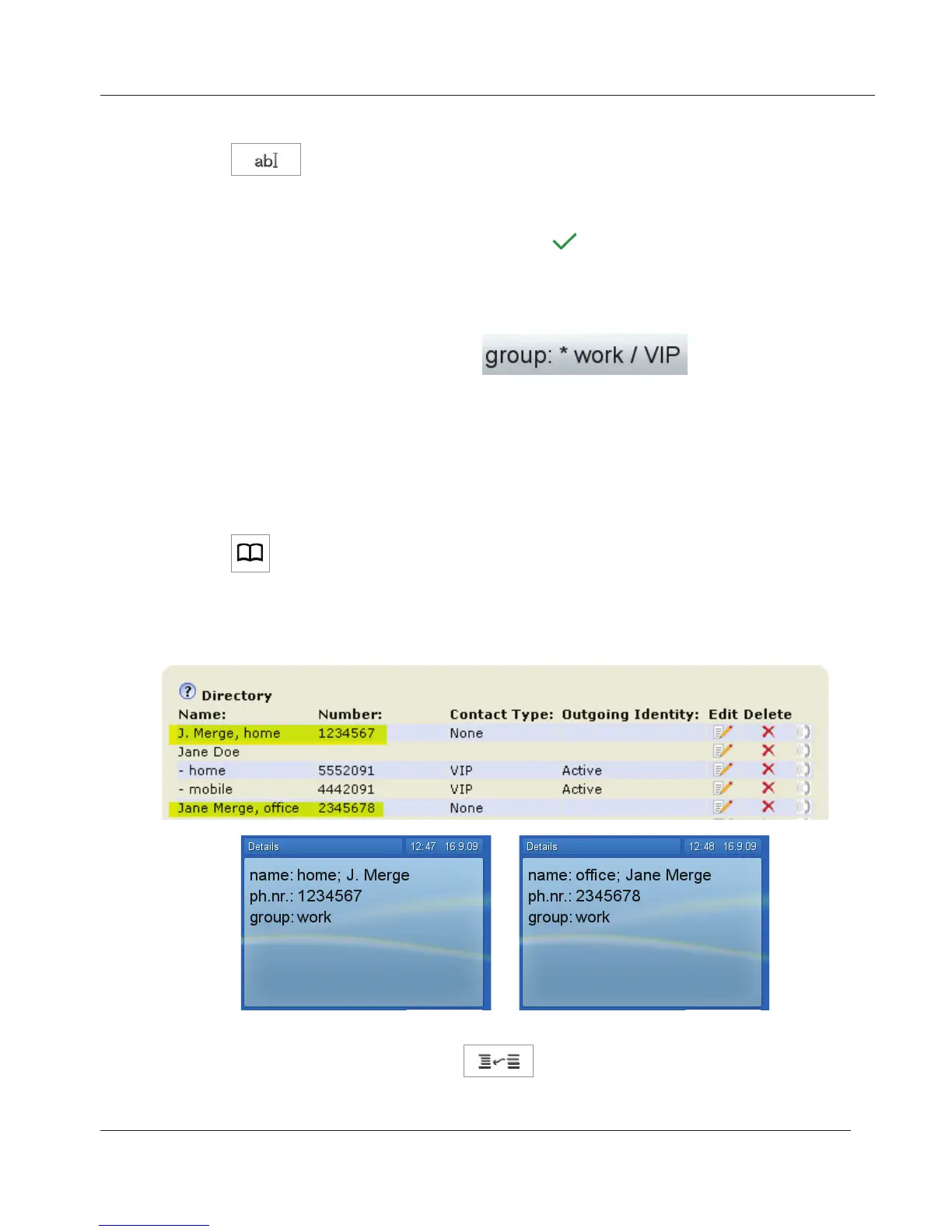
1. Tap to open the phone's directory.
2. Navigate to the entry you want to make a subentry of another directory
entry. Example: "J. Merge, home 1234567" will become a subentry of
"Jane Merge, office 2345678".
3. Tap the future subentry's button with your fingertip. The button turns
yellow and the "merge" button
is activated.
www.InternetVoipPhone.co.uk | sales@internetvoipphone.co.uk | 0800 088 48 46



 To Next Page