© 2009 snom technology AG
man_snom870_v101_en
61
snom 870 User Manual
Configuring the Function Keys
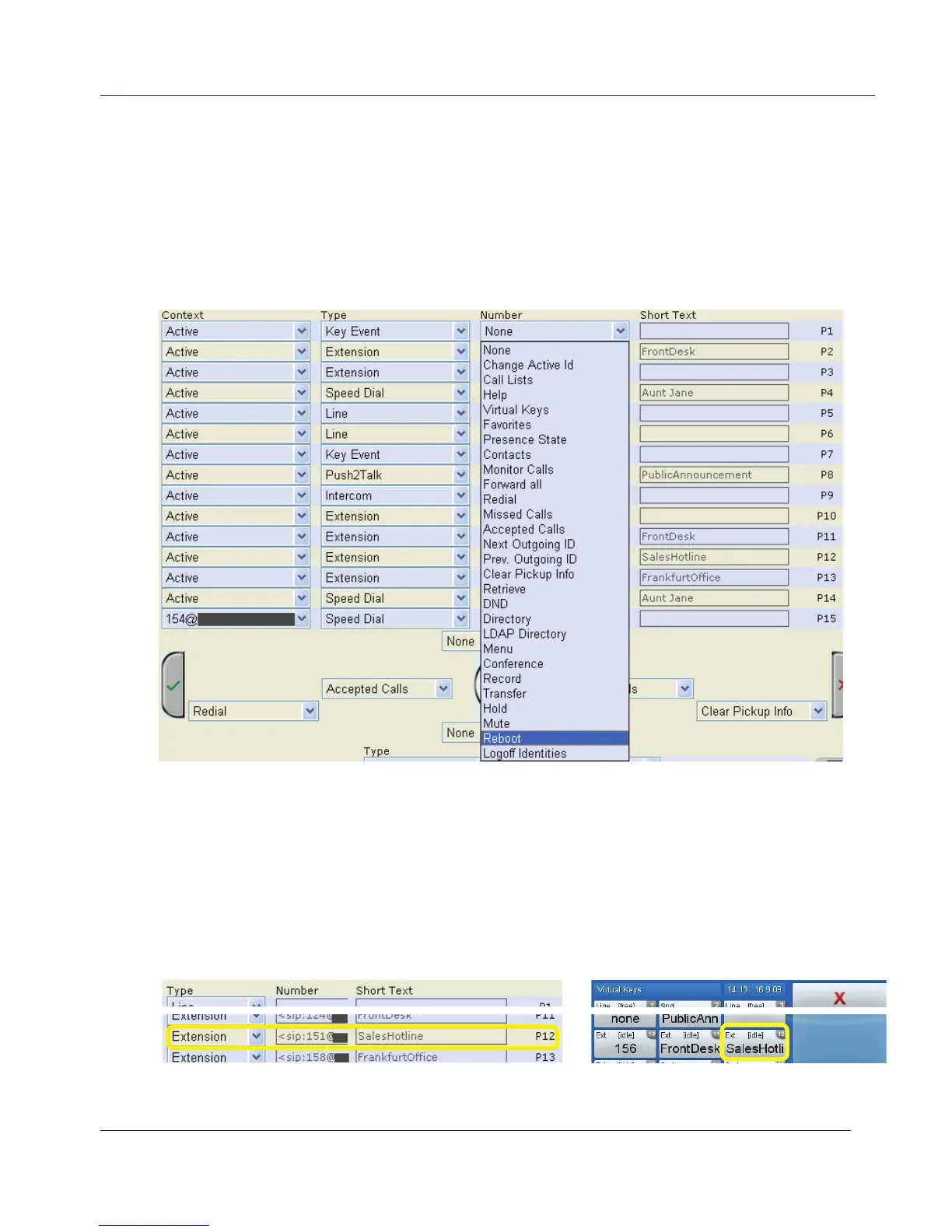
snom's WIKI for more information. If you select "Key Event", click on
"Save" to open the drop-down list with the available key events under
"Number".
c. Number. Enter the phone number or value for the function or, if key
event, select item from drop-down list.
d. Short Text. Optional. See also paragraph 2 on page 60.
Extension monitoring and call pick-up
Must be supported by your PBX!
This feature makes it possible to pick up a call ringing on another extension.
One of the freely programmable virtual function keys must be dedicated to
“watching” that extension. In our example we are watching the key named P12
on the web interface, the number for the Sales Hotline.
www.InternetVoipPhone.co.uk | sales@internetvoipphone.co.uk | 0800 088 48 46



 To Next Page