20
8.6 Audio Recorder Software
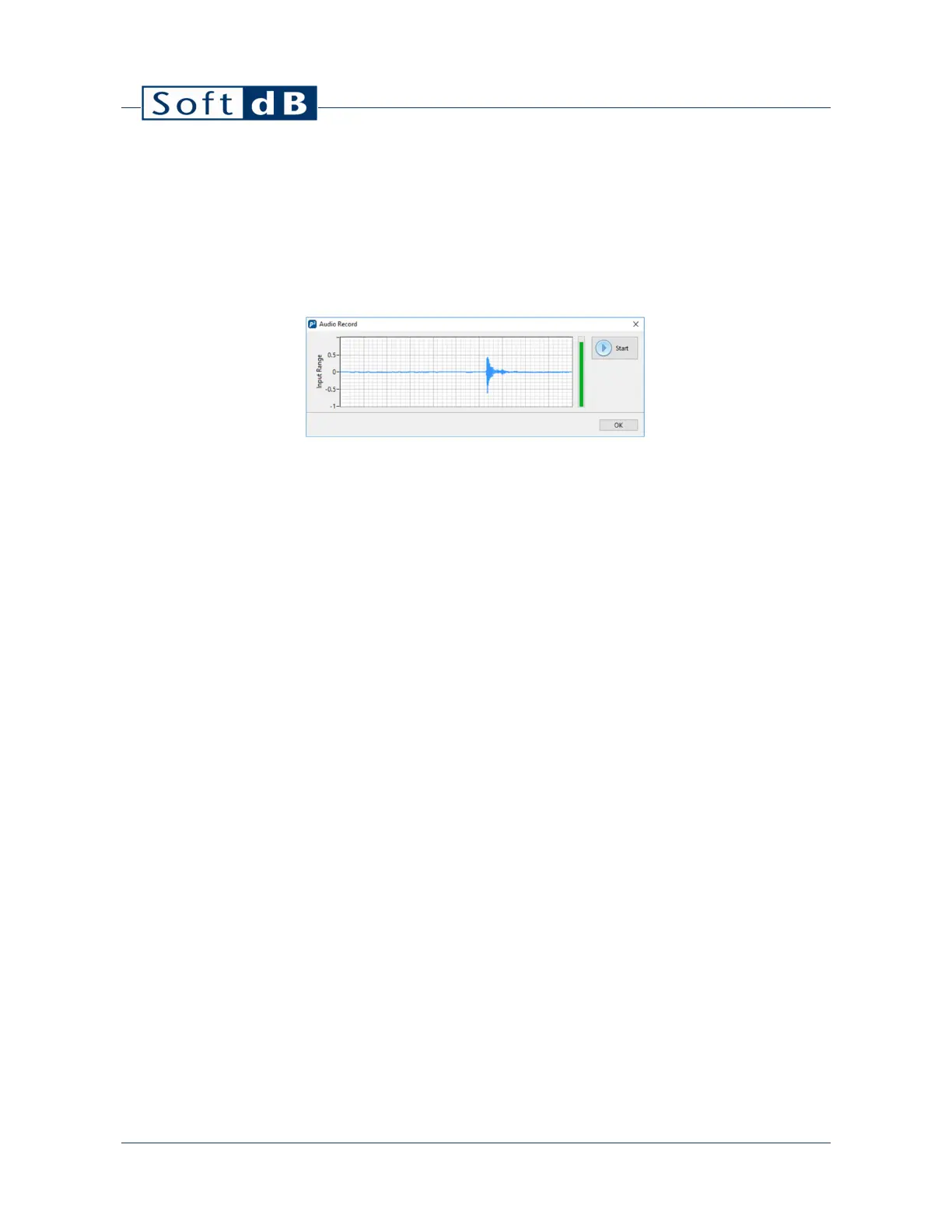
The Audio Recorder software allows using the Piccolo-II as a sound card to record *.wav files.
1) Click on the “Start” button to start a recording;
2) Click on the “Stop” button to stop the recording;
3) Upon stopping the recording, the software prompts to save the recorded file.
On the audio recording interface, the graph shows the time signal and the vertical fill-bar shows the
dynamic range.
If an external source is used with the auxiliary jack connector, the auxiliary jack will be used as the
signal source to be recorded.


 To Next Page