5
2.7 Power-Up
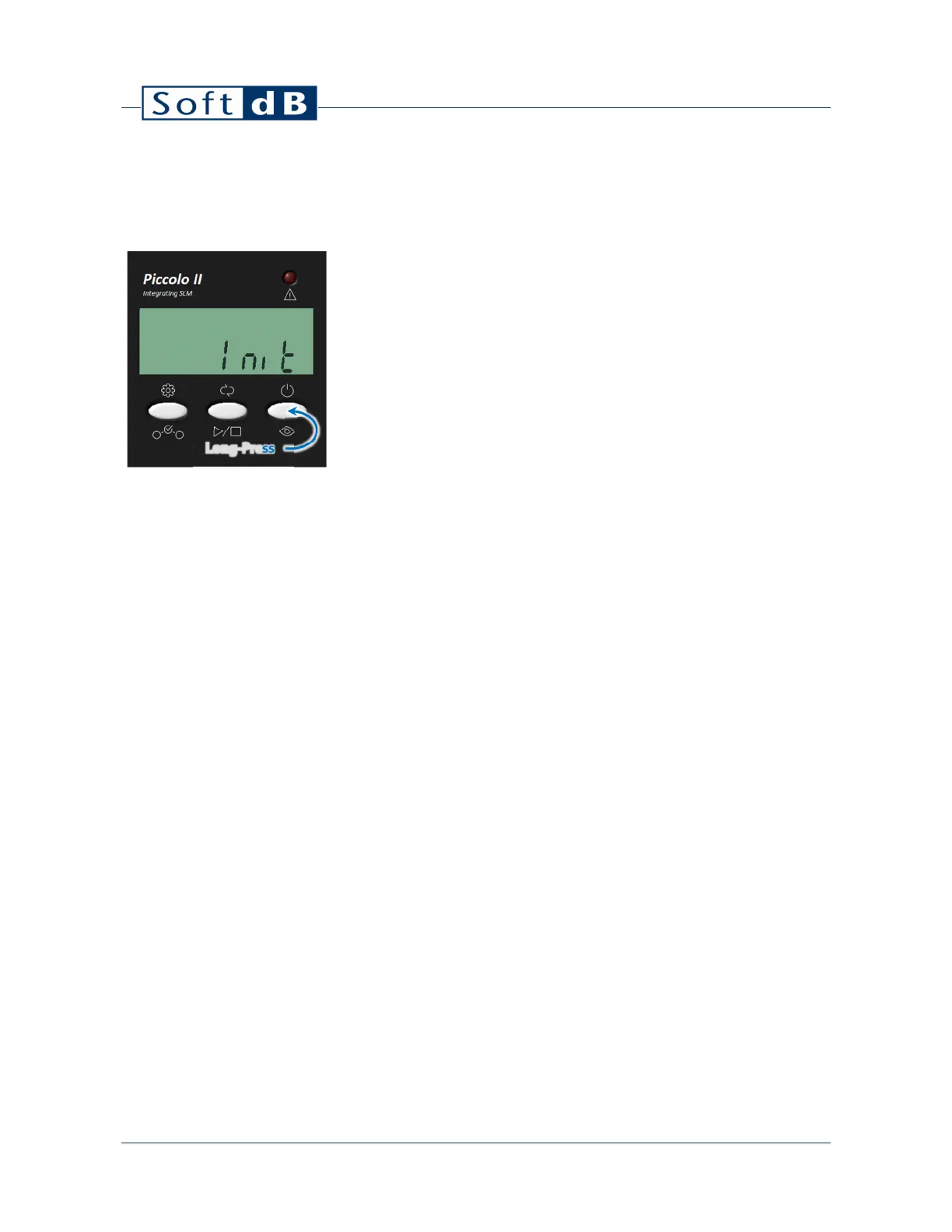
To power ON the instrument, press and hold the right-most button. At power-up, the display screen
displays the live SPL.
To power-up the instrument, perform a long-press on the right-most button. This
will power-up the instrument and display “Init” on the display during the warm-up
process (~1s).
2.8 Shut-Down
To shut-down the instrument, press and hold the right-most button until the display turns off.
When no measurement is in progress, the instrument will shut-down after 10 minutes of inactivity.
Long-Press


 To Next Page