57Connection
Echochange - Manual / Connection
57
8.2.9 Melsec-Q Protocol
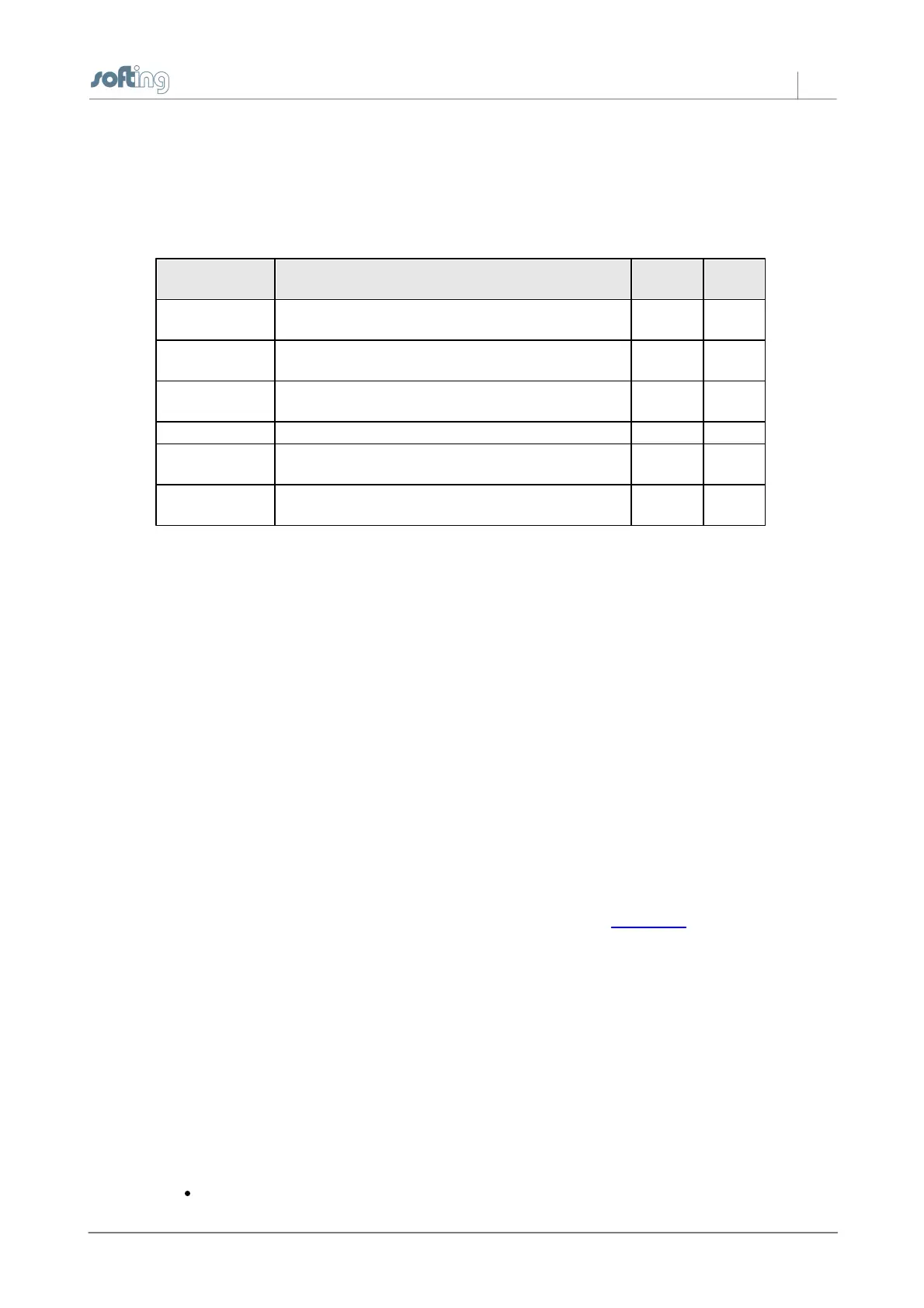
In this dialog box, you can edit the specific parameters for a connection to Mitsubishi Melsec-Q
PLCs.
You need to set these parameters if a Mitsubishi Net has been set up and the hardware supports it.
Monitors the time within which the response should
be received.
Network ID in the hardware configuration of the
programming software
Another intermediate PLC number
Only relevant if a permission management system
has been set up, allowing or denying PC access.
Module address of another module in a PLC.
The effect of these values depends on the hardware used.
8.2.10 Mail Connect Parameters
In this dialog box, you can edit the e-mail parameters.
For each e-mail connection, you need to specify the IP address or domain name of the mail server.
For details on the parameters, please ask your mail operator or your e-mail provider or look them up
in your e-mail contract.
Connection Name
You can choose any connection name you like. All characters except brackets may be used.
IP Settings
Destination IP Address (or name)
Here, you can specify the IP address of the destination station (IP address of the PLC) or the DNS
name of the destination station, i.e. of the mail server. If the device was configured for DNS and a
DNS server is available in the network, you can also enter the symbolic name of the destination
station.
For information on the structure of IP addresses, please refer to the IP Address section.
Port
The default mail sending method (SMTP) often uses port 25.
Sender Address
Here, you can specify the address for replies.
Authentication
Depending on the mail server, login may be required.
Username and Password
These are the login data.
Login type
Select Auto Select or, if known, please specify.
The following protocols can be selected:
PLAIN



 To Next Page