Paramount MX User Guide
50 | Page
Mount Power Switch (On/Off)
This switch turns the mount on (up position) and off (down position).
Power Input (48V Power In)
Plug the male end of the power supply cable into the port labeled 48V Power In. The male 48V Power In
connector on the power supply uses a slightly non-standard 2.5 mm inner diameter post and the
Mouser (
http://www.mouser.com) part number for this Kobiconn DC power plug is 171-7395.
Power supply specifications: maximum power output: 80W, input: 100-240VAC ~47-63 Hz 1.9A, output:
48V 1.66A max. Tip positive.
Expansion Slot Cover
The removable cover on the front of the Electronics Box provides access to a plug in “expansion slot” on
the MKS 5000 electronics board. This expansion slot may be used to provide future control system
enhancements. For now, there is no reason to remove this cover.
Polar Alignment Scope Mounting
The Paramount MX can be fitted with a polar alignment telescope to help align the mount’s polar axis
with the celestial pole. The polar scope option is integrated through the center of the mount and is
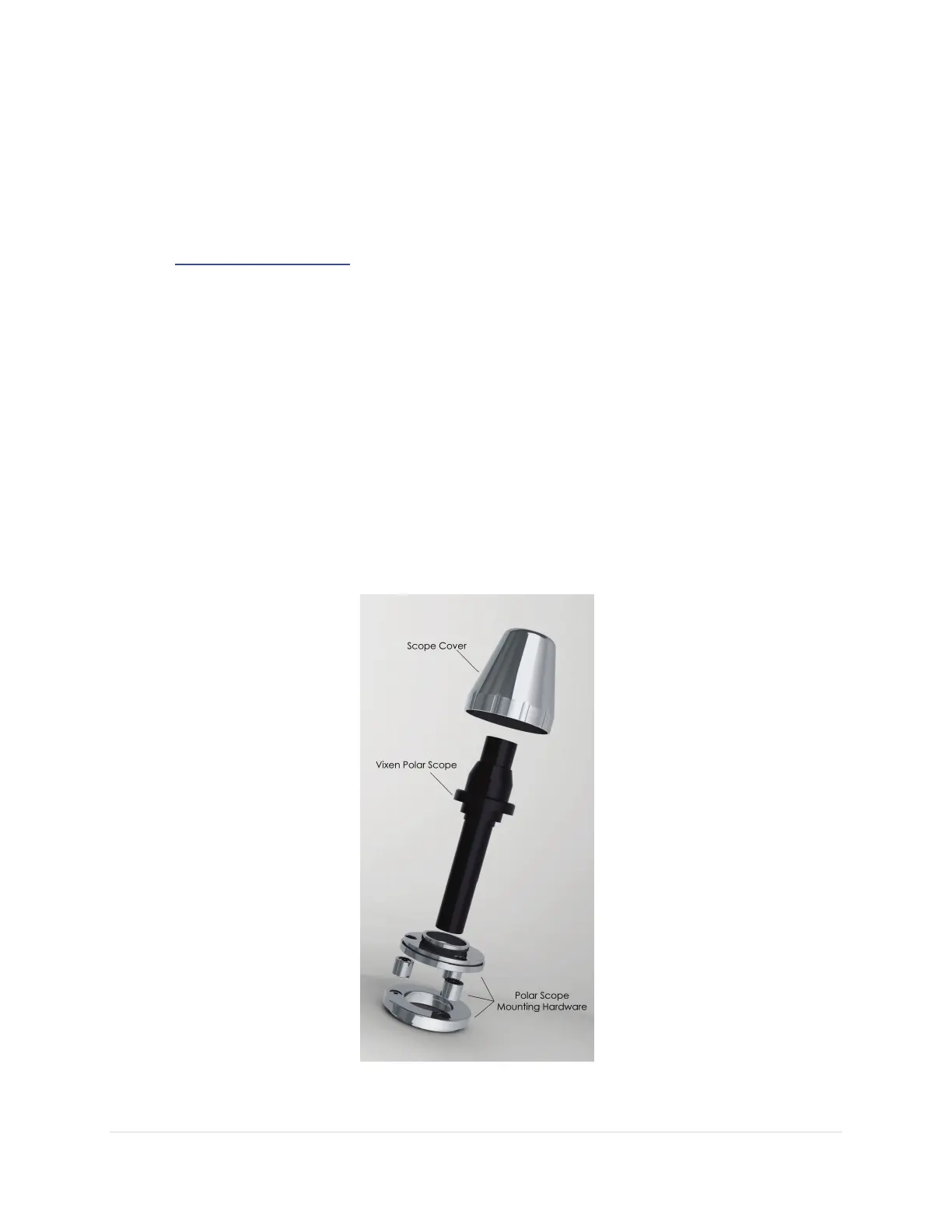
compatible with the Vixen model polar scopes. The optional polar alignment scope includes a sturdy
machined aluminum cover that protects the scope during transit.
Figure 22: Polar Alignment Scope and mounting hardware.



 To Next Page