Paramount MX User Guide
85 | Page
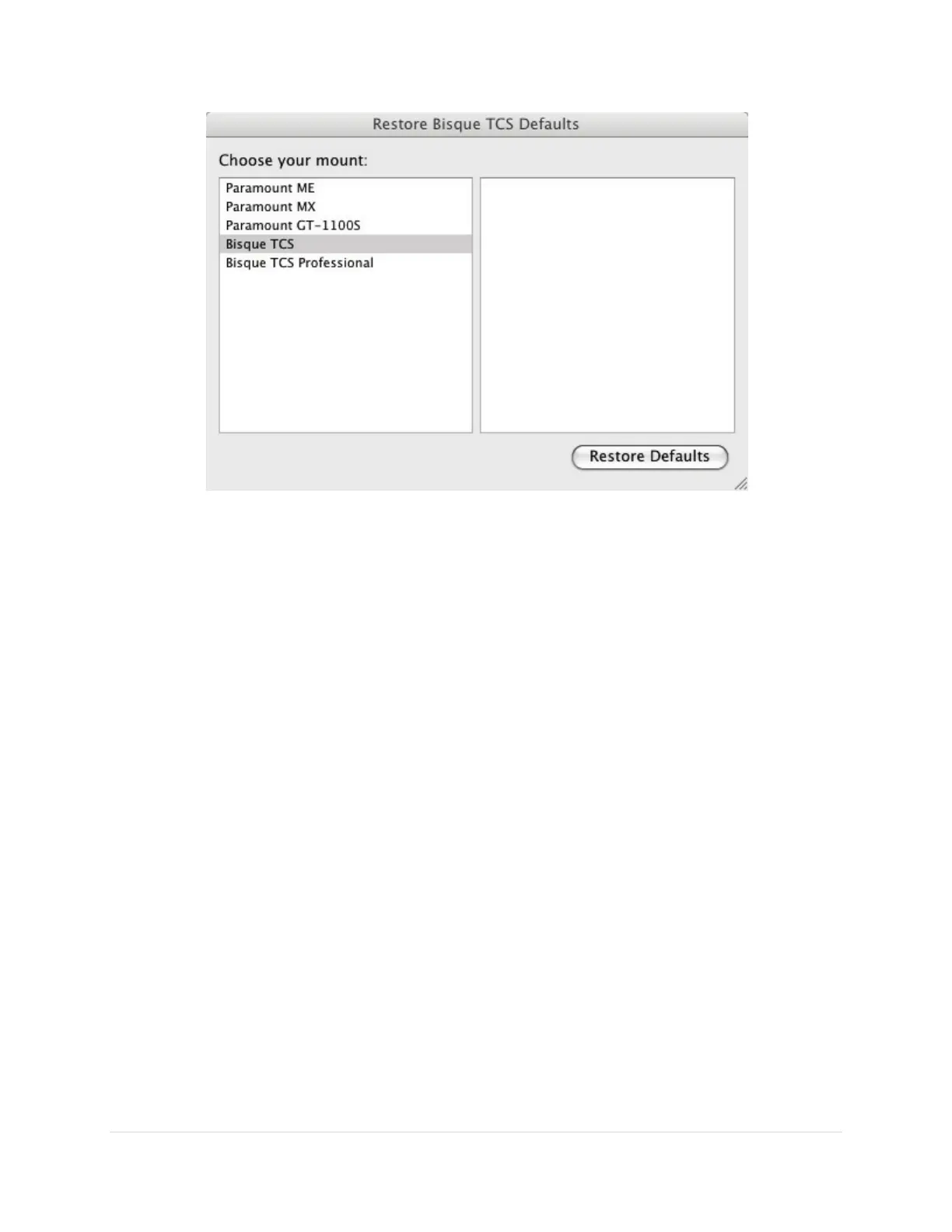
Figure 38: The Bisque TCS Configuration window.
The right side of the Bisque TCS Configuration window lists the mount models that use the MKS control
system.
• Paramount ME
• Paramount MX
• Paramount GT-1100S
• Bisque TCS
• Bisque TCS Professional
The default parameters differ for each model mount, so make sure to choose the right one before
clicking the Restore Defaults button.
Restore Defaults Button
Click this button to reset the mount’s parameters to default settings. When prompted, click Yes to save
the settings to the control system’s flash memory.
Read All Parameters From Mount
Choose this command to read the mount’s parameters from the control system and update them on the
Bisque TCS window. Reading every parameter from the mount’s internal memory is a relatively lengthy
operation and this command may require 15 seconds or so to complete.
Save All Parameters To Mount
Choose this command to save the mount’s parameters to the control system’s flash memory. Saving
every parameter to the mount’s flash memory is a relatively lengthy operation and this command may
require 15 seconds or so to complete.



 To Next Page