Protection Inputs
70
Configuring Events for Protection Inputs
On iSTAR controllers, you can configure an Event to activate if any of the
intrusion zone’s inputs become active, even if the intrusion zone is disarmed.
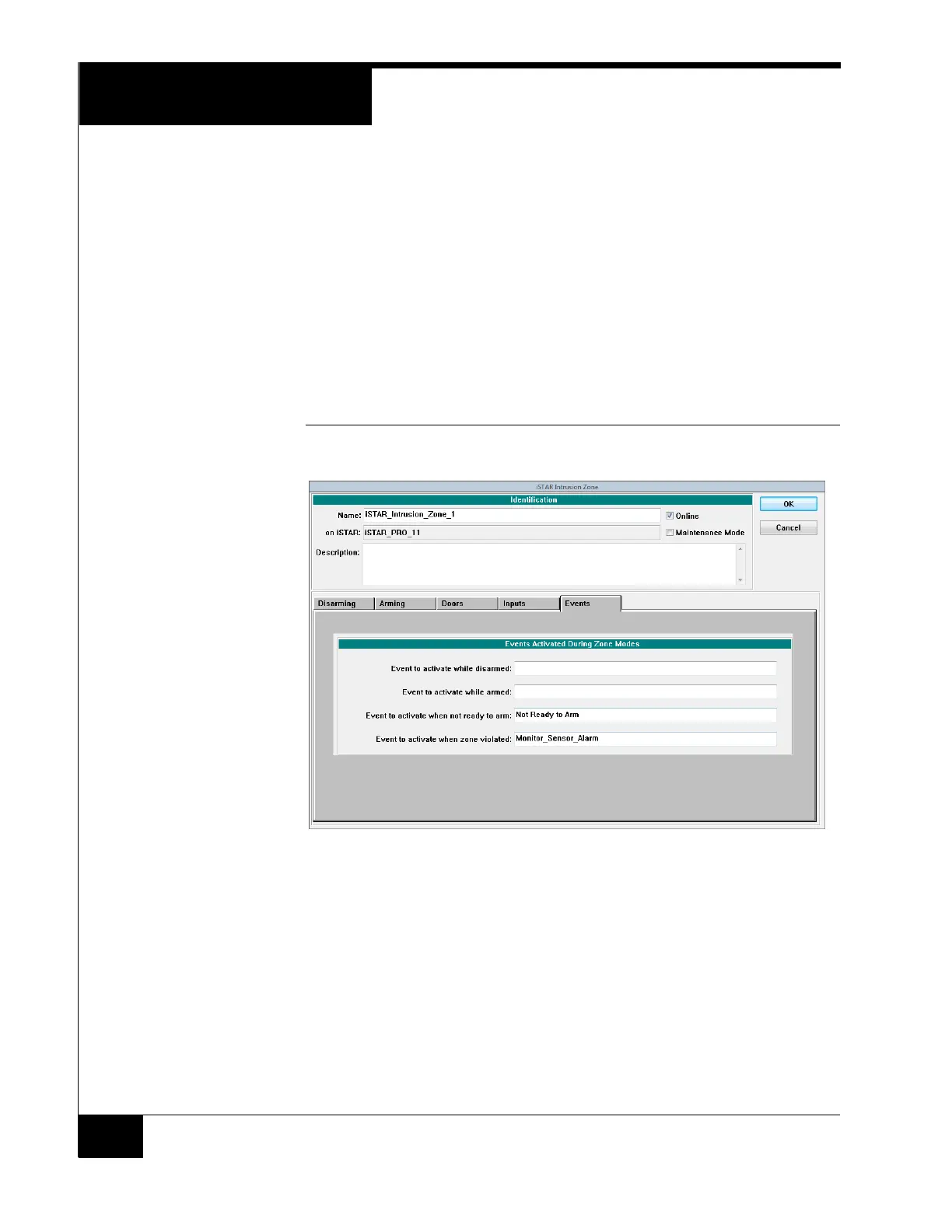
On the Events tab, select an event to activate for either or both modes:
“Event to Activate when not ready to arm”
“Event to activate when zone violated”
The Not Ready to Arm event will be activated any time the intrusion zone has
off normal inputs (inputs that are activated when an intrusion zone is disarmed)
or open doors, regardless of whether the intrusion zone is armed or disarmed.
Figure 37 shows the Events tab and modes that may be configured.
FIGURE 37. Events Configured for Intrusion Zone Modes



 To Next Page