93
The monitoring electronics are supplied by the PV generator, in other words during the
night and when the DC end is switched off, the status signalling contact is open.
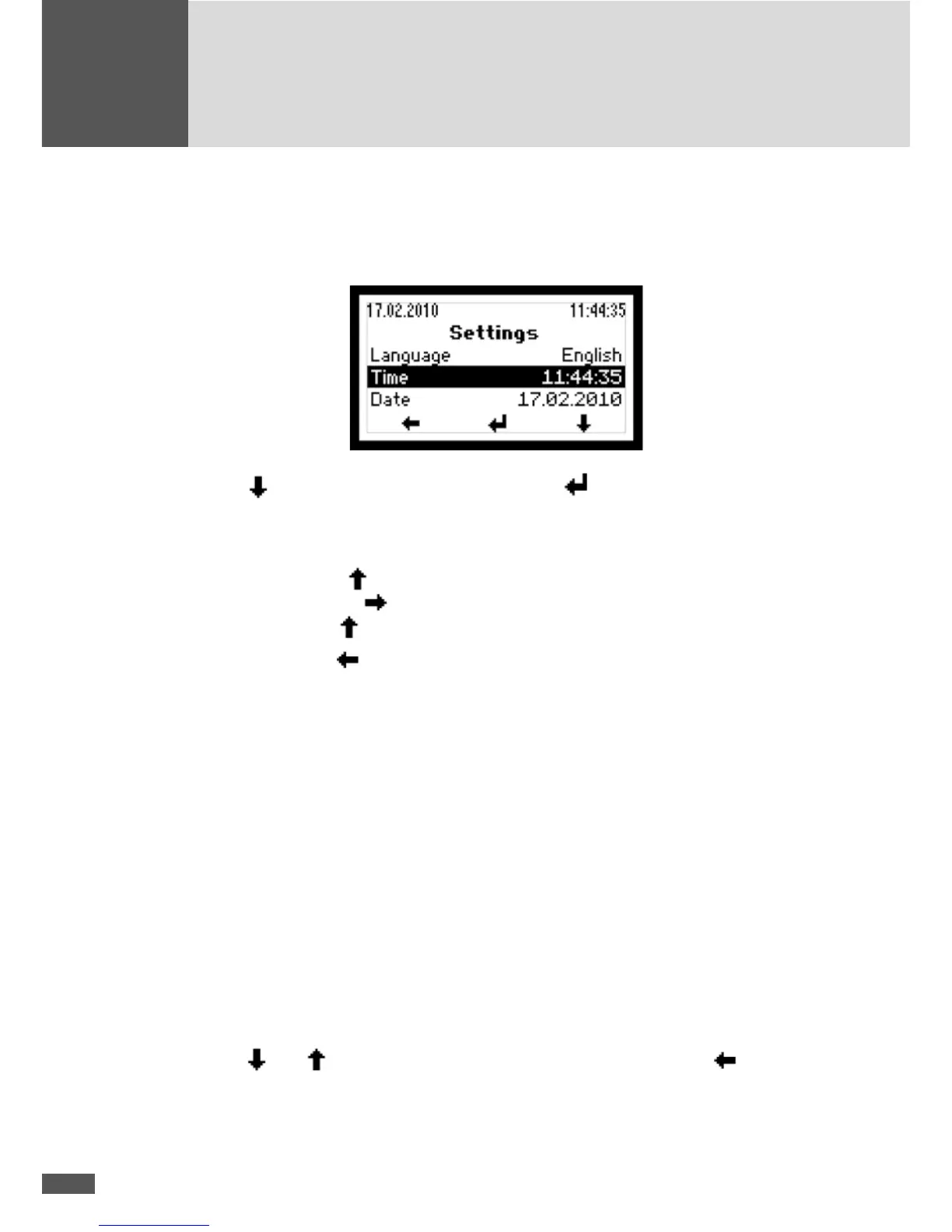
Implementing the settings
Use the button to select a parameter. Press the button to select a highlighted
parameter and switch into the editing mode to change it.
In the editing mode each individual number is changed.
n Example: Using the button, the highlighted number can be increased. After editing
this number, use the
button to go to the next number which in turn can be in-
creased using the
button.
Press the left button
to return to the Main menu.
6.3.7 Information
This menu contains the following information:
n Device type (SM8MT2, SM10MT2, SM13MT2, SM13MT3, SM15MT2, or SM15MT3)
n Serial number
n Firmware version
n Status message and two-digit number code (if a device error occurs)
n Warning (alternating display if several warnings are active at the same time)
n Date of initial start-up
n Accumulated operating hours
n Date
n Time
Use the
and keys to move through the menu. Press the left button to return
to the Main menu.



 To Next Page