23
en
7 Conguration
7�1 Connecting the WLAN antenna
The inverter is provided with the basic conguration to operate in the country
where it was sold. In case of operation in a dierent country, or if changes
to other parameters are needed, a communication connection to the inverter
must be established.
In addition, to change settings and to connect the inverter to a Local Area Net-
work (LAN) for monitoring purposes it is necessary to establish such commu-
nication link. The App MaxLink is available on Play Store (for Android systems)
as well as on Apple Store (for iOS systems).
The communication connection to the MaxLink App operates via WLAN.
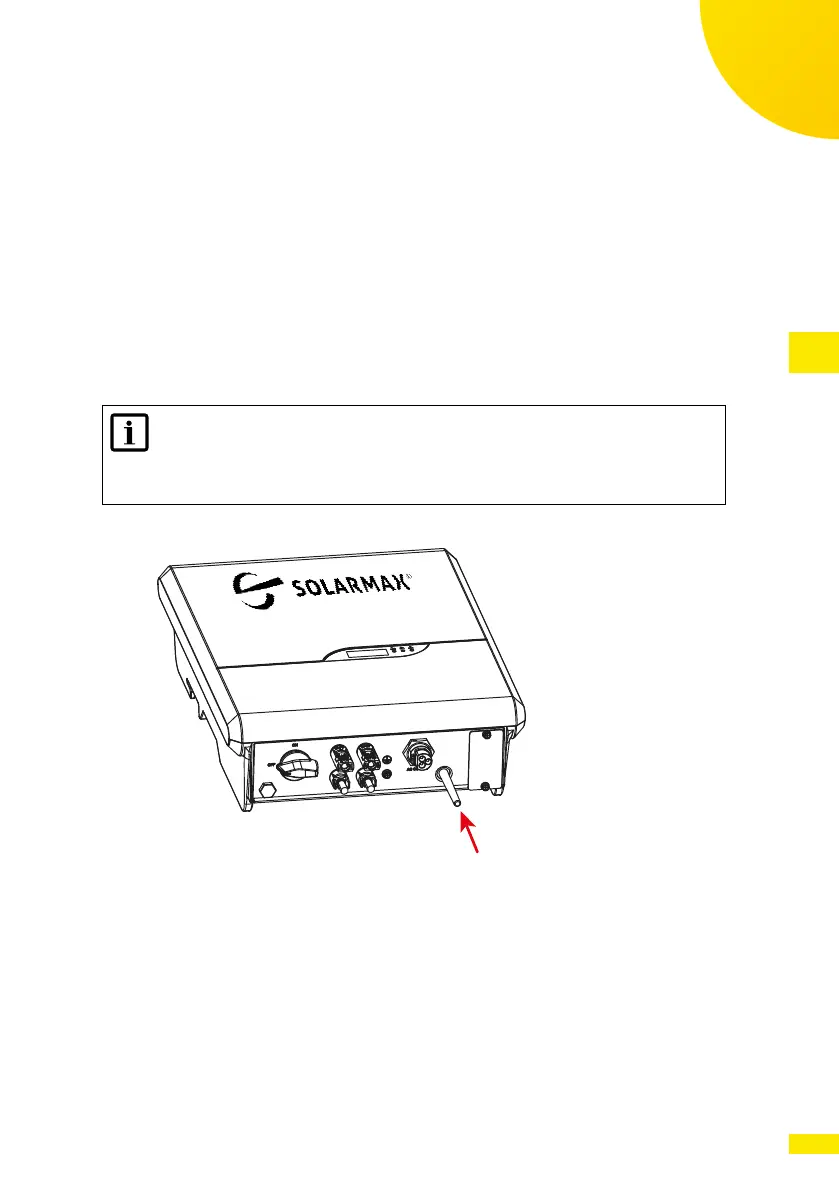
NOTE
Make sure that the WiFi Antenna is properly installed at the bottom
of the inverter. Without antenna the WiFi signal has a much minor
strength and the link may be discontinuous or absent.
Fig. 21: Installation of WiFi Antenna
7�2 Connecting the inverter via WLAN
When the inverter is switched on, it generates a local WLAN network access
point.
Any mobile device (smartphone, tablet) can connect to the Access Point. The
name of the WiFi network (SSID name) is given by the model name followed
by the serial number of the inverter. For instance “4600SP_1913-326200”.
The connection is password protected. The password is “12345678”.



 To Next Page