SR971,SR972 Solar station operation manual
-------------------------------------------------------------------------------------------------------------------------------------
15
Output ports
Output R2:electromagnetic relay, max. switching current 3.5A,
R2 ports wire connection:for tank thermostat function
Output R3:electromagnetic relay, max. switching current 3.5A,
R3 ports wire connection:for tank cooling function.
Output R4:electromagnetic relay, max. switching current 3.5A,
R4 ports wire connection:for hot water circuit pump function.
Output H1:electromagnetic relay , max. switching current 10A,
H1 connection ports: for eletrical heater
Note: Solar pump (installed on solar station) is already connected with controller,
eletronmagnetic valve and sensor connections relay on the system you selected. Shielded
cable should be used.
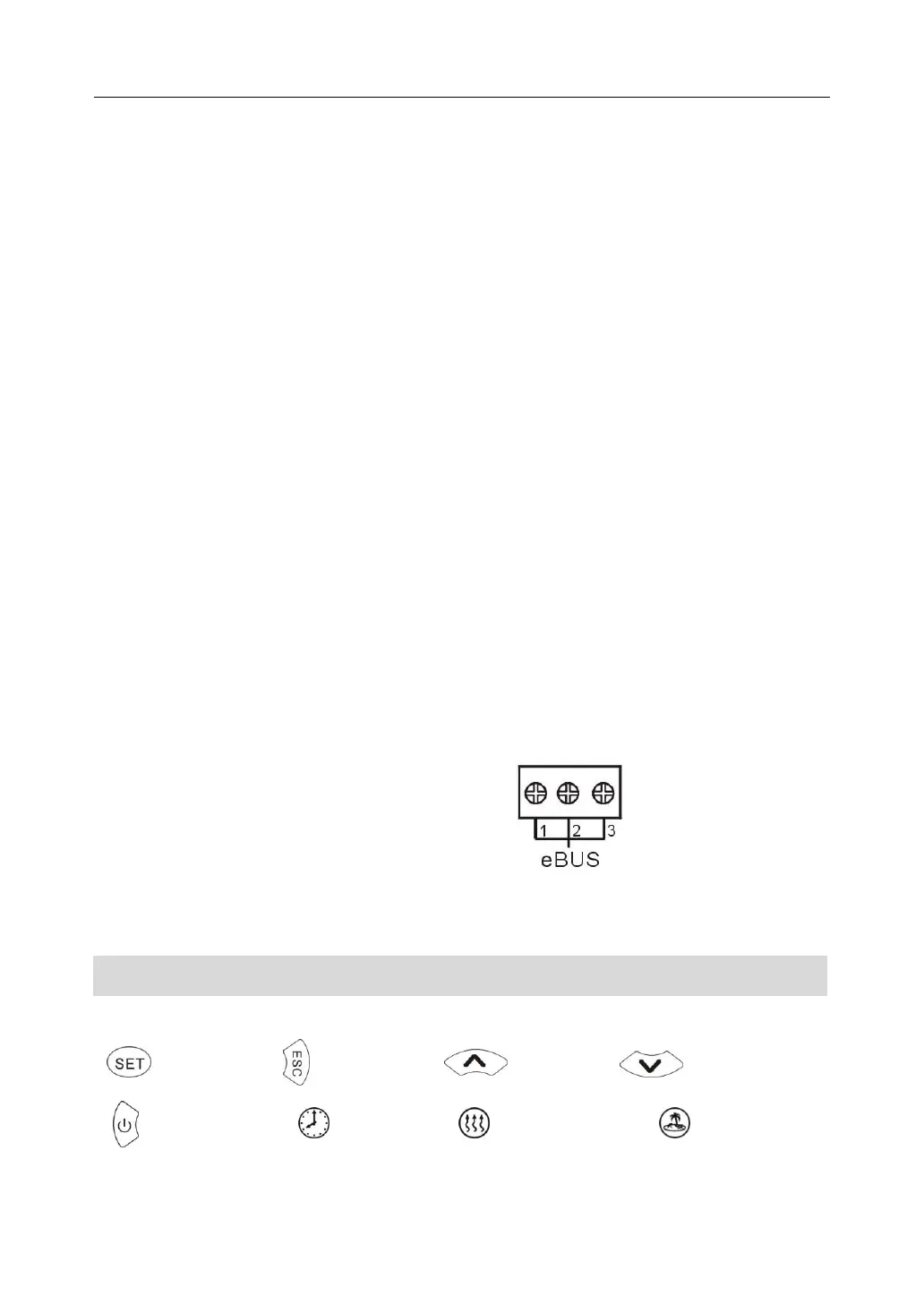
eBUS interface:Temperature value display anywhere(optional)
By using SR806 seperable display screen can display temperature and the operating status
of selected hydraulic system anywhere, though eBUS to connecte controlling part and
display screen.
Port 1 connected with red wire ( +12V)
Port 2 connected with white wire ( COM)
Port 3 connected with black wire ( GND)
6. Control operation description
6.1 Operation button
Set button exit/confirm upwards downwards
ON/OFF button clock manual heating holiday



 To Next Page