SR971,SR972 Solar station operation manual
-------------------------------------------------------------------------------------------------------------------------------------
39
ON” blinks on screen
► Press “ESC” button to exit the menu or wait for 20 seconds to exit , parameters are saved
automatically.
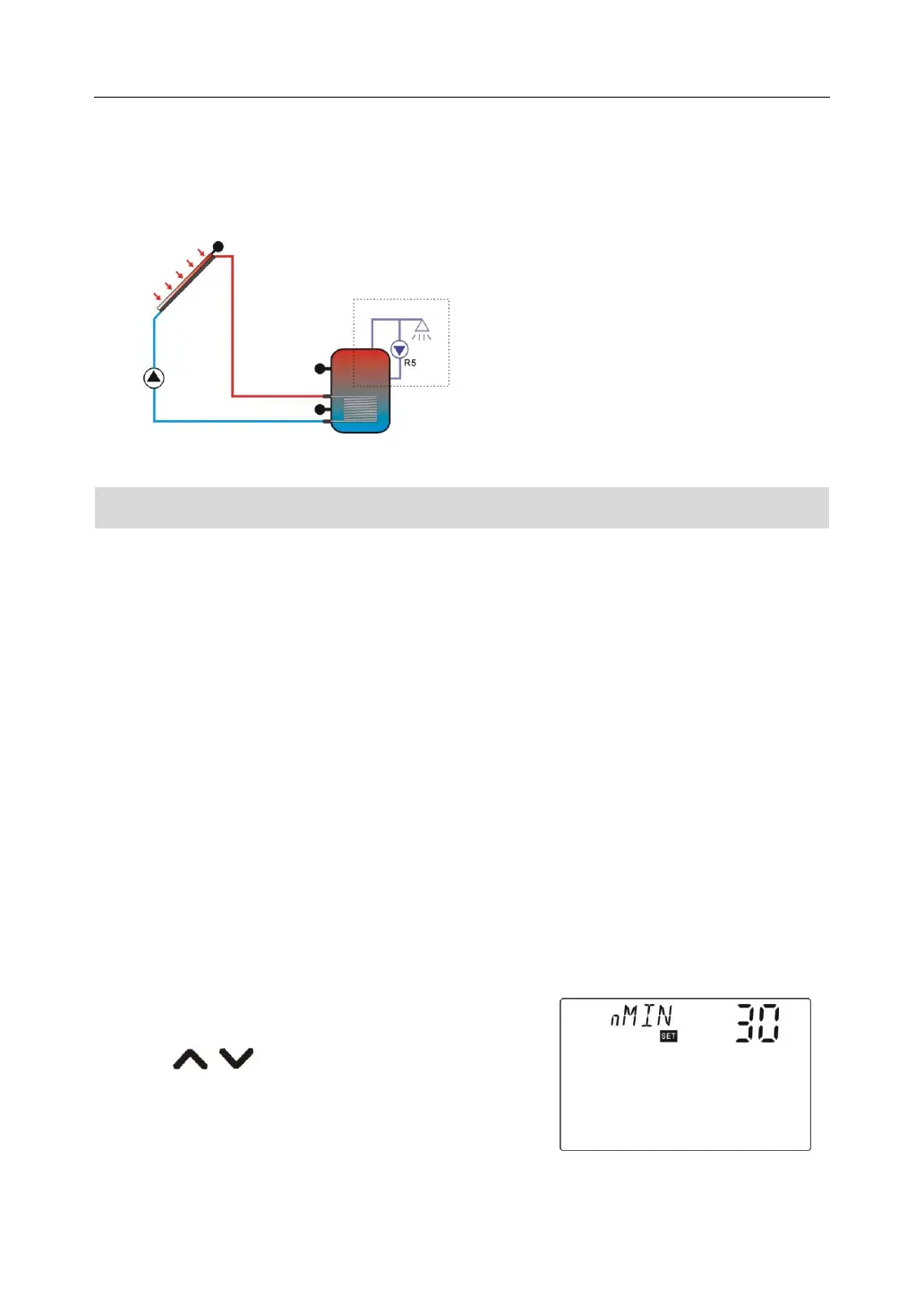
7.7.3 Submenu - nMIN Solar circuit pump speed adjusting(RPM speed controlling)
Description:
R1 output can be configured either as RPM controlled output or as simple on/off output.
When this function is activated, the output is RPM controlled output; when this function is
deactivated, the output becomes a normal on/ off output.
Normal on/ff output: circuit pump speed controlling is deactivated, pump is operated with a
fixed speed ( 100%), and flow rate is not changed.
RPM control output: (speed controlling is activated), the control attempts to maintain a
constant temperature difference between collector and tank. The pump performance is
continuously adjusted and the volume flow pumped is increased or reduced, depending on
the temperature difference.
Setup steps:
To access main menu FUN, then select submenu nMIN, “nMIN 30” displays on screen.
►Press “SET” button, parameter “30” blinks on the
screen
►Press “ ” button, to adjust speed of circuit
pump, adjustable range (30~100%), factory set is 30%
► Press “ESC” button to exit the menu or wait for 20
Signal circled in dashed frame
displays on the screen, it
indicates this function is in
operating.



 To Next Page