SR971,SR972 Solar station operation manual
-------------------------------------------------------------------------------------------------------------------------------------
47
7.8 Mainmenu - HND manual function
When you use this controller first time or when you make system commissioning, controller’s
output ( R1,R2,R3,R4,,H1) can be manually set as On/Off output.
Setup steps:
To access main menu HND,
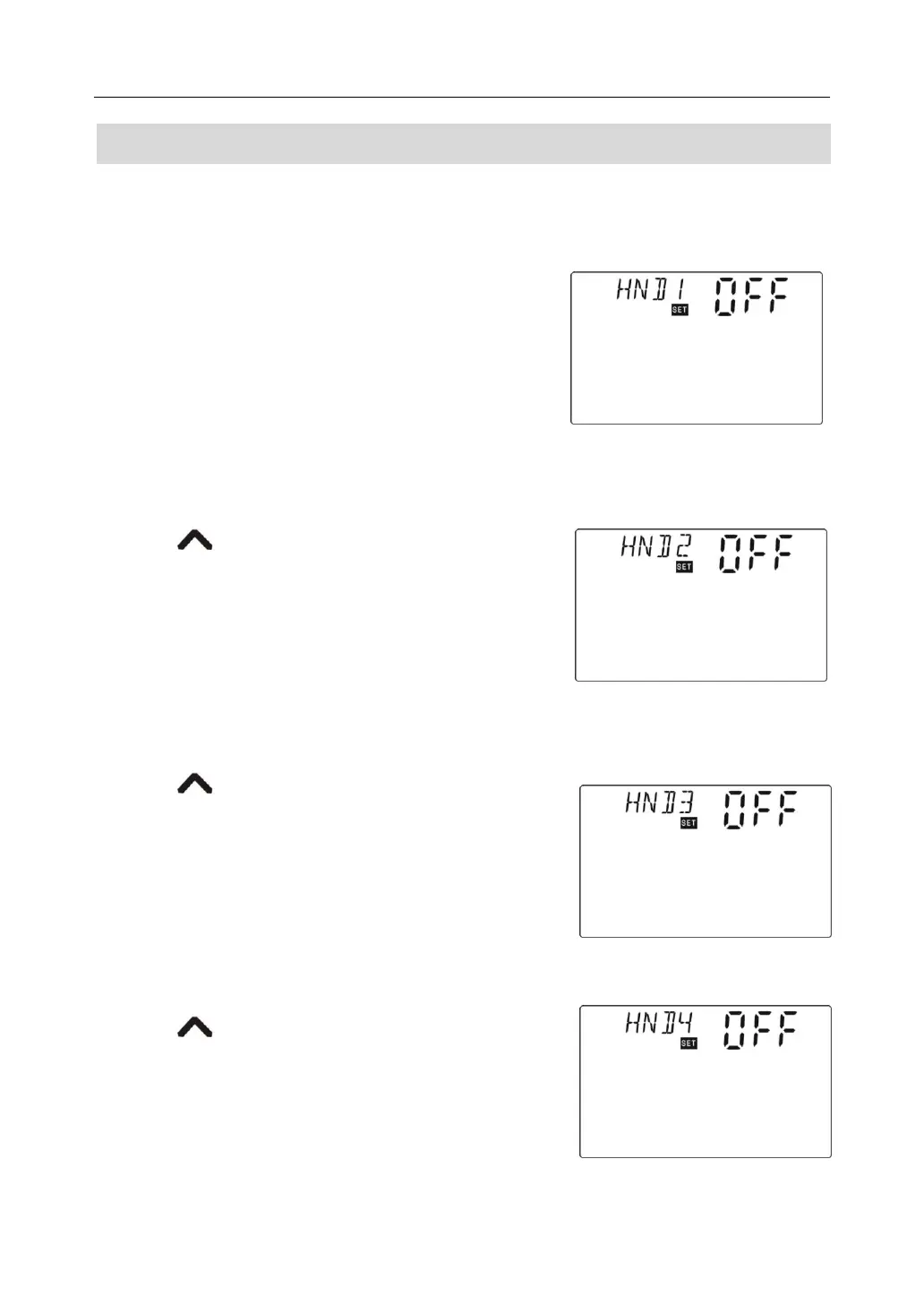
►Press “SET” button, “HND1 off” blinks on the screen,
it is ready to start R1 manual set.
►Repress “SET” button, “HND1 on” blinks, output of R1
is activate.
►Repress “SET” button again,, “HND1 off” blinks, output of R1 is close.
►Press “ESC” button to exit R1 set.
►Press “ ” button, “HND2 off” blinks on the screen,
it is ready to start R2 manual set.
►Repress “SET” button, “HND2 on” blinks, output of R2 is
activate.
►Repress “SET” button again,, “HND2 off” blinks, output
of R2 is close.
►Press “ESC” button to exit R2 set.
►Press “ ” button, “HND3 off” blinks on the screen,
it is ready to start R3 manual set.
►Repress “SET” button, “HND3 on” blinks, output of R3 is
activate.
►Repress “SET” button again,, “HND3 off” blinks, output
of R3 is close.
►Press “ESC” button to exit R3 set.
►Press “ ” button, “HND4 off” blinks on the screen,
it is ready to start R4manual set.
►Repress “SET” button, “HND4 on” blinks, output of R4 is
activate.



 To Next Page