SR971,SR972 Solar station operation manual
-------------------------------------------------------------------------------------------------------------------------------------
38
MEDT Type of heat transfer liquid ---------------------------------------------------------------7.7.6
MED% Concentration of anti-freezing liquid --------------------------------------------------- 7.7.7
INTV Pump interval function-----------------------------------------------------------------------7.7.8
ISTP Interval switch-off time-------------------------------------------------------------------7.7.8.1
IRUN Interval in activated time----------------------------------------------------------------7.7.8.2
AHO/AHF Tank thermostate function-------------------------------------------------------7.7.9
COOL tank cooling function--------------------------------------------------------------------7.7.10
7.7.1 Submenu - DVWG Anti-Legionella function
Description:
In order to avoid occurring bacteria in water tank when the temperature of tank is lower for a
long time, controller checks the temperature of tank every 7 days in a period automatically, if
the temperature of tank is never over 70
o
C during this period, then at the factory set default
time 01:00 on the seventh day of the period auxiliary heating system is triggered
automatically to heat water until it rises up to 70
o
C, bacteria is killed by high temperature,
whereafter function is deactivated.
Setup steps:
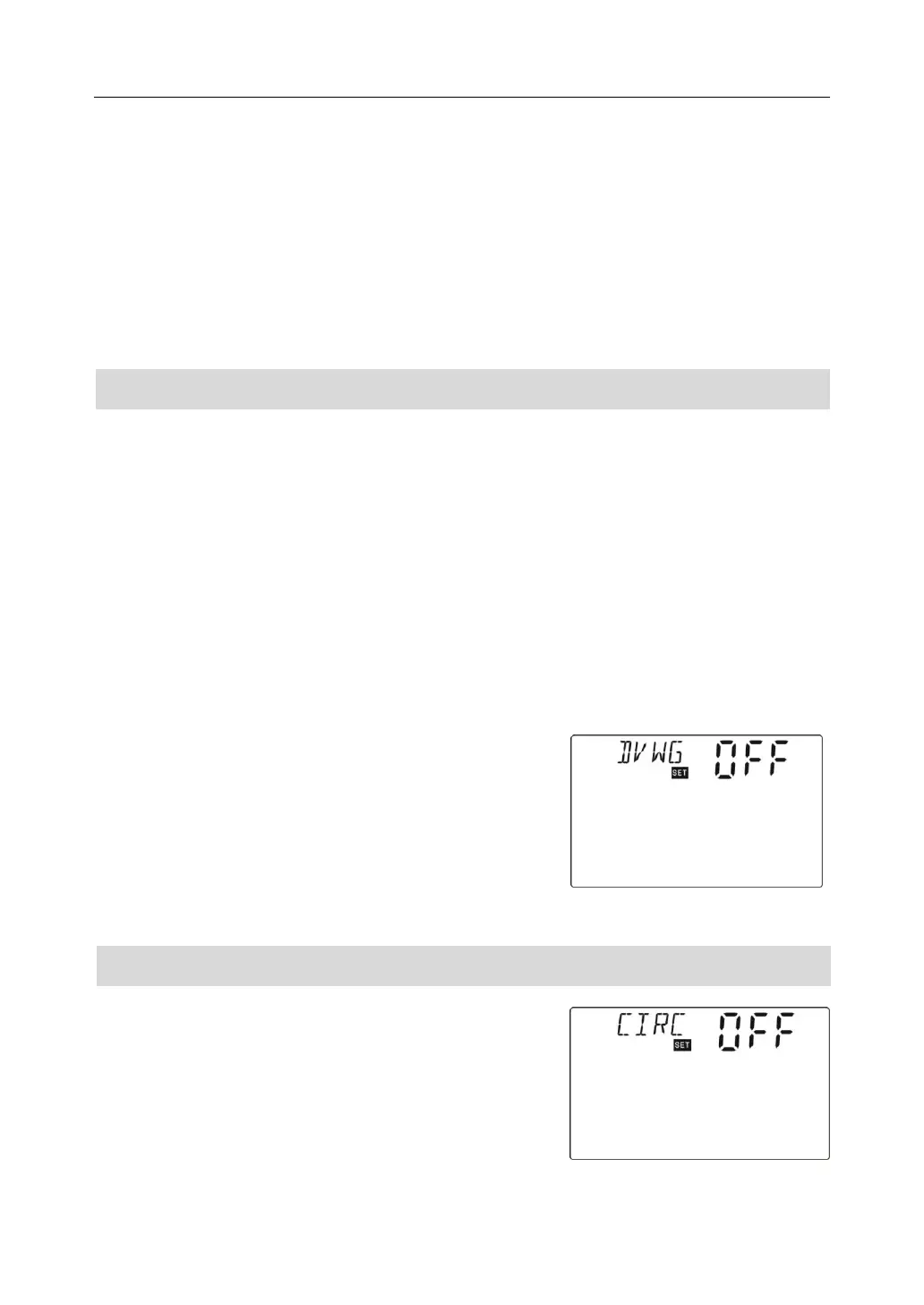
To access main menu FUN, then select submenu DVWG, “DVWG OFF” displays on screen.
Default set is “OFF”.
►Press “SET” button, parameter” OFF” blinks on the
screen.
►Repress“SET”button, “DVWG ON” blinks on the screen,
function is activated.
►Press “ESC” button to exit the menu or wait for 20
seconds to exit , parameters are saved automatically.
7.7.2 Submenu - CIRC Activate and deactivate DHW hot water circulation pump
Setup steps:
To access main menu FUN, then select submenu CIRC,
“CIRC OFF” displays on screen, factory set is off.
►Press “SET” button, parameter “OFF” blinks on screen.
►Repress “SET” button, function is triggered, “ CIRC



 To Next Page