SR971,SR972 Solar station operation manual
-------------------------------------------------------------------------------------------------------------------------------------
43
Setup steps:
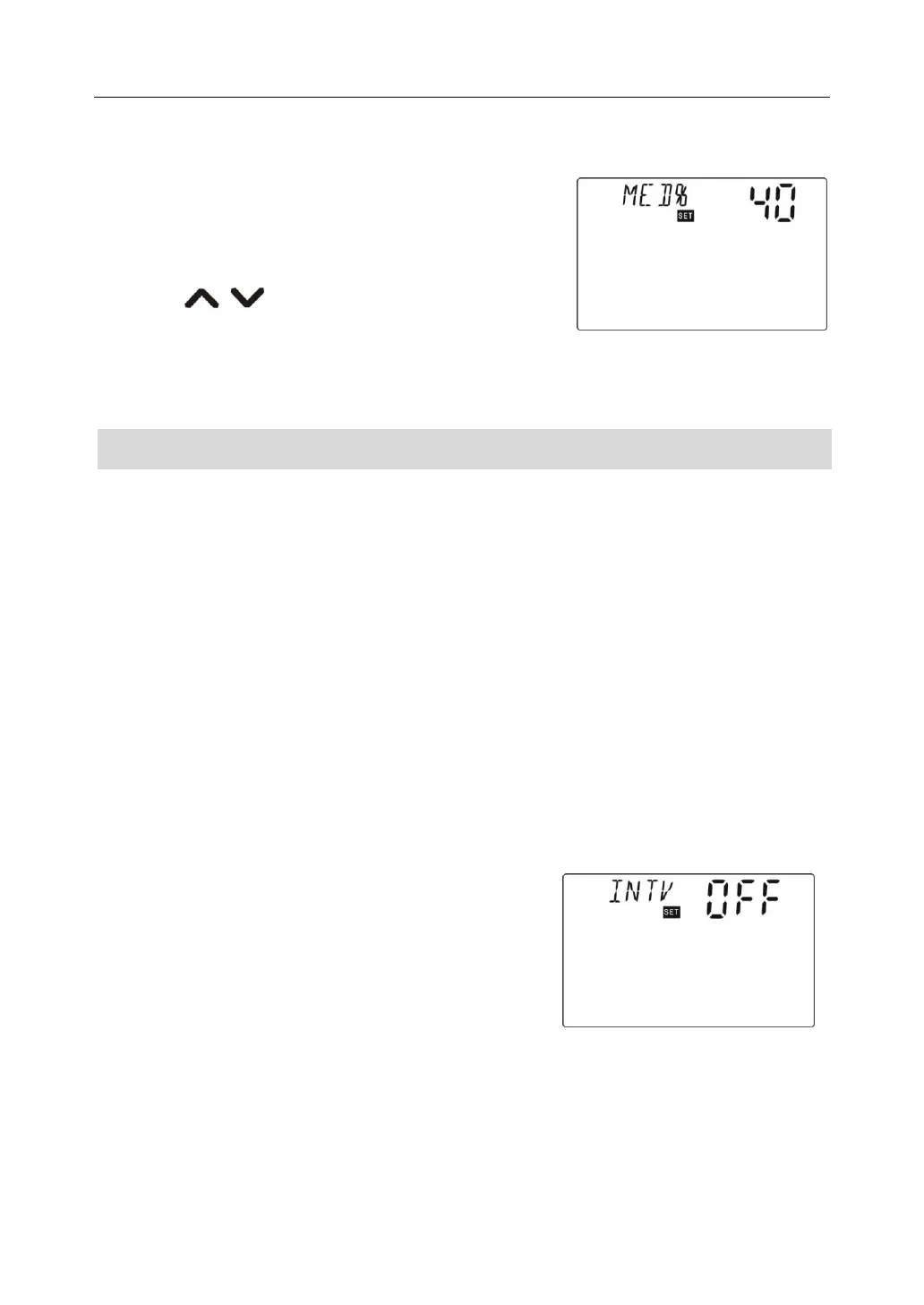
To access main menu FUN, then select submenu MED%,
“MED% 40” displays on screen.
►Press “SET” button, parameter “40” blinks on the screen
►Press “ ”button to adjust concentration,
adjustable range (20~70)
► Press “ESC” button to exit the menu or wait for 20 seconds to exit, parameters are saved
automatically.
7.7.8 Submenu - INTV Interval function
Functional description:
This function is useful for system which collector sensor doesn’t installed on collector itself
but on the return pipe of collector. In order to get actual temperature of collector, when
circulation pump is in no-operation status ( because of invalid temperature difference),
Every 30 minutes ( it is set in parameter ISTP)controller triggers circulation pump for 10
seconds ( it is set in parameter IRUN), it will pump hot water from collector to sensor position,
controller monitors the actual temperature of collector and decide whether its switch-on Td
caters.
In night, it is not necessary to use this function, so we can set a operation time of this function.
( factory set: 06:00 ~ 20:00).
Setup steps:
To access main menu FUN, then select submenu INTV, “INTV OFF” displays on screen.
►Press “SET” button, parameter “OFF” blinks on the
screen, factory set is OFF.
►Repress “SET” button, to activate this function. “INTV
ON” shows on screen.
► Press “ESC” button to exit the menu or wait for 20
seconds to exit, parameters are saved automatically.



 To Next Page