SR971,SR972 Solar station operation manual
-------------------------------------------------------------------------------------------------------------------------------------
49
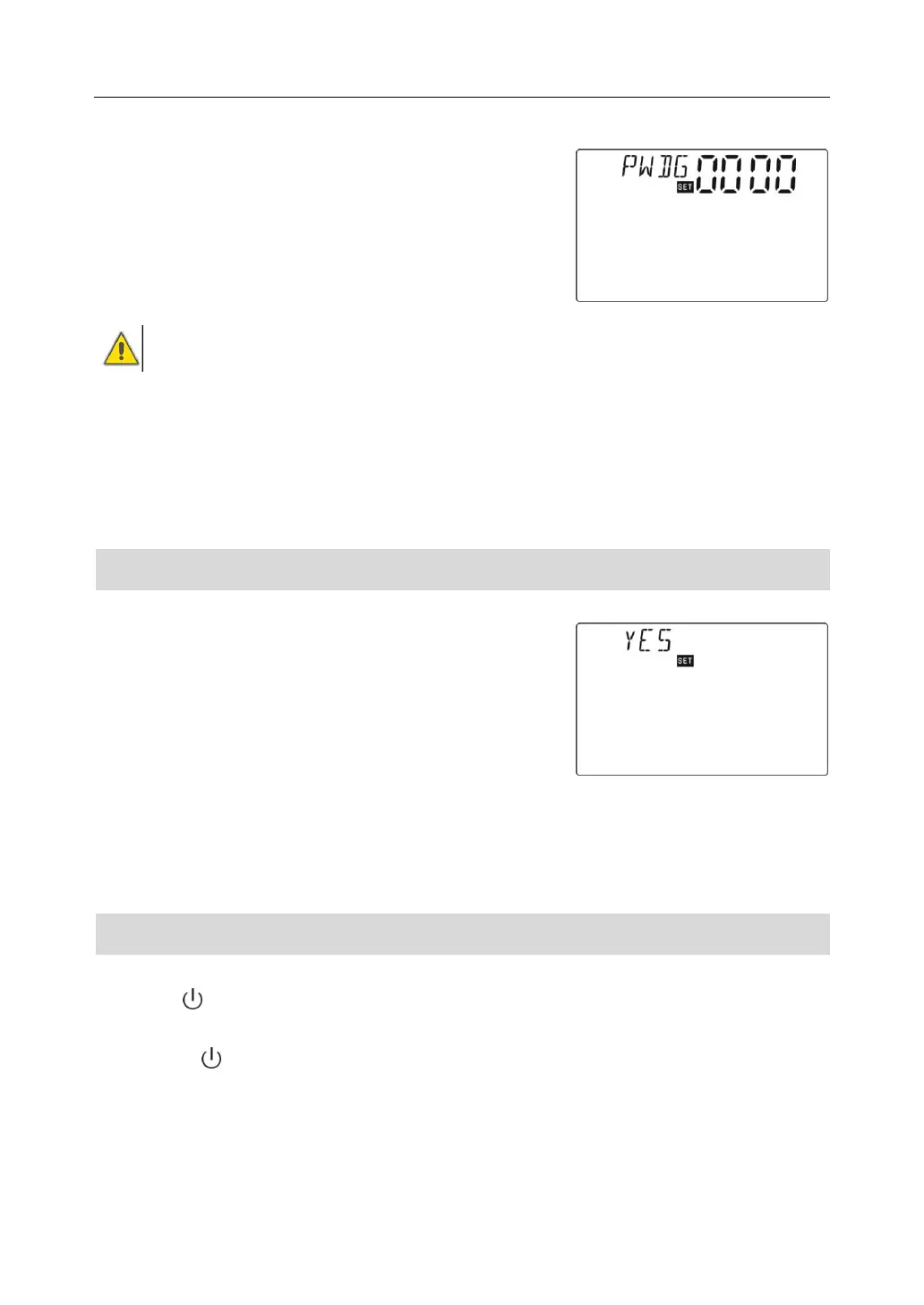
►Repress “SET” button, “PWDG 0000” shows on the
screen, ask for reenter new password, doing like above
description to confirm the new password. Then “PWOK”
displays on the screen, password is rightly set.
►Press “ESC” button to exit PASS manu, or wait for 20
seconds to exit, parameters are saved automatically.
Warning: if you forget password, then it can’t recover, but we can firstly recover
password to factory set, then doling like above steps to reenter new password.
Steps for recovering to factory set password :
Switch-off power of controller, press “SET” button and hold on, then switch-on power, buzzer
makes “du----“ 3 times, release “SET” button, password recoverys to factory set ( 0000), then
you can set a new password again.
7.10 Mainmenu - RSET, Recovery to factory set
Setup steps:
To access main menu RSET,
►Press “SET” button, “ YES” shows on the screen,
►Press and hold on “SET ” button, buzzer makes
“du----“ 3 times, then release “SET” button. Thus
parameter is recovered to factory set, you can reset
parameters on require.
►Press “ESC” button to exit RSET menu, or wait for 20 seconds to exit, parameters are
saved automatically.
7.11 On/Off button
Under standby status,
►Press “ “ button for 3 seconds, controller is swiched – off, “OFF” displays on the
screw.
►Repress “ “ button , controller is switched-on again.



 To Next Page