SR971,SR972 Solar station operation manual
-------------------------------------------------------------------------------------------------------------------------------------
48
►Repress “SET” button again,, “HND4 off” blinks, output of R4 is close.
►Press “ESC” button to exit R4 set
►Press “ ” button, “HND5 off” blinks on the screen,
it is ready to start H1 manual set.
►Repress “SET” button, “HND5 on” blinks, output of H1 is
activate.
►Repress “SET” button again,, “HND5 off” blinks, output of H1 is close.
►Press “ESC” button to exit H1 set
Note: when manual function is activated, signal displays, operation lasts 15 minutes
output is closed automatically. And controller exits manual function.
7.9 Mainmenu - PASS Password setup
Setup steps:
To access main menu PASS,
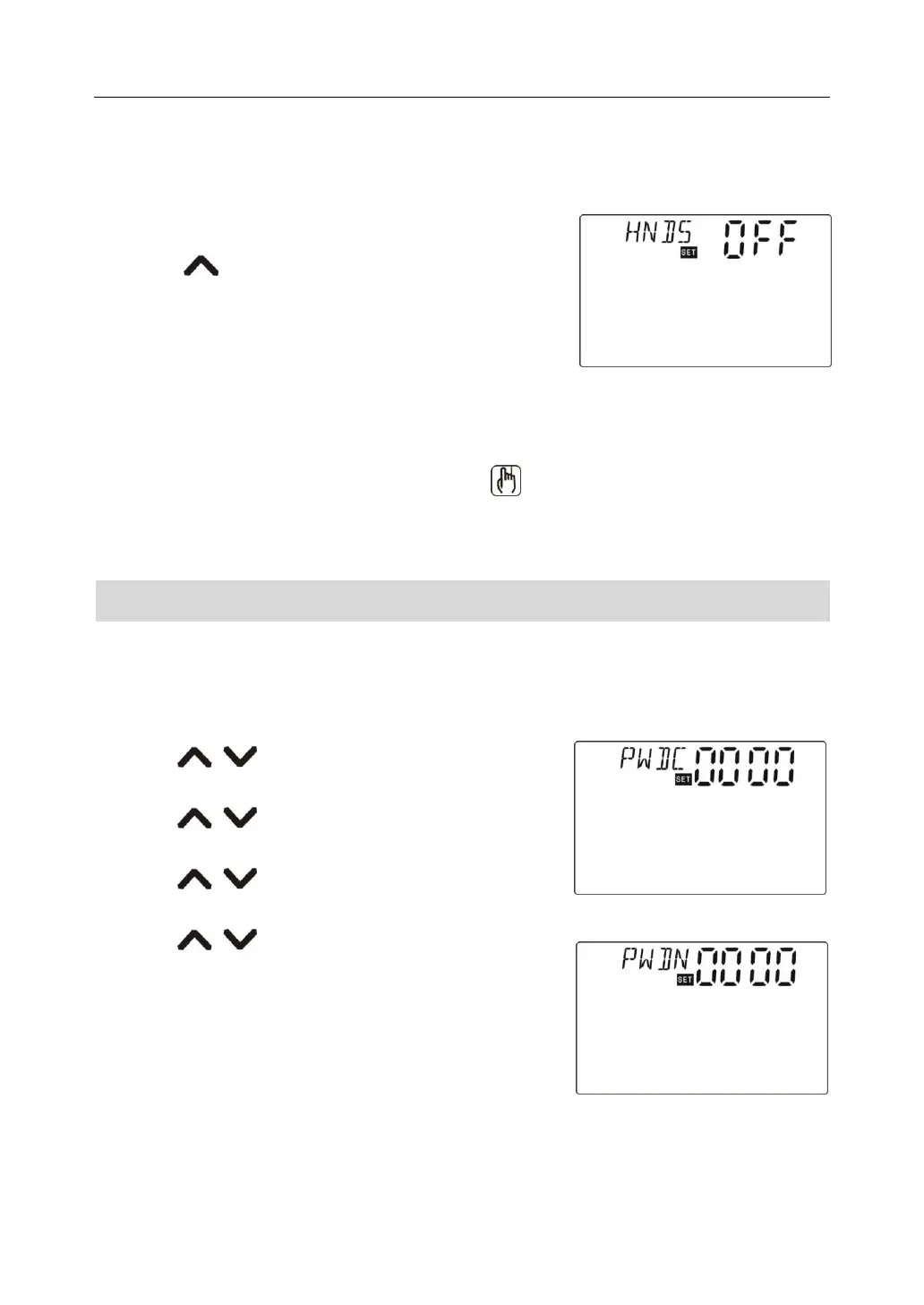
►Press “SET” button, “PWDC 0000” shows on the screen, left digital blinks to ask for enter
current password, factory set password is “0000”
►Press “ ” button to enter first digital,
►Repress “SET” button, second digtal blinks,
►Press “ ” button to enter second digital,
►Repress “SET” button, third digtal blinks,
►Press “ ” button to enter third digital,
►Repress “SET” button, fourth digtal blinks,
►Press “ ” button to enter fourth digital,
►Press “SET” button, “PWDN 0000” shows on the screen,
ask for enter new password, doing like above description
to enter new password.



 To Next Page