SR971,SR972 Solar station operation manual
-------------------------------------------------------------------------------------------------------------------------------------
22
7. Functional parameter setup
7.1 Access to main menu
Under standby status, doing like following to access main menu
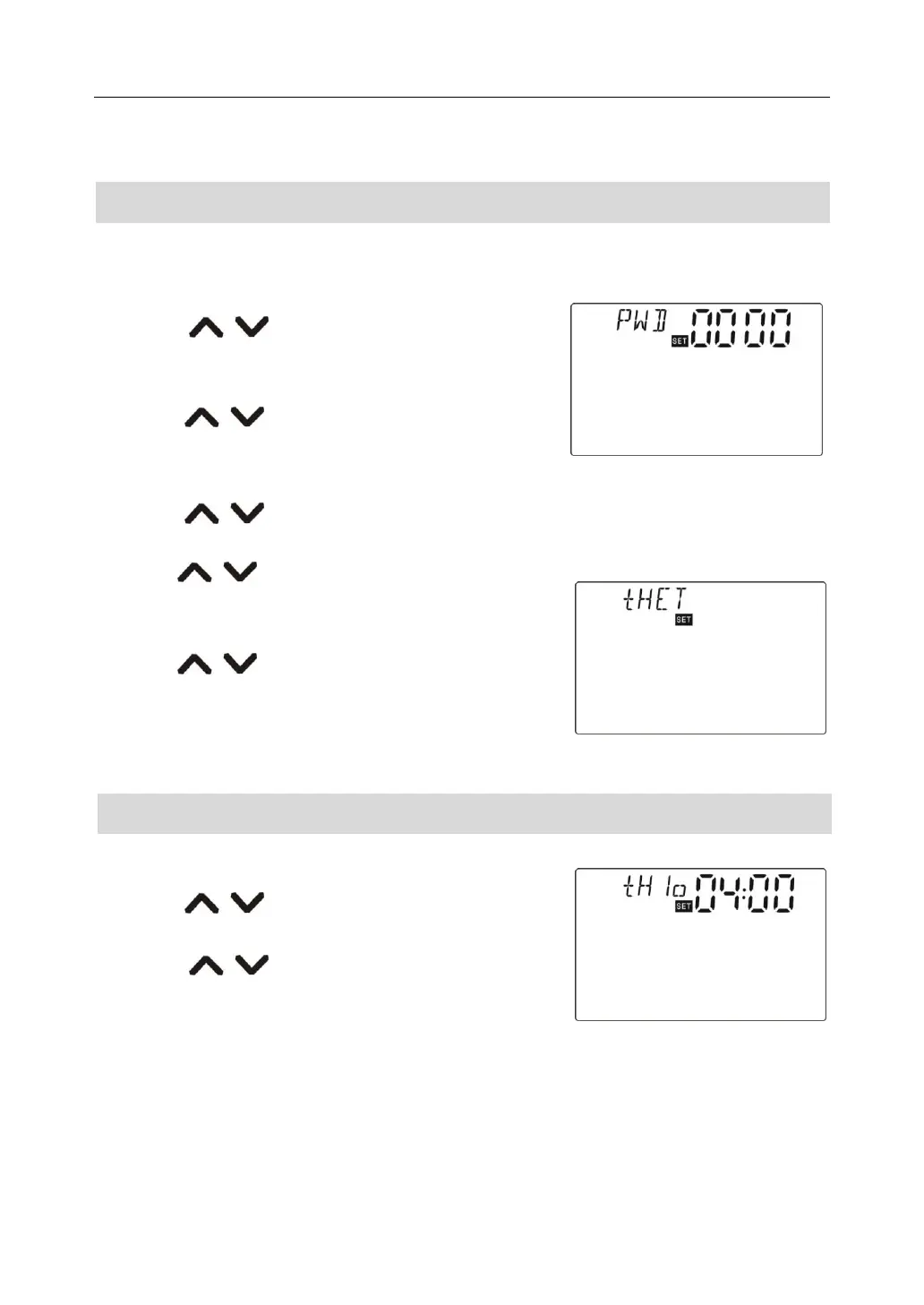
►Press “SET” button, “PWD 0000”displays on screen, the left first digital blinks, ask for
entering password, factory default set password is “ 0000”
►Press “ ” button to enter first digital of
password.
►Press “SET” button again, the second digital blinks
►Press “ ” button to enter second digital of
password
►Press “SET” button again, the third digital blinks
►Press “ ” button to enter the third digital of password
►Press “SET” button again, the fourth digital blinks
►Press “ ” button, to enter the fourth digital of
password
►Press “SET” button again to access main menu
►Press “ ” button, can select the main menu
for example.
►Press “ESC” button to exit main menu
For example
7.2 Access to submenu
After selecting main menu, do like following to access submenu
►Press “SET” button to access submenu
►Press “ ” button to select desired submenu
►Repress “SET” button to access setup of submenu
►Press “ ” button to adjust parameter
►Repress “SET” button to exit setup of submenu
►Press “ESC” button to exit main menu



 To Next Page