SR971,SR972 Solar station operation manual
-------------------------------------------------------------------------------------------------------------------------------------
34
►Repress “SET” button, activate and deactivate this
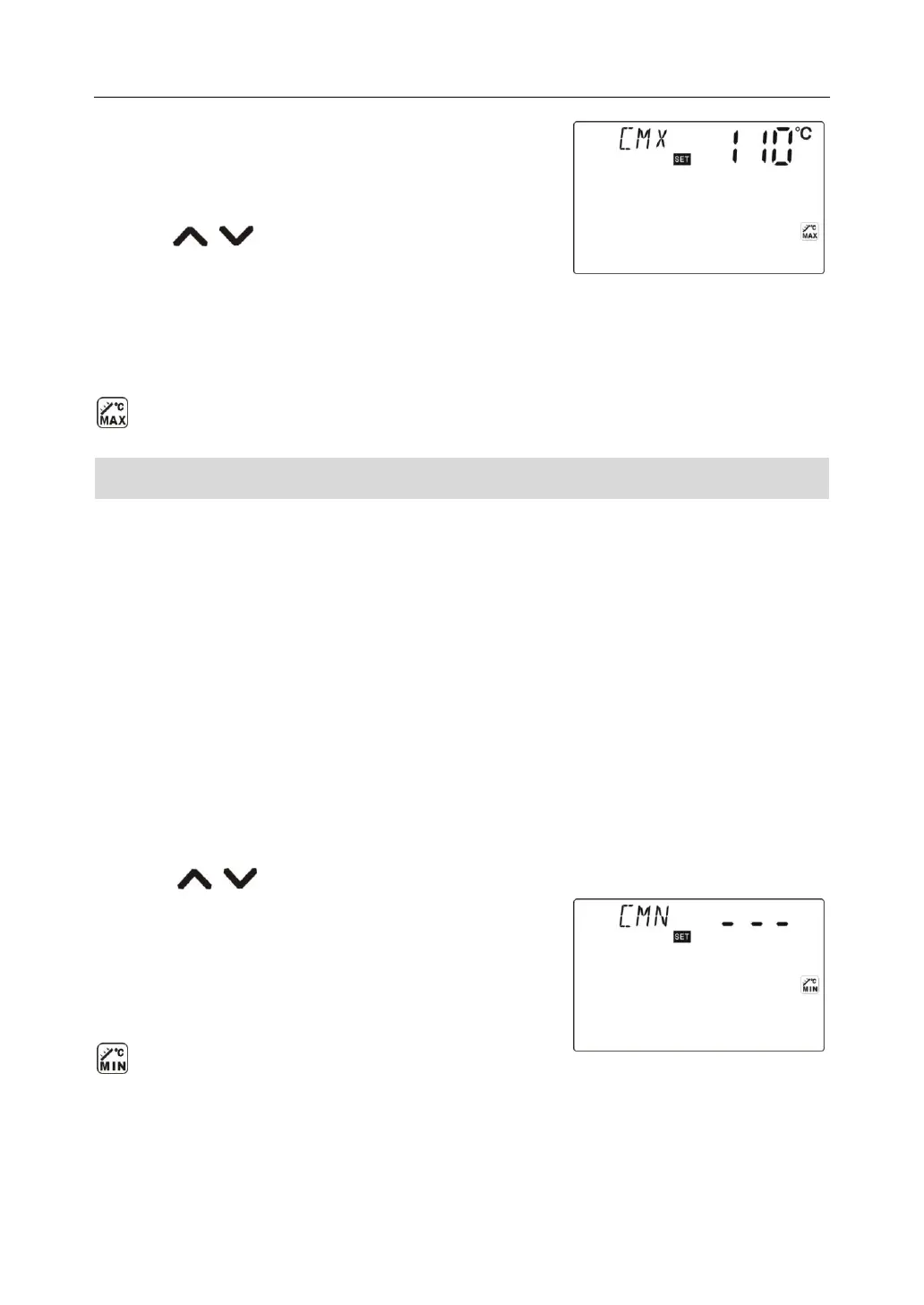
function, if deactivate the function, “CMX - - -” displays on
screen.
►Press “ ” button, to adjust the collector
protection temperature, adjustable range (110℃~190℃),
factory set is 110℃
►Press “ESC” button to exit the menu or wait for 20 seconds to exit, parameters are saved
automatically.
CMX signal displays on screen, it indicates that this function is in activated.
7.6.3 Submenu - CMN Low temperature protection of collector
Description:
When the temperature of collector is below preset CMN temperatures, solar circuit pump is
ceased, even when the temperature difference between collector and tank exceeds the
switch-on temperature difference, solar pump doesn’t work yet. When temperature of
collector is 3
o
C over the preset CMN temperature, solar circuit pump is restarted, controller
exits this program.
Setup steps:
To access main menu TEMP, then select submenu CMN, “CMN-----” displays on screen,
default set is off.
►Press “SET” button, default off signal “- - -” blinks on screen.
►Repress “SET” button, to activate and deactivate this function
►Press “ ” button, to adjust the low protection temperature of collector CMN,
adjustable range (00℃~90℃), after activate the function,
factory set is 10℃
► Press “ESC” button to exit the menu or wait for 20
seconds to exit ,parameters are saved automatically.
CMN signal displays on screen, it indicates that this
function is in activated.



 To Next Page