SR971,SR972 Solar station operation manual
-------------------------------------------------------------------------------------------------------------------------------------
17
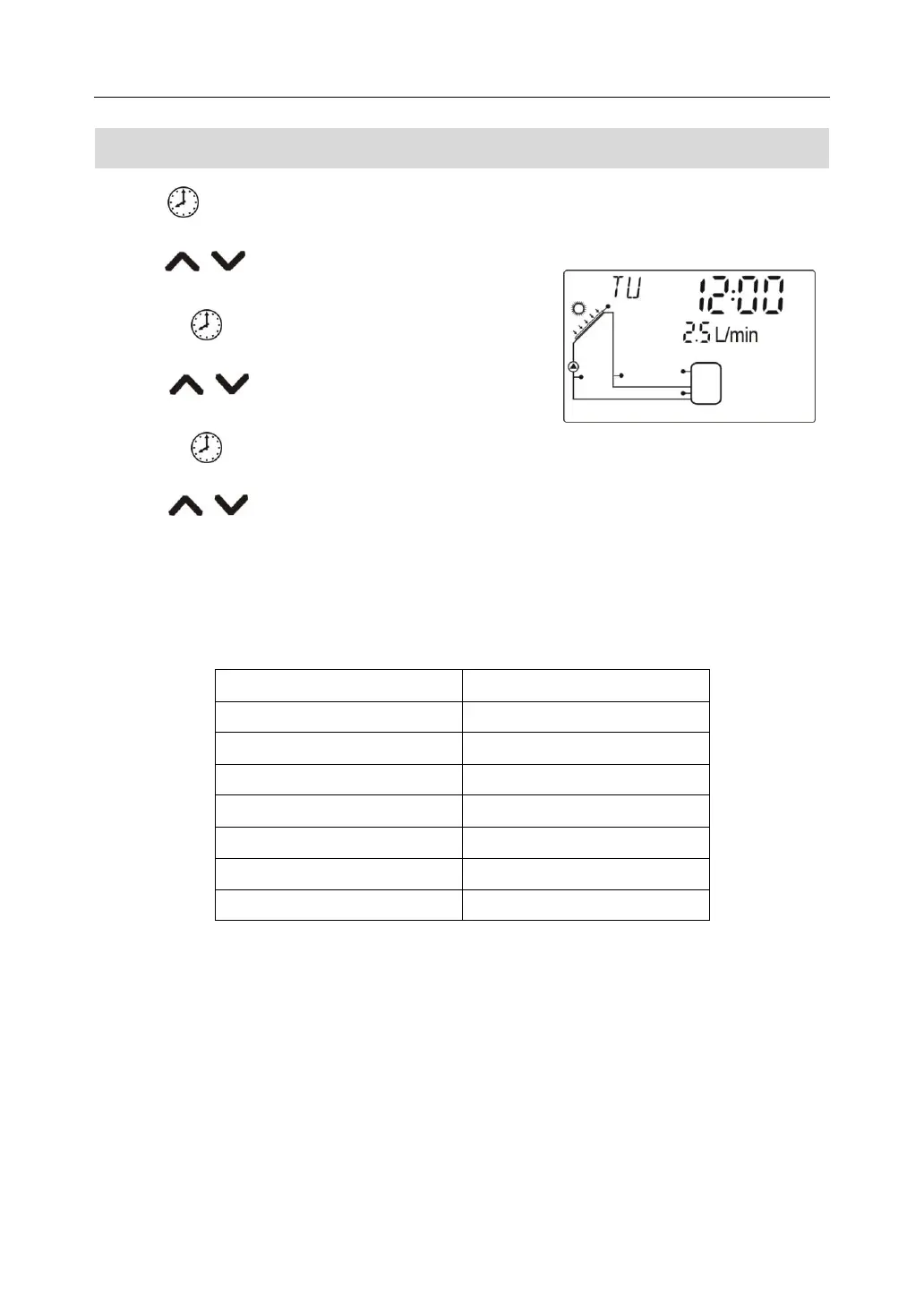
6.3 Time / week setup
►Press ,display shows time, “00” blinks on hour area
►Press button to adjust hour of clock.
►Repress , “00” of minute area blinks
►Press 按 ,to adjust minute of clock
►Repress ,”MO” of week blinks
►Press ,to adjust weekday
►Press “ESC ” to exit setup menu, or wait for 20 seconds to exit ,set parametersare saved
automatically.



 To Next Page