SR971,SR972 Solar station operation manual
-------------------------------------------------------------------------------------------------------------------------------------
24
take effect, that means within this time section, heating function doesn’t work. The
correct set is like following: it should be divided into two time sections, one time section
is from 17:00 to 23:59, the other time section is from 00:00 to 06:00.
Setup steps:
Under standby status, enter passowrd to access main menu and select THET option.
Detailed see 7.1 & 7.2 description.
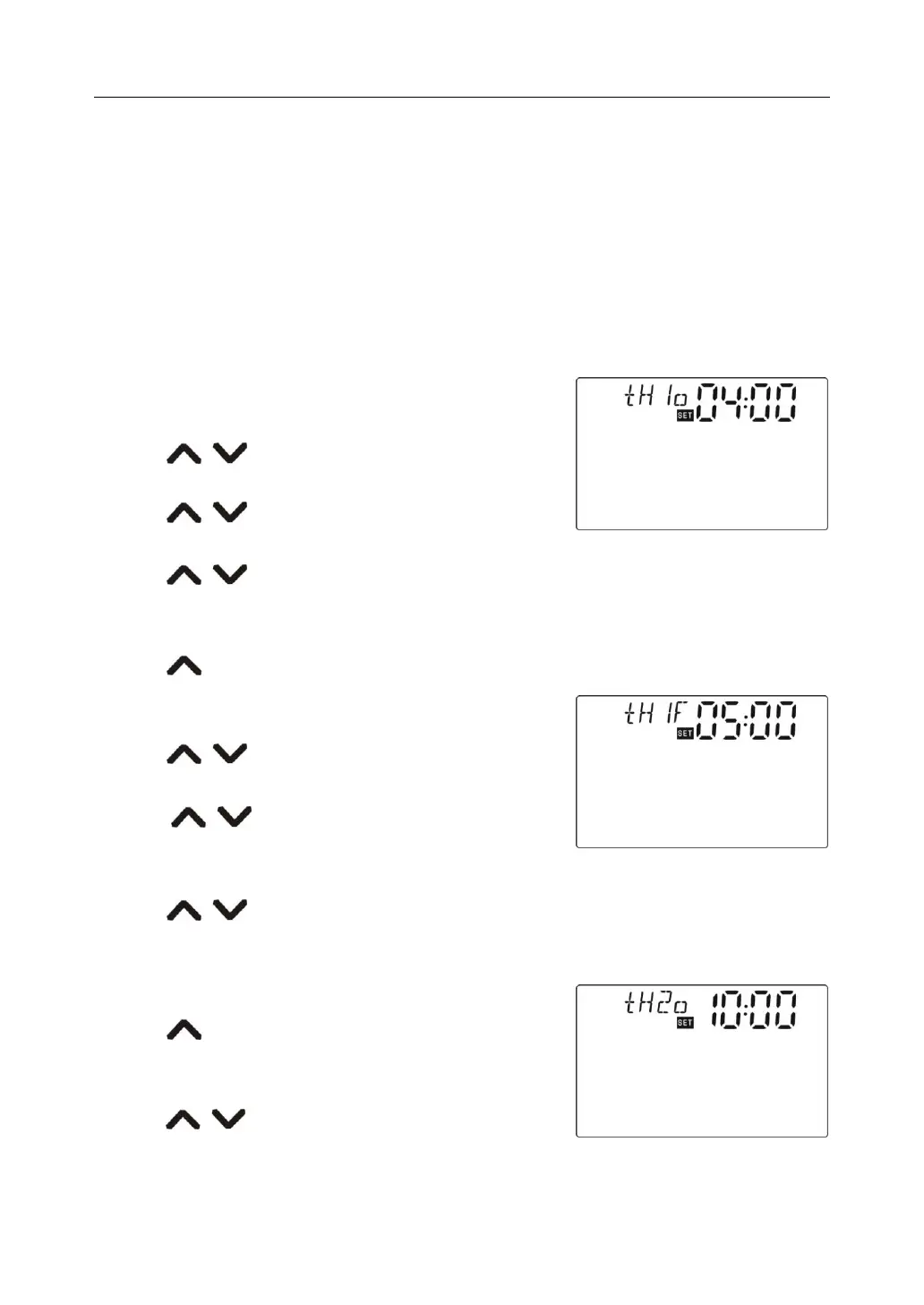
►Press“SET”button, ro access THET timing heating setup, “tH 1o 04:00”displays on screen,
the start time of first time section can be set now.
►Repress “SET”button, “04” of hour area blinks,
►Press button, to adjust hour of clock
►Press“SET”button again, “00”of minute area blinks
►Press button to adjust minute
►Repress “SET”button to shift to temperature area, “40℃”blinks
►Press button, to adjust switch-on temperature.
►Press “ESC” button to exit submenu.
►Press button, “tH 1F 05:00”displays, the shutdown time of first time section can be
set now.
►Press“SET”button, hour area “05”blinks.
►Press button, to adjust hour of clock
►Press“SET”button again, “00”of minute area blinks
►Press button to adjust minute
►Repress “SET”button to shift to temperature area,
“45℃”blinks
►Press button, to adjust switch- off temperature.
►Press “ESC” button to exit submenu or wait for 20 seconds to exit setup , parameter are
saved automatically.
►Press button, “tH 2o 10:00”displays, the start time
of second time section can be set now.
►Press“SET”button, hour area “10”blinks.
►Press button, to adjust hour of clock



 To Next Page