SR971,SR972 Solar station operation manual
-------------------------------------------------------------------------------------------------------------------------------------
29
►Press button, to adjust hour of clock
►Press“SET”button again, “00”of minute area blinks
► Press button to adjust minute
► Repress “SET”button to shift to operation interval time set, “15 Min”blinks
► Press button, to adjust DHW pump interval time. ( when installed T5 sensor,
here will ask for adjust switch-off temperature)
►Press “ESC” button to exit submenu or wait for 20 seconds to exit setup , parameter are
saved automatically.
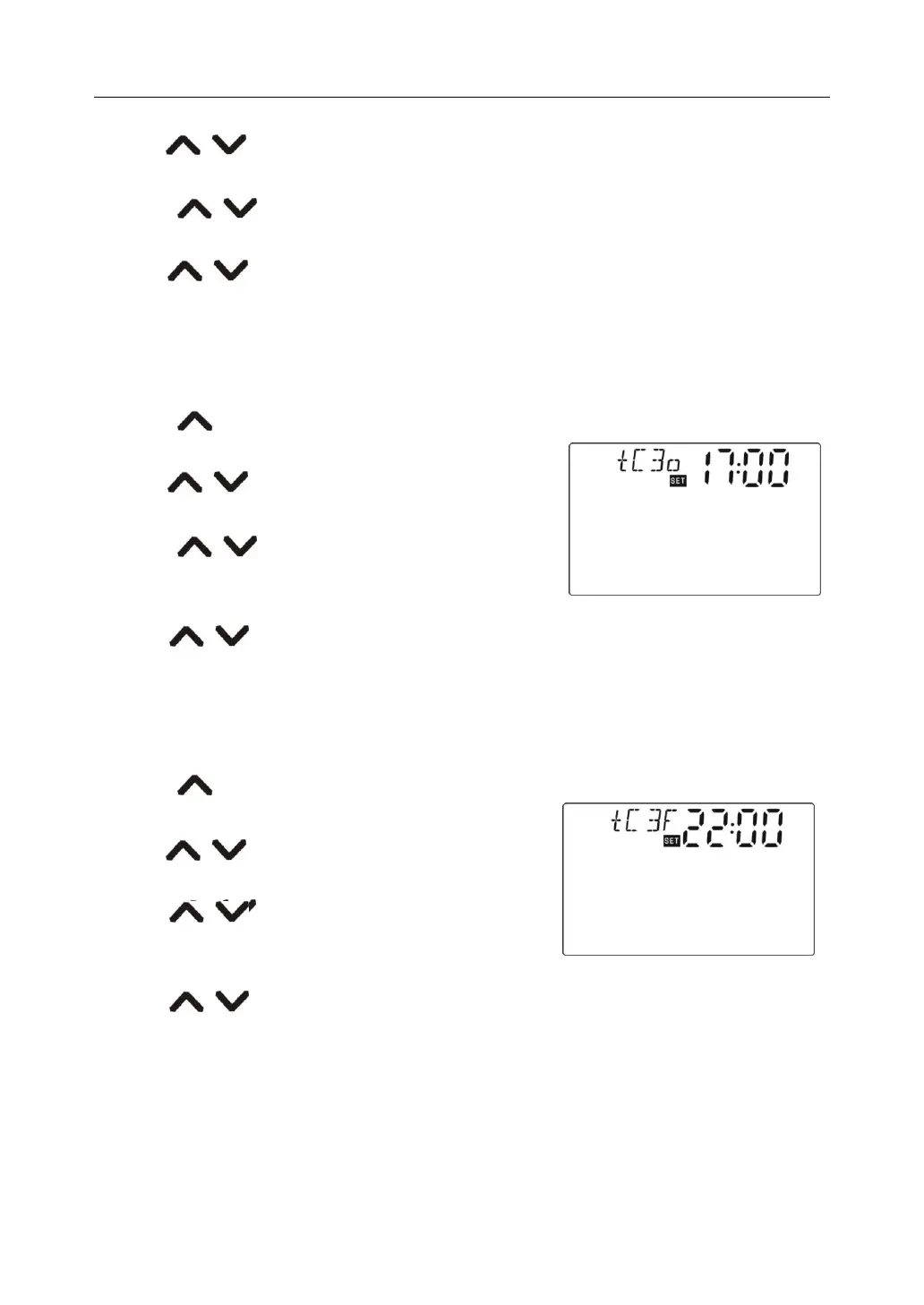
►Press “ ” button, “tC 3o 17:00”displays, start time of third time section can be set.
►Press“SET”button, hour area “17”blinks.
►Press button, to adjust hour of clock
►Press“SET”button again, “00”of minute area blinks
► Press button to adjust minute
► Repress “SET”button to shift to operation time set,
“03 Min”blinks
► Press button, to adjust DHW pump operation time. ( when installed T5 sensor,
here will ask for adjust switch-on temperature)
►Press “ESC” button to exit submenu or wait for 20 seconds to exit setup , parameter are
saved automatically.
►Press “ ” button, “tC 3F 22:00”displays, close time of third time section can be set.
►Press“SET”button, hour area “22”blinks.
►Press button, to adjust hour of clock
►Press“SET”button again, “00”of minute area blinks
► Press button to adjust minute
► Repress “SET”button to shift to operation interval time
set, “15 Min”blinks
► Press button, to adjust DHW pump interval time. ( when installed T5 sensor,
here will ask for adjust switch-off temperature)
►Press “ESC” button to exit submenu or wait for 20 seconds to exit setup , parameter are
saved automatically.



 To Next Page