SOLIS MASTER TOP
Operating Instructions
3X
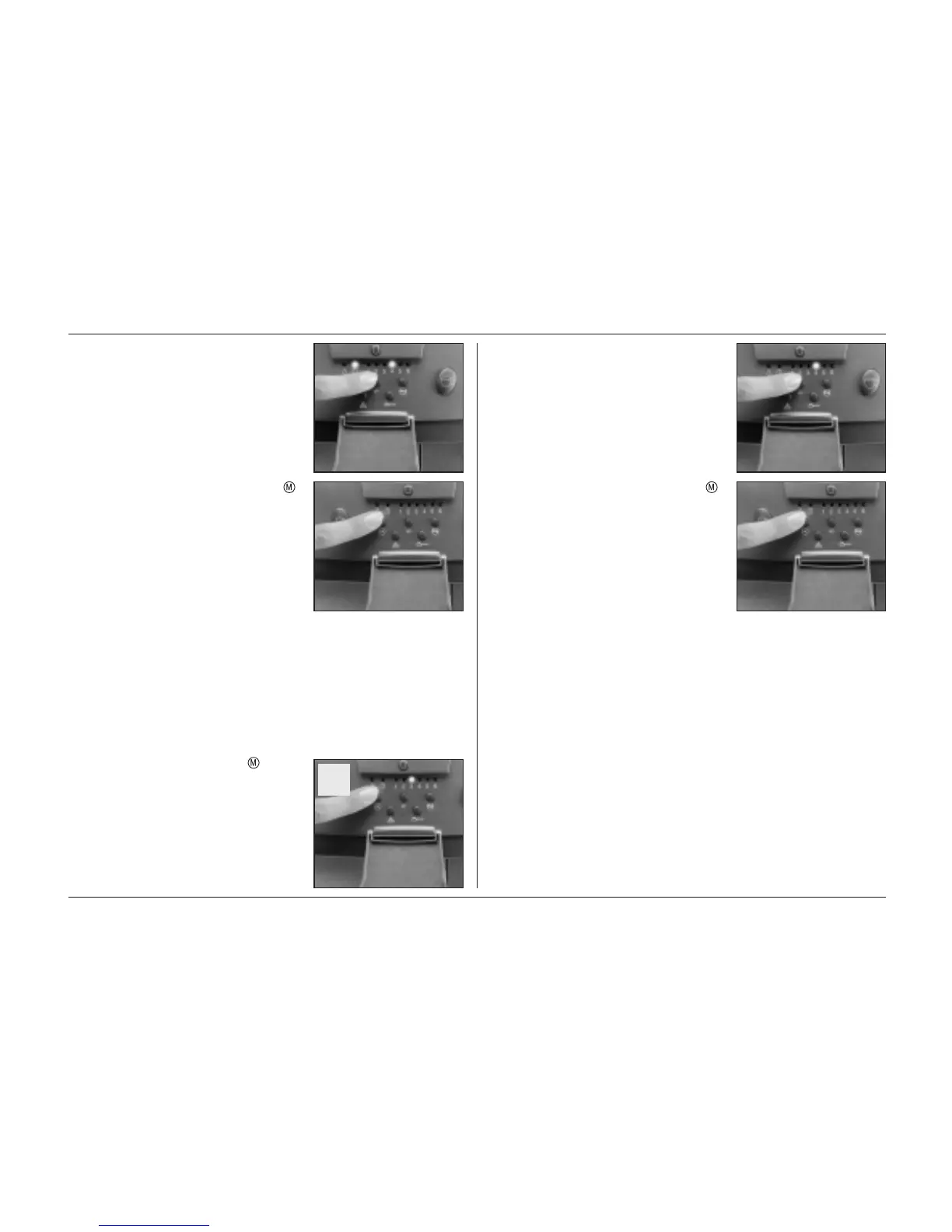
d) Adjust the desired coffee quantity with
the +/- quantity selector key.
e) By pressing the programming key
the selected coffee quantity is pro-
grammed. The coffee quantity is now
programmed until you change it by
re-programming the unit.
IMPORTANT: The programming of the
coffee quantity for the double products is
automatically derived from the program-
ming of the single products.
8.3 Temperature programming (value
from 1 to 6)
Your appliance is adjusted to a medium
temperature. If you wish to change the
operating temperature, please proceed
as follows:
a) Press the programming key three
times. The temperature set is now
indicated in the programming display
with a value of from 1 to 6.
b) The desired temperature can now be
adjusted with the +/- keys, whereby
6 represents the maximum and 1 the
minimum temperature.
c) By pressing the programming key
the selected temperature is pro-
grammed.
The temperature is now programmed
until you change it by re-programming
the unit.
79




 To Next Page