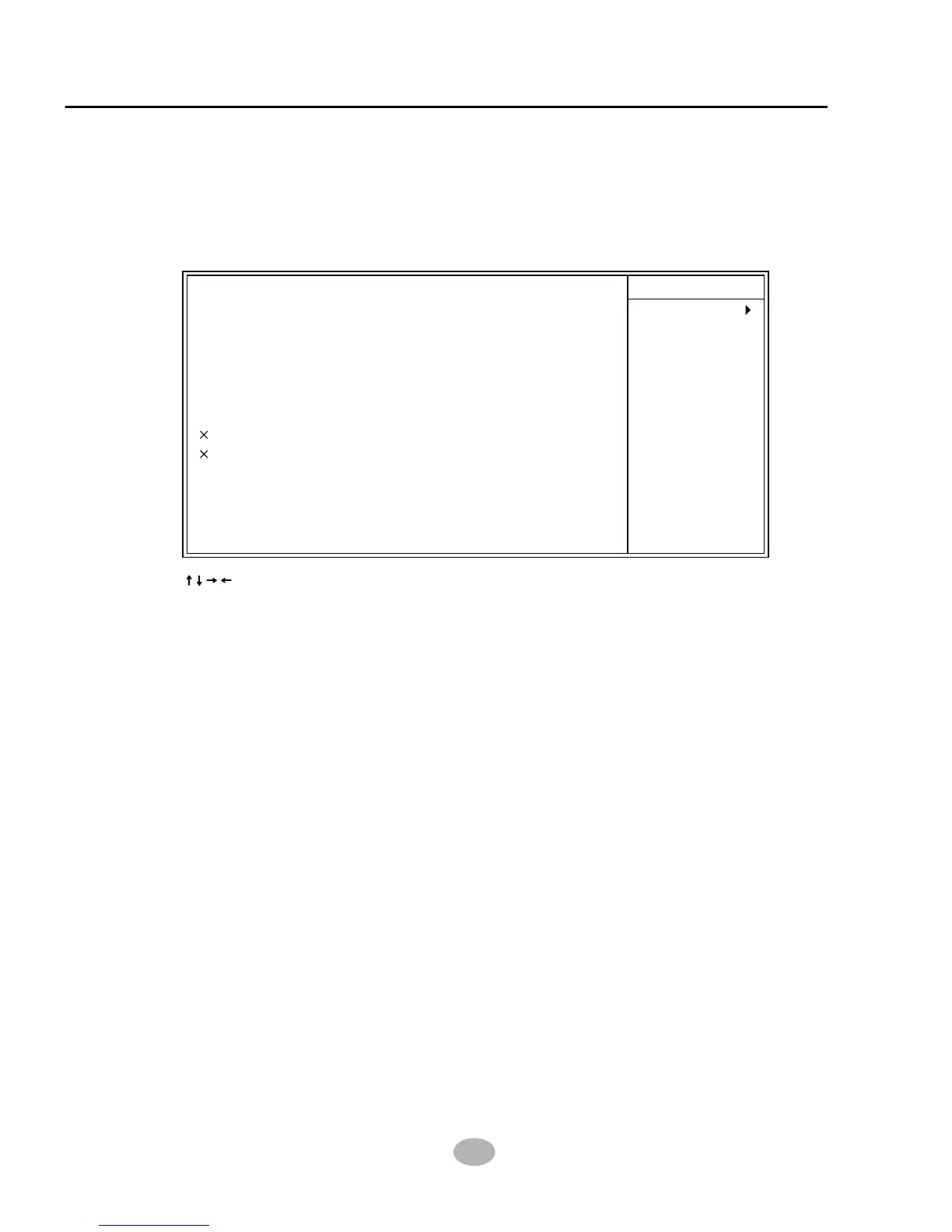
BIOS Setup
75
• When this option is chosen, the following item appears for user’s configuration.
* VGA When Enabled, you can set the VGA awakens the
system
* LPT & COM When LPT & COM is ON, any activity from one of
the listed system peripheral devices or IRQs wakes
up the system.
* HDD & FDD When HDD & FDD is ON, any activity from one of
the listed system peripheral devices wakes up the
system.
Item Help
Menu Level
: Move Enter:Select +/-/PU/PD:Value F10:Save ESC:Exit F1:General Help
F5:Previous Values F6:Fail-Safe Defaults F7:Optimized Defaults
OFF
LPT/COM
ON
OFF
Disabled
Disabled
0
0 0 0
ON
Press Enter
VGA
LPT & COM
HDD & FDD
PCI Master
Modeam Ring Resume
RTC Alarm Resume
Date (of Month)
Resume Time (hh:mm:ss)
Primary INTR
IRQS Activity Monitoring
CMOS Setup Utility - Copyright (C) 1984-2001 Award Software
Wake Up Events
WAKE UP EVENTS
* PCI Master When PCI Master is ON, any activity from one of
the listed system peripheral devices wakes up the
system.
* Modem Ring Resume An input signal on the serial Ring Indicator (RI) Line
(in other words, an incoming call on the modem)
Awakens the system from a soft off state.



 To Next Page