65KIV/KIV2
78
• PNP/PCI CONFIGURATION allows you to modify the system’s power
saving functions.
Run the PNP/PCI CONFIGURATION as follows:
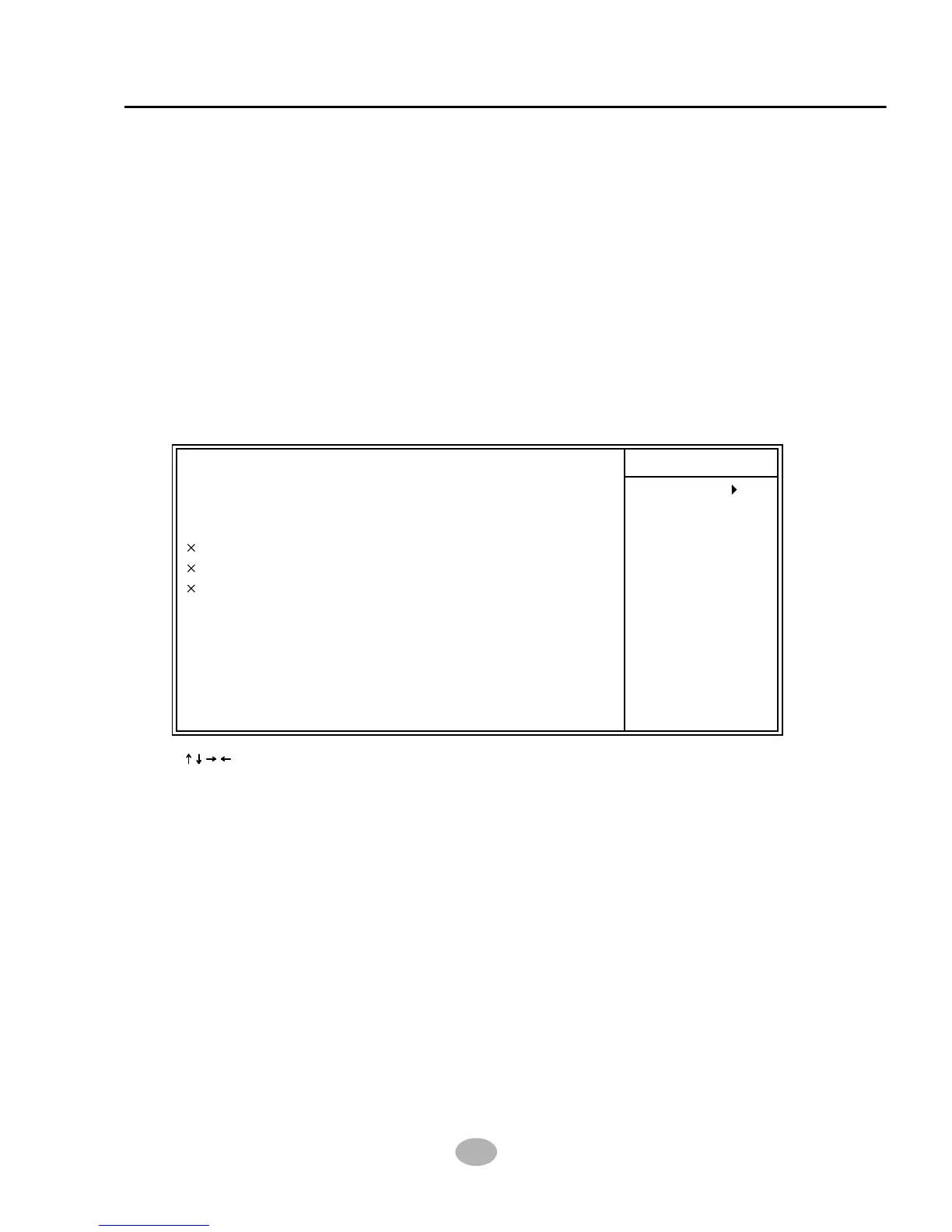
1. Choose “PNP/PCI CONFIGURATION” from the Main Menu and a screen
with a list of options will appear:
2. Use one of the arrow keys to move between options and modify the
selected options by using PgUp / PgDn / + / - keys. An explanation of the
<F> keys follows:
<F1>: “Help” gives options available for each item.
<F5>: Get the previous values. These values are the values with which the
user starts the current session.
<F6>: Load all options with the BIOS default values.
<F7>: Load all options with the Setup default values.
4-6.7 PNP / PCI CONFIGURATION
PNP OS Installed
Reset Configuration Data
Resources Controlled By
IRQ Resources
DMA Resources
Memory Resources
PCI/VGA Palette Snoop
Assign IRQ For VGA
Assign IRQ For USB
Item Help
Menu Level
: Move Enter:Select +/-/PU/PD:Value F10:Save ESC:Exit F1:General Help
F5:Previous Values F6:Fail-Safe Defaults F7:Optimized Defaults
CMOS Setup Utility - Copyright (C) 1984 - 2001 Award Software
PnP/PCI Configurations
No
Disabled
Auto(ESCD)
Press Enter
Press Enter
Press Enter
Disabled
Enabled
Enabled



 To Next Page