my
Press UP or
DOWN Button
1.
1) Press the UP or DOWN directional utton on the previously addressed
transmitter until the shade reaches a desired intermediate position, then
press the MY (stop) utton to stop. If necessary adjust the desired
position with a brief press of either the UP or DOWN utton.
b
b
b
OPTION ONE
Setting an Intermediate Position (IP)
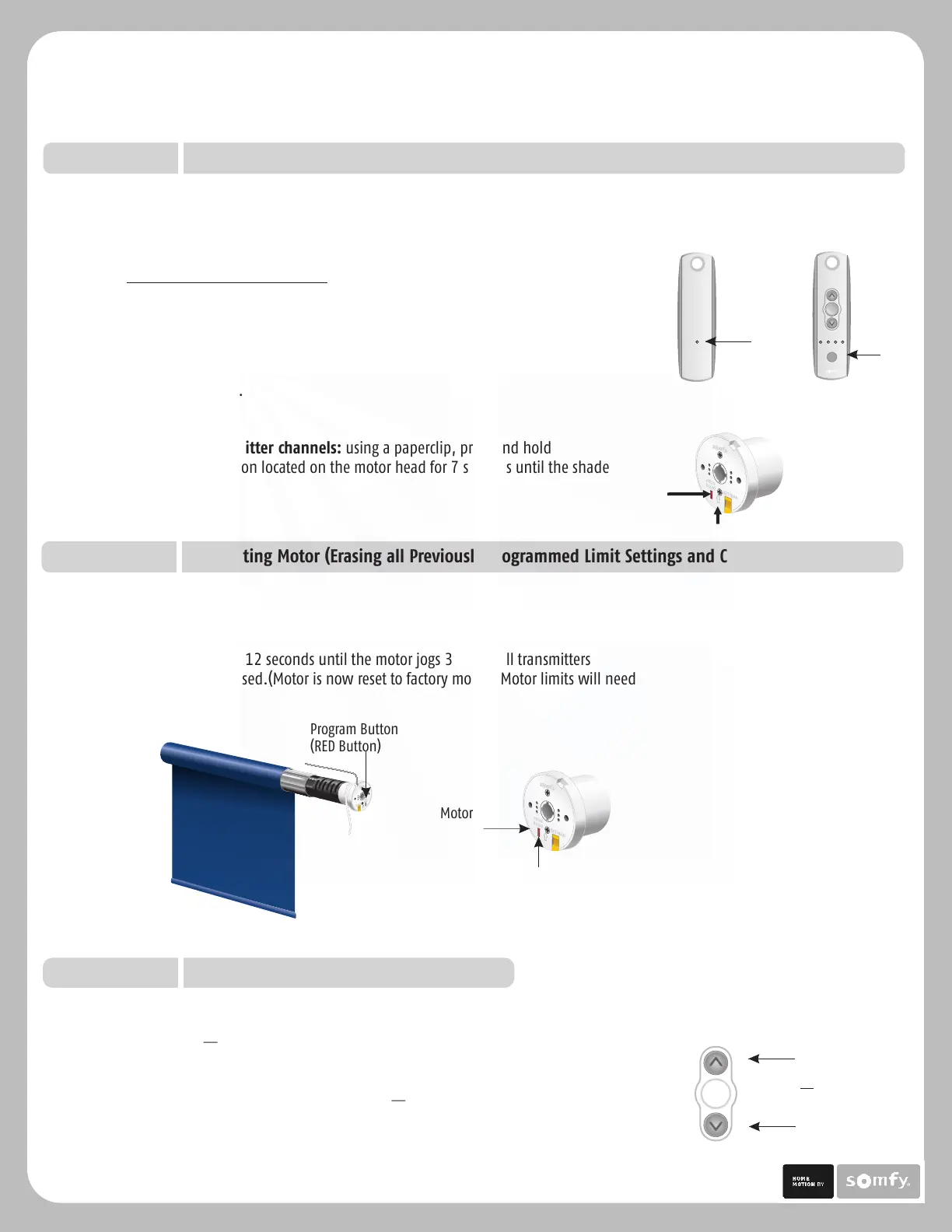
To delete all previous settings: Using a paperclip, press and hold the red
PROGRAM switch for 12 seconds until the motor jogs 3 times. All transmitters
and limits will be erased.(Motor is now reset to factory mode.) Motor limits will need
to be reestablished.
STEP SEVEN
Resetting Motor (Erasing all Previously Programmed Limit Settings and Channels)
Deleting Specific Channels/Transmitters
1) Using a paperclip, press and hold the PROGRAM utton on the
previously addressed transmitter until the shade jogs.
2) Select the desired channel (1-4 or all) or transmitter (single channel) to be deleted.
3) Press and hold the PROGRAM utton on the transmitter until the shade
jogs. Channel or transmitter is now deleted from shade memory and will
not operate shade.
To delete ALL transmitter channels: using a paperclip, press and hold
the red program button located on the motor head for 7 seconds until the shade
jogs twice.
b
b
Previous
transmitter
Program
Button
my
Channel
Selector
Program Button
(RED Button)
Sonesse 30 Programming & Operation Instructions
TM
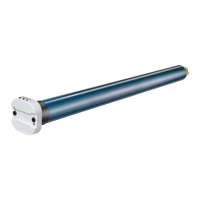
Program Button
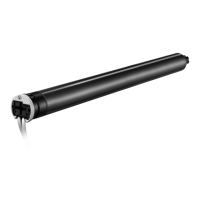
Motor Head
P.5
STEP SIX
Adding Additional Transmitters, Assigning or Deleting Channels (continued)
Solar Control, LLC | 888-550-4836





 To Next Page