4
ADVANCED CONFIGURATIONS
ADVANCED CONFIGURATIONS
• CUE/PFL:
Turn button o when the fader is up
Enable Talkback (channels 5 & 6 only)
• AUX:
Lock button when it is set to POST and a fader is up
• Monitor Select:
Interlock or mix with other monitor inputs
Note: The guest talkback button cannot be locked
The faders can also be set to “Forced Up” through the menu or by dragging the fader with
the mouse cursor (if Button Control is enabled)
Buttons can be controlled with a single click by enabling “Button Control” in the menu
described at the end of this chapter. In this instance the button menu can still be accessed
by right-clicking on the button.
Each channel has the ability to have an alias set and displayed in the virtual scribble pad.
This is set in the Channel Conguration screens. The monitor inputs (excluding PGM) also
have this capability. This is set in the System Conguration screen.
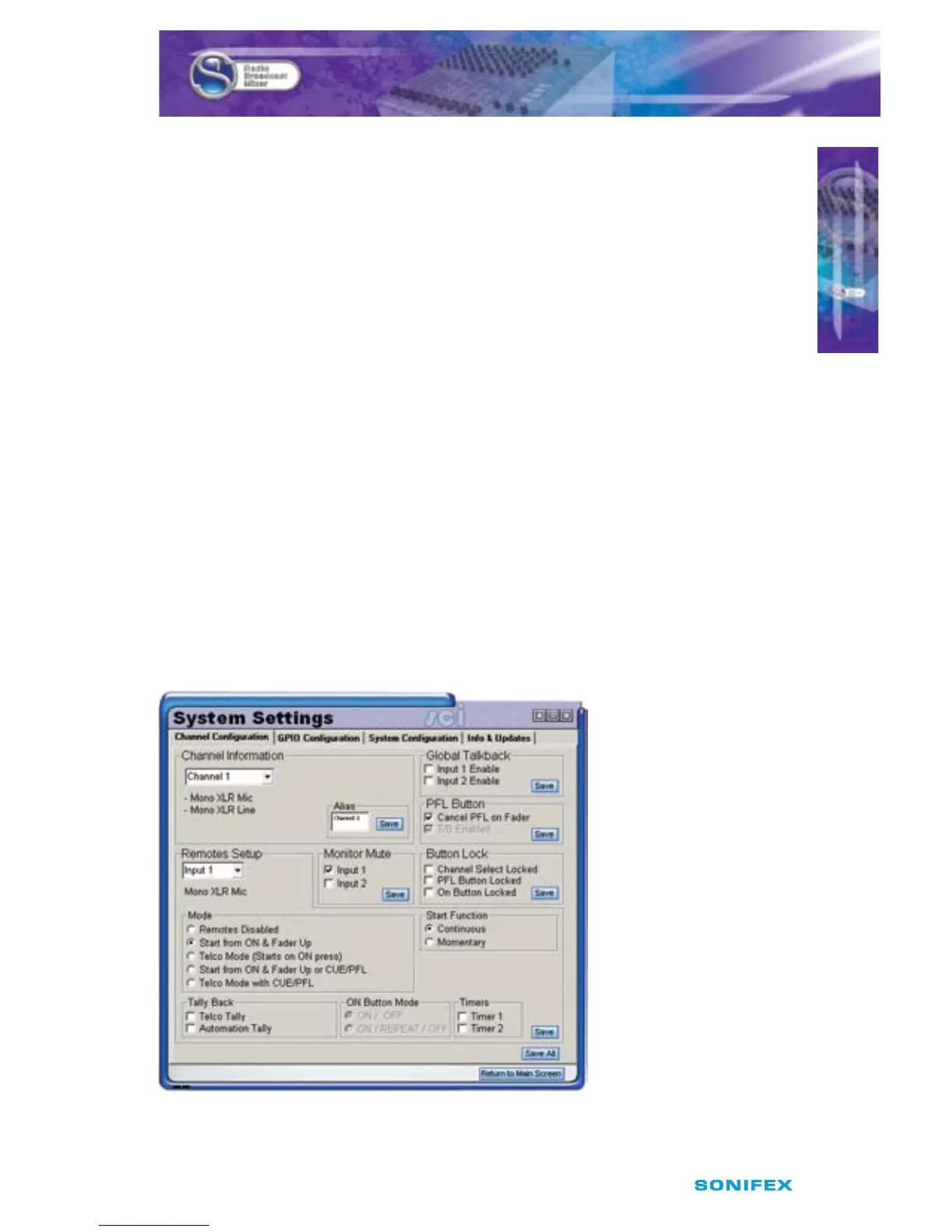
Channel Conguration
Each channel can be congured and tailored to your requirements through the Channel
Conguration screen. This is accessed via the “CONFIG” button bellow the virtual scribble
pad for each channel.
Fig 4-4: Channel Conguration Screen



 To Next Page