4
ADVANCED CONFIGURATIONS
ADVANCED CONFIGURATIONS
Guest Headphones:
When the Guest talkback button is pressed, select whether the talkback audio mixes with
the current guest monitor output or replaces the output.
Information & Updates
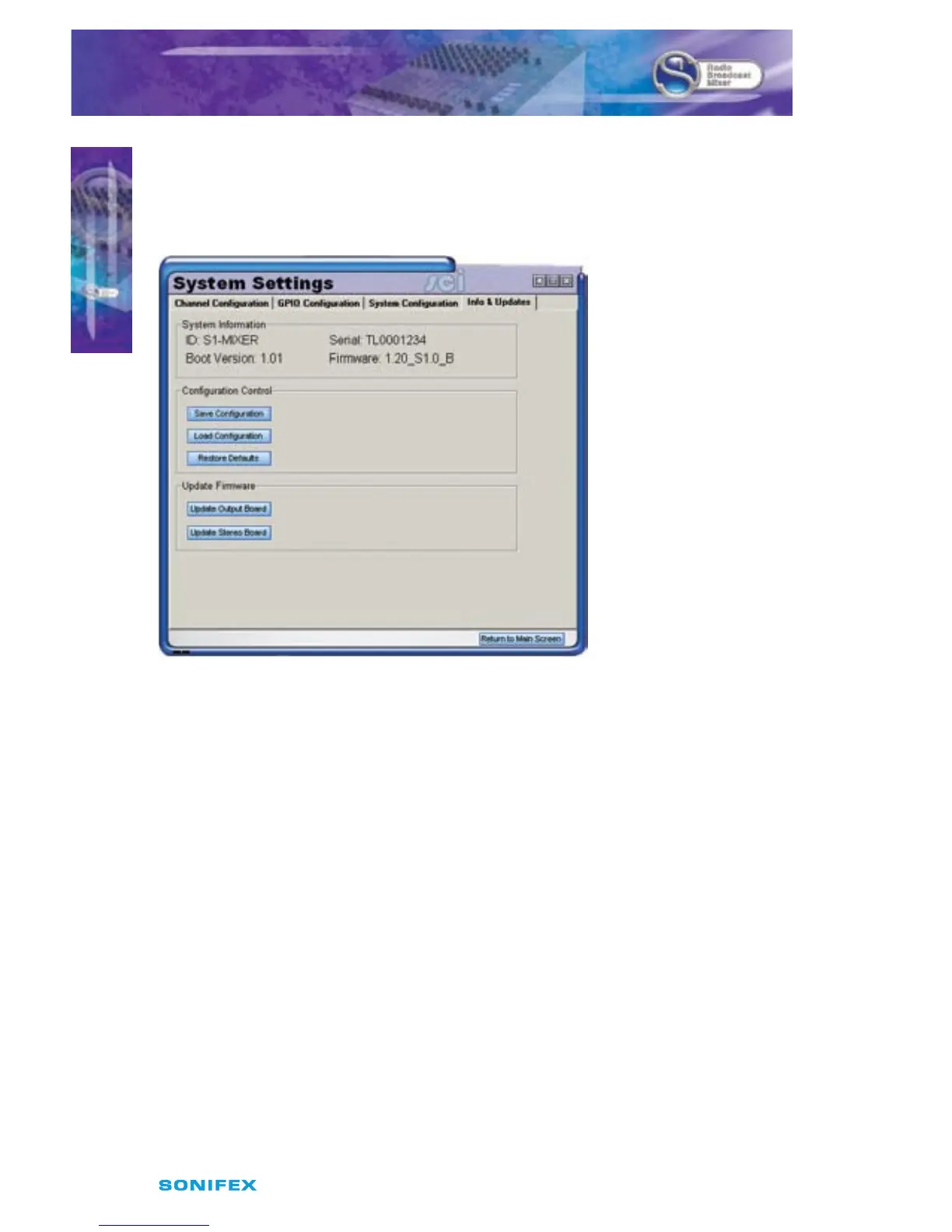
Fig 4-7: Information & Updates Screen
System Information
The system information section displays the mixer identication, serial number, base code
version and rmware version. The rmware version shows 2 strings indicating the version of
the output board code followed by the stereo board code.
Save/ Load Conguration:
SCi provides the ability to congure the desk and store the conguration for later use.
For example, a presenter may have a specic set-up for their show, whilst the preceding
presenter may have their own desired set-up. Using this function, any number of
congurations and be saved and recalled with a few clicks.
First, congure the desk as desired. Secondly, click “Save Conguration” and save. To reload
the settings, click “Load Conguration” and select your conguration le.
Restore defaults:
This restores the S1 to factory defaults. Refer to the rest of the manual for
information.



 To Next Page