Step 6: EnjoyingSurroundSound
Ariel performing the previous Steps and starting playback, you can easily enjoy surround sound. You
can also select pre-programmed surround settings that are tailored to different kinds of sound sources.
They bring the exciting and powerful sound of movie theaters into your home.
i
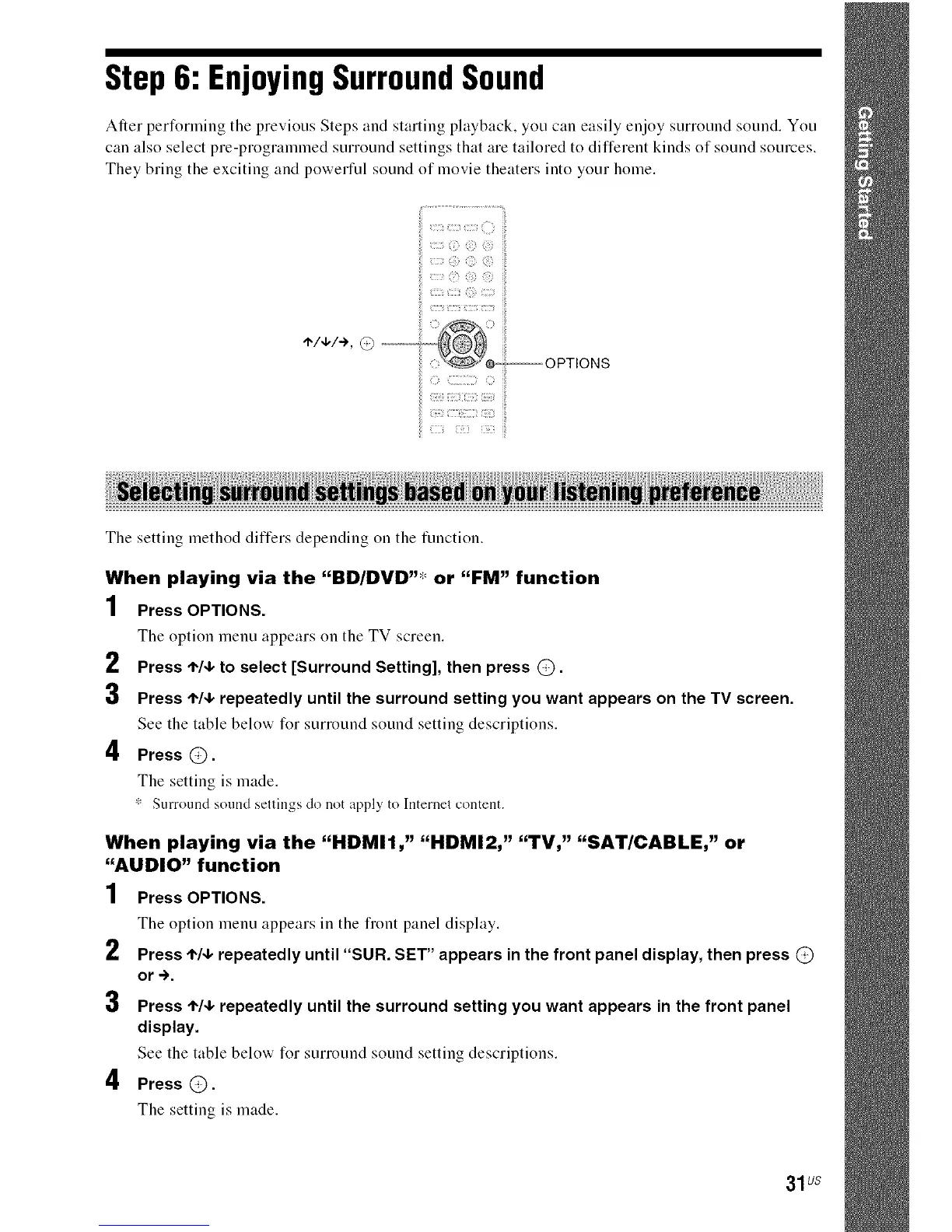
./+/+,@--
C_ _i i_
The setting method differs depending on the function.
When playing via the "BD/DVD"* or "FM" function
1 Press OPTIONS.
The option menu appears on the TV screen.
2 Press ,1%1,to select [Surround Setting], then press @.
3 Press ,1,14,repeatedly until the surround setting you want appears on the TV screen.
See the table below for surround sound setting descriptions.
4 Press @.
The setting is made.
* Surround sound settings do not apply to lnternet content.
2
3
When playing via the "HDMII," "HDMI2," "TV," "SAT/CABLE," or
"AUDIO" function
1 Press OPTIONS.
The option menu appears in the fiont panel display.
Press ,1,/4,repeatedly until "SUN. SET" appears in the front panel display, then press @
or -).
4
Press '1"14,repeatedly until the surround setting you want appears in the front panel
display.
See the table below for surround sound setting descriptions.
Press @.
The setting is made.
31us



 To Next Page