Usingthe SetupDisplay
You can make various adjustments of items such
as picture and sound.
Select _ (Setup) on the home menu when you
need to change the settings of the system.
The default settings are underlined.
• Playback settings stored in the disc take priority over
the Setup Display settings and not all the functions
described may work.
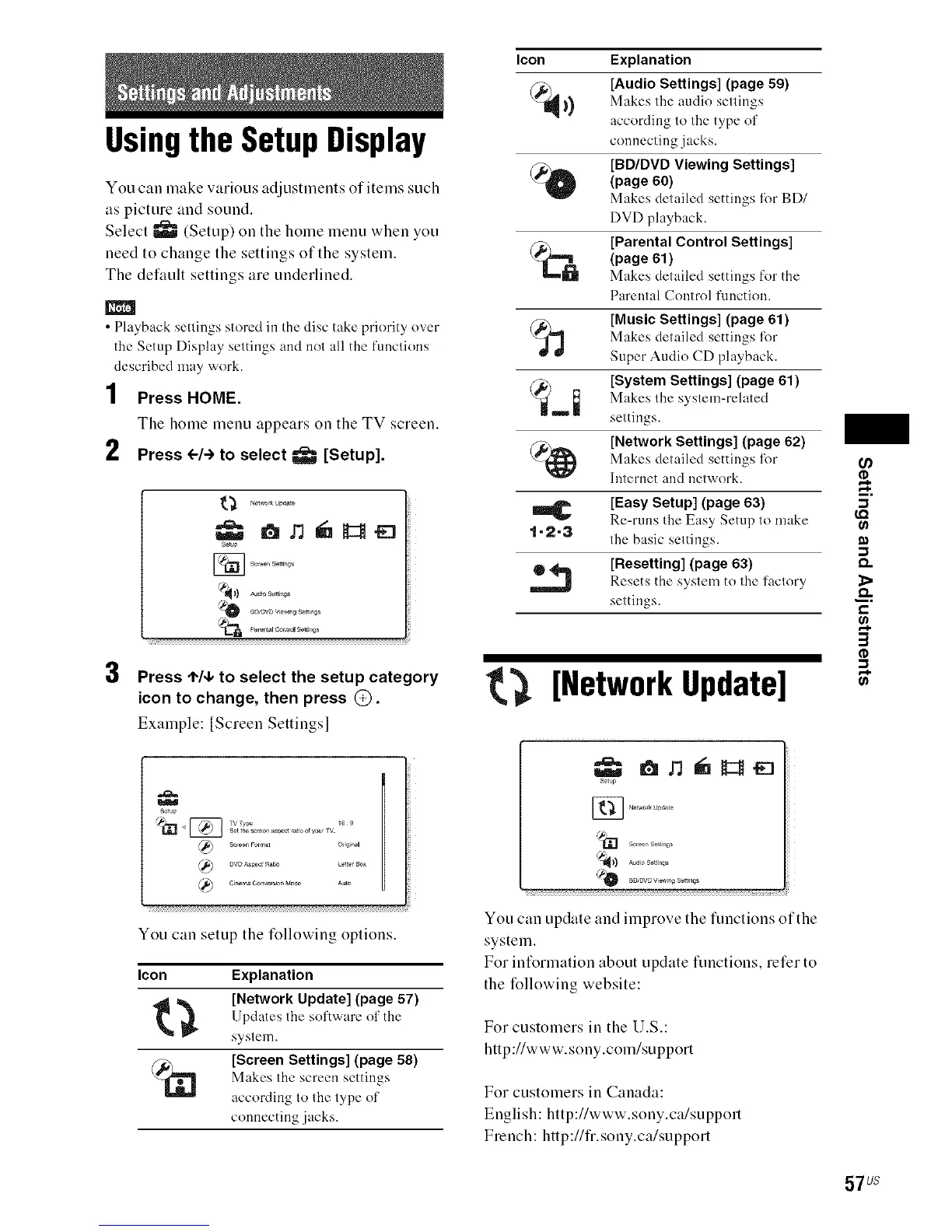
1 Press HOME.
The home menu appears on the TV screen.
2 Press <--/->to select _ [Setup].
3
s_t_p
Parental co*d Solt_, gs
Press ,I,/4, to select the setup category
icon to change, then press @.
Example: [Screeu Settings 1
s_t_p
You cau setup the followiug optious.
leon Explanation
t _ [Network Update] (pay e57 )
Updates the sol'tware ol' the
systeul.
_,_ [Screen Settings] (page 58)
Makes the screen settings
according lo 1he lype ol'
connecting .jacks.
Icon Explanation
@)1_ [Audio Settings] (page 59)
I_) Makes the audio settings
according to the type of
connecting jacks.
_O [BD/DVD Viewing Settings]
(page 60)
Makes detailed settings lbr BD/
DVD playback.
@,_ [Parental Control Settings]
(page 61)
Makes detailed settings for the
Parental Control function.
_ [Music Settings] (page 61)
Makes detailed settings l_)r
Super Audio CD playback.
[System Settings] (page 61)
Makes the system-related
settings.
(_ [Network Settings] (page 62)
Makes detailed settings l_)r
Internet and network.
[Easy Setup] (page 63)
Re-runs the Easy Setup to make
1"2=3 the basic settings.
[Resetting] (page 63)
Resets the system to the l'actory
settings.
[Network Update]
I
You can update and improve the functions of the
system.
For information about update functions, refer to
the following website:
For customers iu the U.S.:
http://www.souy.com/support
For customers iu Cauada:
Euglish: http://www.souy.ca/support
Freuch: http://fr.souy.ca/support
m,
&
€-
57 us



 To Next Page