• BD/DVD VIDEO
Depending on the BD/DVD VIDEO, the choice
of language varies.
When 4 digits are displayed, they indicate a
language code. See "Language Code List"
(page 76) to confinn which language the code
represents. When the same language is
displayed two or more times, the BD/DVD
VIDEO is recorded in multiple audio fonnats.
• DVD-VR
The types of sound tracks recorded on a disc are
displayed.
Example:
• [ P Stereol
• [P Stereo (Audiol)1
• [P Stereo (Audio2)l
• [P Mainl
• [P Subl
• [b Main/Sub]
• [.b Slereo (Audiol)1 and [b Stere() (Audio2)] do not
appear when only one audio stream is recorded on the
disc.
lCD
• [ P Stereo!: The standard stereo sound.
• [P I/L]: The sound of the left channel
(monaural).
• [ P 2/R]: The sound of the right channel
(monaural).
• [P L+R]: The sound of both the left and right
channels output from each individual speaker.
EnjoyingMultiplex
BroadcastSound
(DUAL MONO)
You can enjoy multiplex broadcast sound when
the system receives or plays a Dolby Digital
multiplex broadcast signal.
•To receive the Dolby Digital signal, you need to
connect aTV or other component to the unit with a
digital coaxial or optical cord (pages 22, 24). If your
TV is compatible with the Audio Return Channel
function (pages 22, 61), you can receive a Dolby
Digital signal via an HDMI cable.
) @
i :?
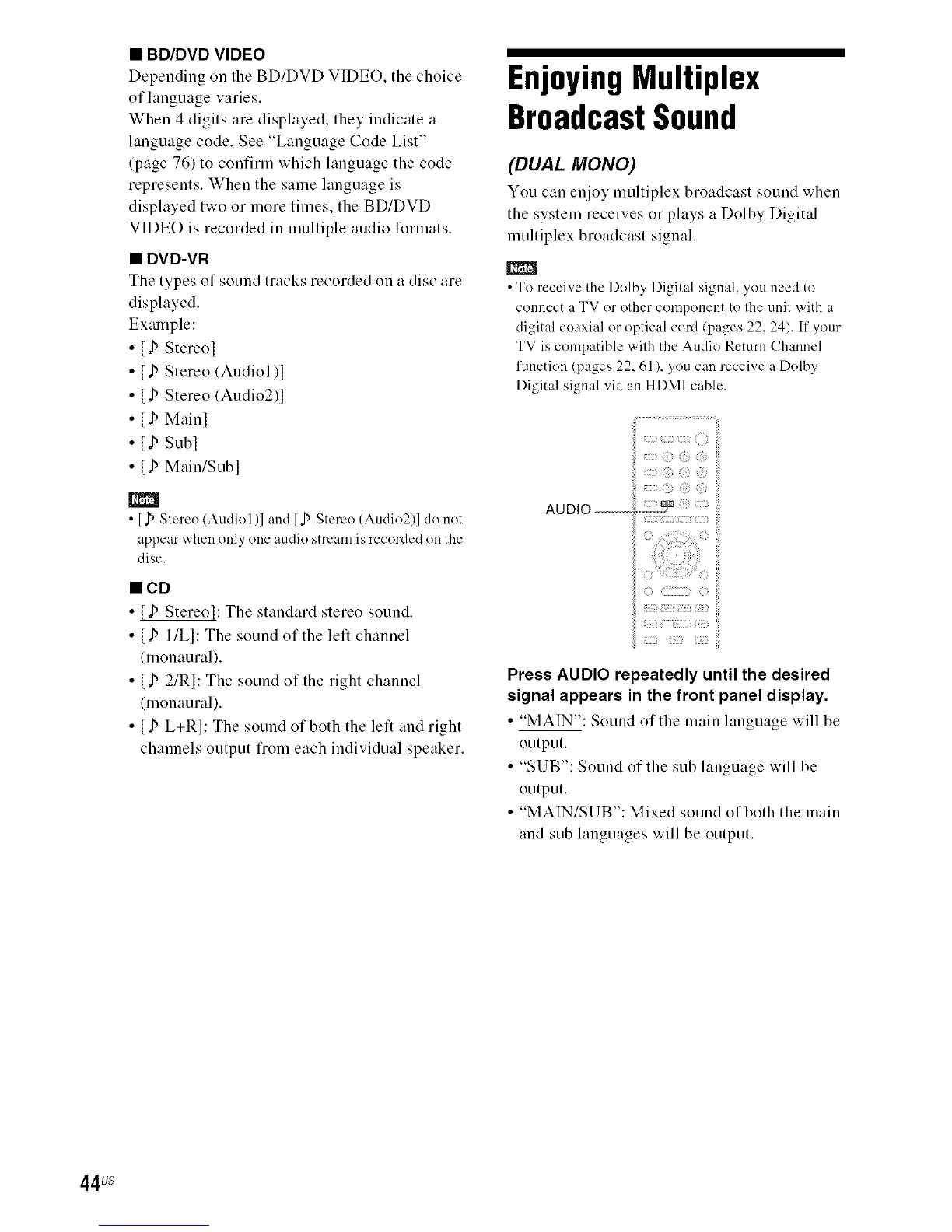
AUDIO-- _ <?:
Press AUDIO repeatedly until the desired
signal appears in the front panel display.
• "MAIN": Sotmd of the main language will be
output.
• "SUB": Sound of the sub language will be
output.
• "MAIN/SUB': Mixed sound of both the main
and sub languages will be output.
44us



 To Next Page