5
Perform the [Easy Setup]. Follow the
on-screen instructions to make the
basic settings using (-1'1"14,1-),and @.
Depending on the connection method
(page 22), perform the following setting.
• HDMI cable connection: Follow the
instructions that are displayed on the TV
screen.
• Component video cable connection:
Select the picture quality. The available
settings are as follows, fiom lowest to
highest picture quality: 480i*, 480p**,
720p, and 1080i.
* 480i/576i for Mexican and Latin American
models.
**480p/576p for Mexican and Latin American
models.
• BD-ROM playback of protected content via
component video output is only supported at
480i* output resolution. For details, see "Copy
Protection" (page 4).
* 480i/576i for Mexican and Latin American
models.
• Video cord couuectiou: Select [16:91 or
[4:31 so that the picture is displayed
correctly.
For details about [Auto Calibration[
settings in [Easy Setup[, see "Calibrating
the Appropriate Settings Automatically"
(page 48).
To recall the Easy Setup Display
1 Press HOME.
The home menu appears on the TV screen.
2 Press (-1-) to select _ [Setup].
3 Press '1"14,to select [Easy Setup], then
press @.
4 Press (-/-) to select [Start], then press
®.
The Easy Setup Display appears.
Step5: Selectingthe
Source
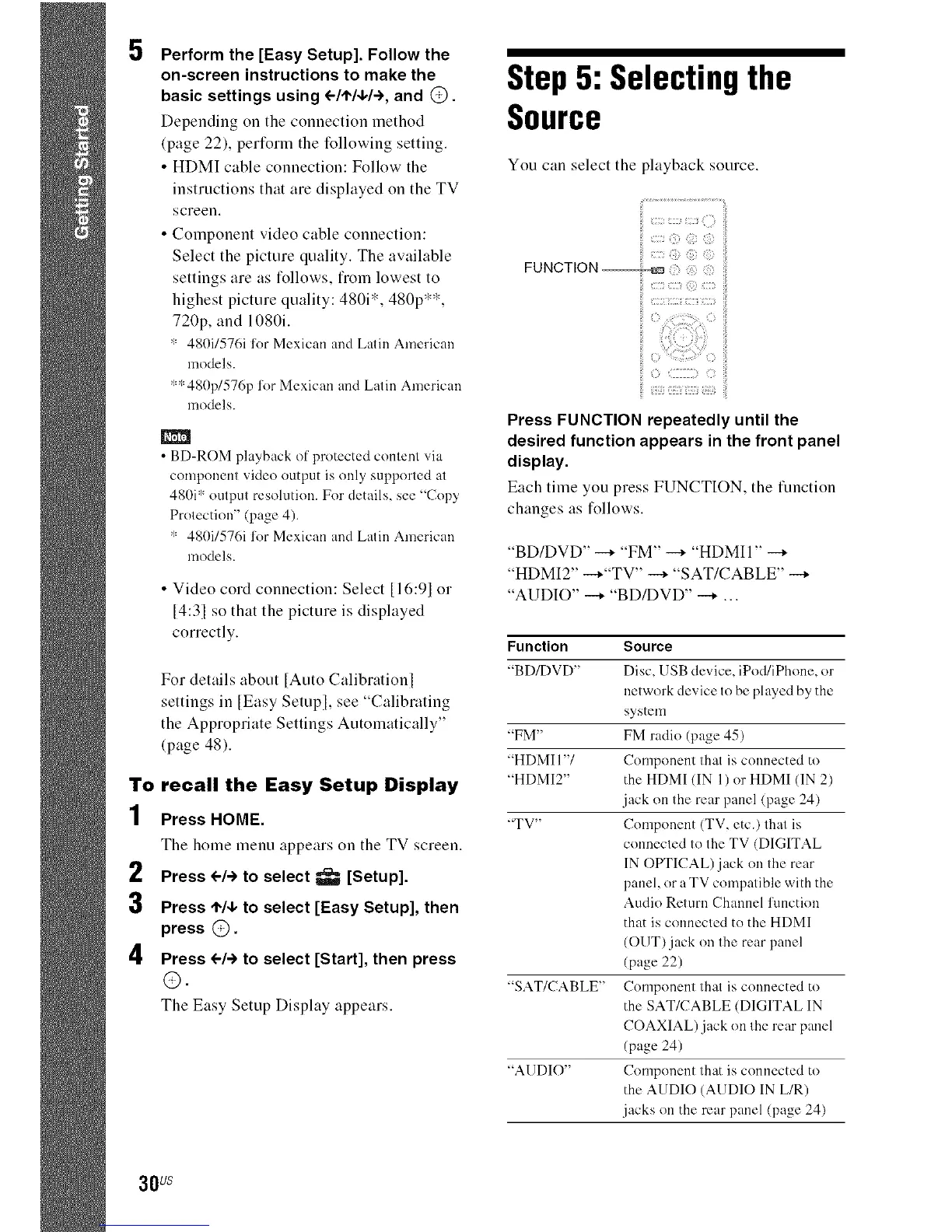
You cau select the playback source.
Press FUNCTION repeatedly until the
desired function appears in the front panel
display.
Each time you press FUNCTION, the function
changes as follows.
"BD/DVD" --+ "FM" --+ "HDMII" --+
"HDMI2" --+"TV" --+ "SAT/CABLE" --+
"AUDIO" --+ "BD/DVD" --+ ...
Function
"BD/DVD"
"FM"
"HDMI 1"1
"HDMI2"
"TV"
"SAT/CABLE"
"AUDIO"
Source
Disc, USB device, iPod/iPhone, or
network device to be played by the
system
FM radio (page 45)
Component that is connected to
the HDMI (IN 1) or HDMI (IN 2)
.jack on the rear panel (page 24)
Component (TV, etc.) that is
connected to the TV (DIGITAL
IN OPTICAL)jack on the rear
panel, or a TV compatible with the
Audio Return Channel l'unction
that is connected to the HDMI
(OUT) jack on the rear panel
(page 22)
Component that is connected to
the SAT/CABLE (DIGITAL IN
COAXIAL) jack on the rear panel
(page 24)
Component that is connected to
the AUDIO (AUDIO IN L/R)
.jacks on the rear panel (page 24)
30us



 To Next Page