EasyManua.ls Logo

Sony CCD-TR44 - Page 20

Sony CCD-TR44
56 pages
Print Icon
To Next Page IconTo Next Page
To Previous Page IconTo Previous Page
Loading...
Playing
Back
a
Tape
Various
Playback
Modes
To
view
a
still
picture
(playback
pause)
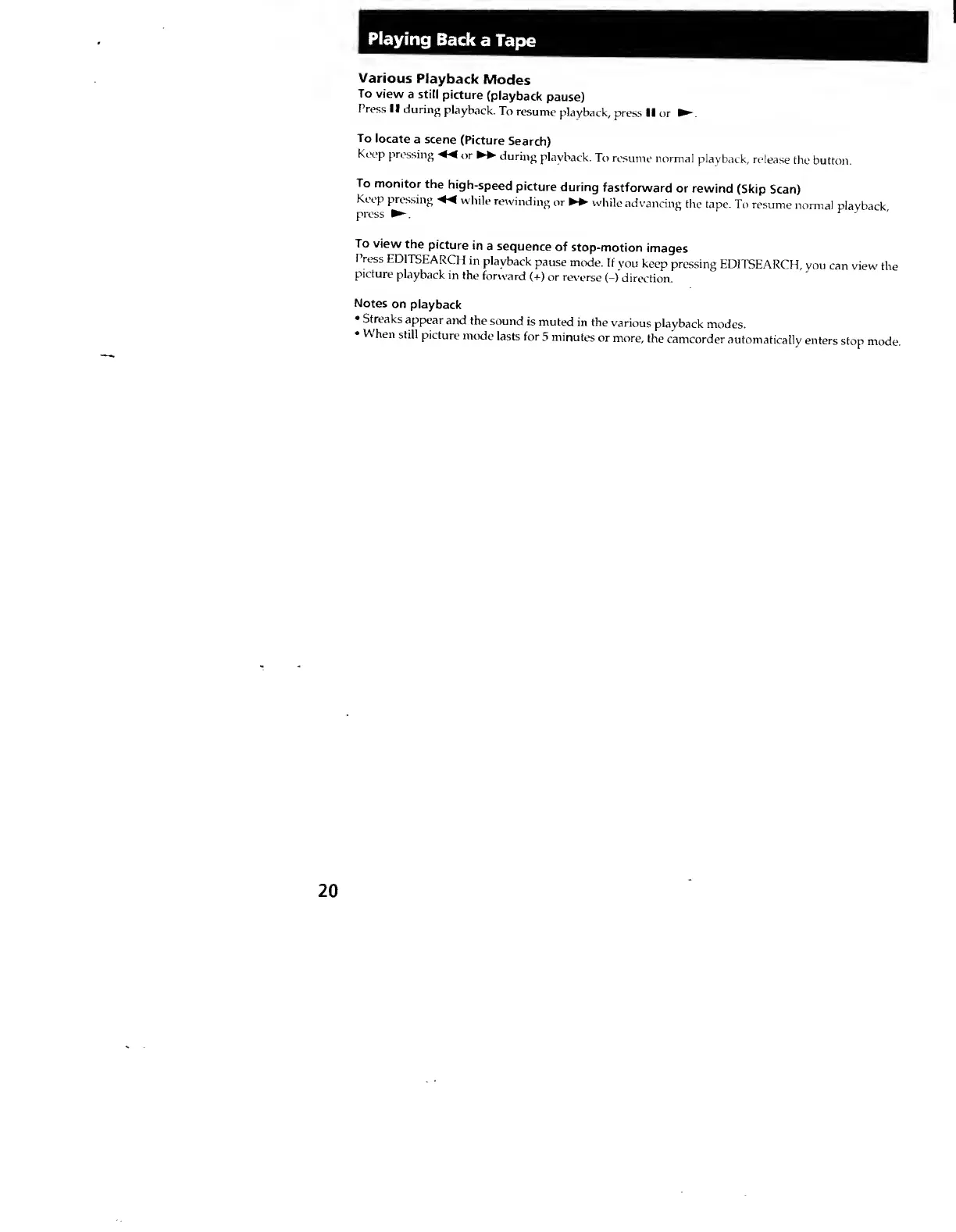
Press
II
during
playback.
To
resume
playback,
press
II
or
To
locate
a
scene
(Picture
Search)
Keep
pressing
or
►►
cturing
playback,
Tt)
resume
normal
playback,
release
the
button.
To
monitor
the
high-speed
picture
during
fastforward
or
rewind
(Skip
Scan)
Keep
pressing
while
rewinding
or
►►
while
advancing
the
tape.
To
resume
normal
playback
press
^
^
To
view
the
picture
in
a
sequence
of
stop-motion
images
Press
EDITSEARCH
in
playback
pause
mode.
If
you
keep
pressing
EDITSEARCH,
you
can
view
the
picture
playback
in
the
fonvard
(+)
or
reverse
(-)
direction.
Notes
on
playback
Streaks
appear
and
the
sound
is
muted
in
the
various
playback
modes.
When
still
picture
mode
lasts
for
5
minutes
or
more,
the
camcorder
automatically
enters
stop
mode.