EasyManua.ls Logo

Sony CCD-TR44 - Playback Modes; Tips for Using the Battery Pack

Sony CCD-TR44
56 pages
Print Icon
To Next Page IconTo Next Page
To Previous Page IconTo Previous Page
Loading...
Playback
Modes
riio
playback
mode
is
selected
automatically
according
to
the
recording
system
(SP/LP
mode)
in
which
the
tape
was
recorded.
Foreign
8
mm
video
You
cannot
play
software
recorded
on
a
different
TV
color
system.
Because
the
TV
color
systems
differ
from
country
to
country,
you
may
not
be
able
to
play
back
foreign
pre-recorded
software.
Refer
to
page
42
to
check
the
1
\'
color
system
ol
foreign
countries.
Tips
for
Using
the
Battery
Pack
I
liis
section
sht>v\’s
vou
how
\ou
can
get
the
most
c)ut
of
your
battery
pack.
Preparing
the
Battery
Pack
Always
Carry
Additional
Batteries
Have
sutficient
battery
pack
power
tc)
do
2
to
3
times
as
much
recording
as
you
have
planned.
Battery
Life
is
Shorter
in
Cold
Environment
Battery'
efficiency
is
decreased
and
the
battery
will
be
used
up
more
guickly
if
you
are
recording
in
cold
environment.
To
Save
Battery
Power
Turn
the
STANDBY
su'itch
on
the
camcorder
down
when
not
recording
to
save
battery
power,
[a]
on
page
35.
A
smooth
transition
between
scenes
can
be
made
even
if
recording
is
stopped
and
started
again.
While
positioning
the
subject,
selecting
an
angle,
or
looking
through
the
viewfinder
lens,
the
lens
moves
automatically
and
the
battery
is
used.
The
battery
is
also
used
when
a
cassette
is
inserted
or
removed.
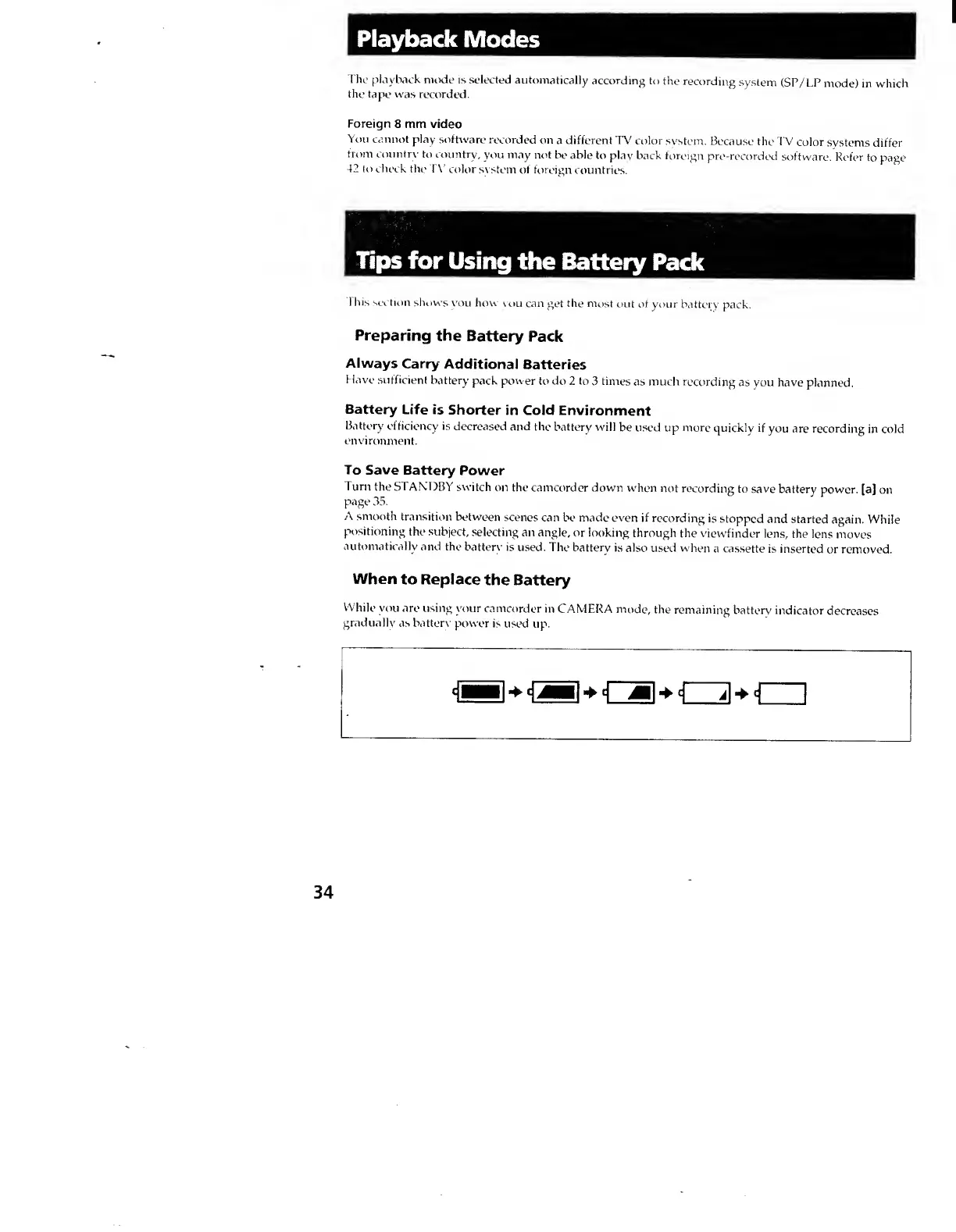
When
to
Replace
the
Battery
While
you
are
using
your
camcorder
in
CAMERA
mode,
the
remaining
battery
indicator
decreases
gradually
as
battorv'
power
is
used
up.
34