Playback
38
To hide the date/time or the camera
settings data
Follow steps 2 to 4, and select [OFF] in step 5.
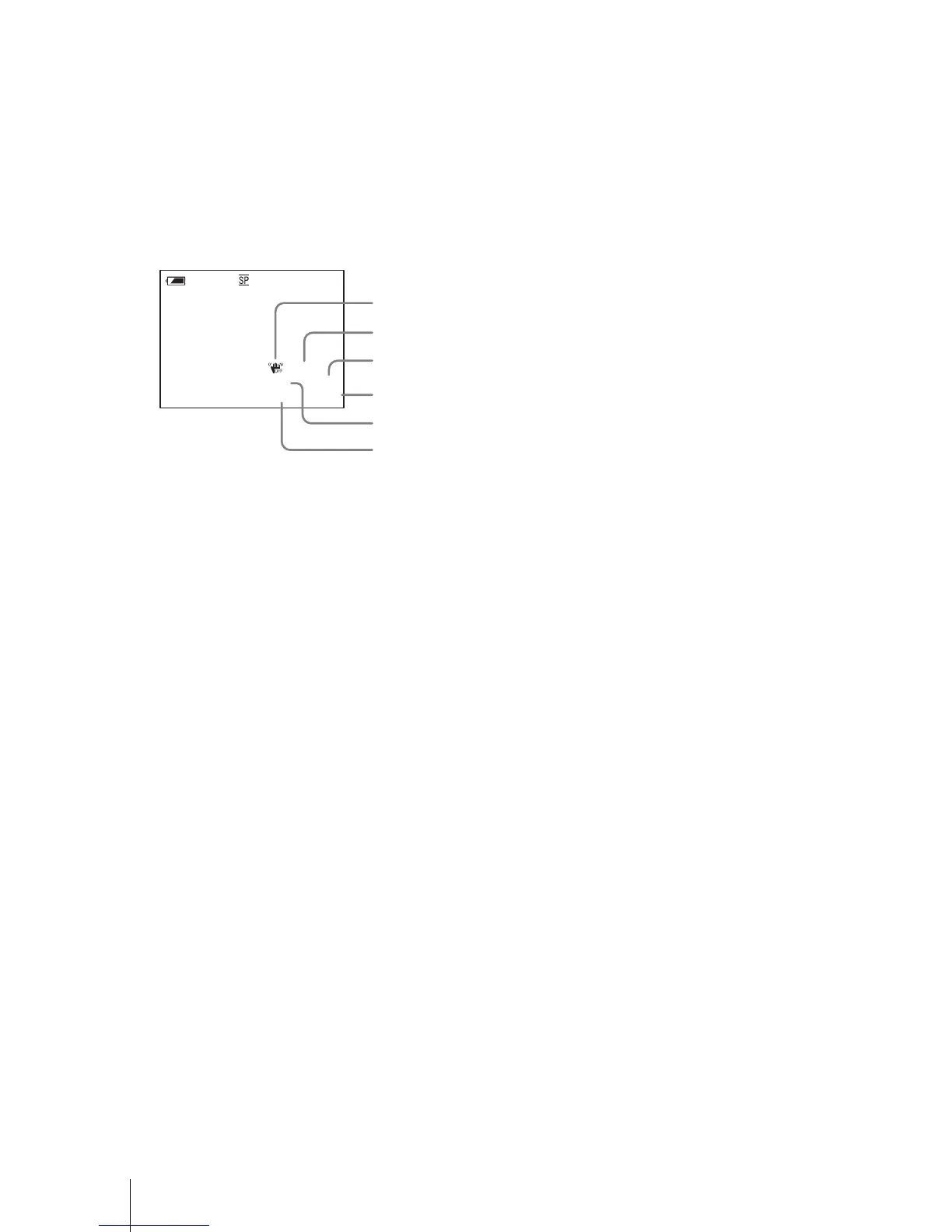
Camera settings data display
In the date/time data display, the date and time
is displayed in the same area.
If you record the picture without setting the
clock, [--- -- ----] and [--:--:--] will appear.
A SteadyShot off
B Exposure
C White balance
D Gain
E Shutter speed
F Aperture value
100 AWB
F1.6
9
dB
AUTO
0:00:00:00
60
min
1
2
3
4
5
6














 To Next Page