Dubbing/Editing
Dubbing/Editing
61
Dubbing/Editing
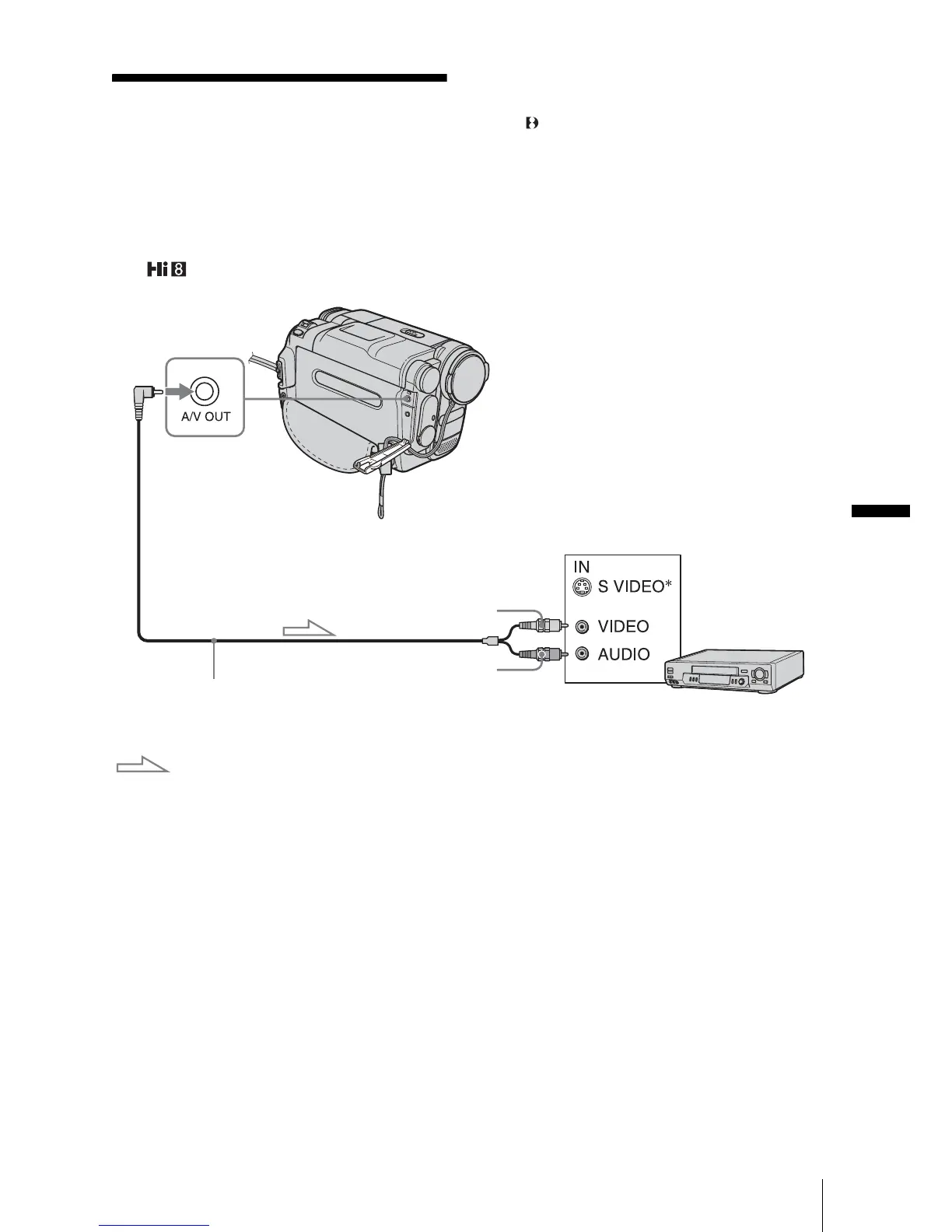
Connecting to a VCR
You can create a copy of the picture recorded
on your camcorder on other recording
devices (p. 63).
For TRV260/265, you can also record the
picture from a VCR to a tape on your
camcorder (p. 68).
Connect your camcorder to a VCR as shown
in the following illustration.
For TRV128/228/328/428:
A/V connecting cable (supplied)
Signal flow
VCRs
A/V OUT jack
Yellow
Black
,continued














 To Next Page