Recording
Recording
21
Recording
Recording movies
Before recording, follow steps 1 to 7 in
“Getting started” (p. 11 - p. 19).
For TRV128/228/328/428:
Movies will be recorded along with monaural
sound.
For TRV260/265:
Movies will be recorded along with stereo
sound.
b Note
• For TRV128/228/328/428:
The date is automatically recorded for 10 seconds
after you start recording (Auto date function). This
function works only once a day. See page 57 for
details.
z Tip
• Performing Easy Handycam operation, even first
time users can record easily. For details, see page 26.
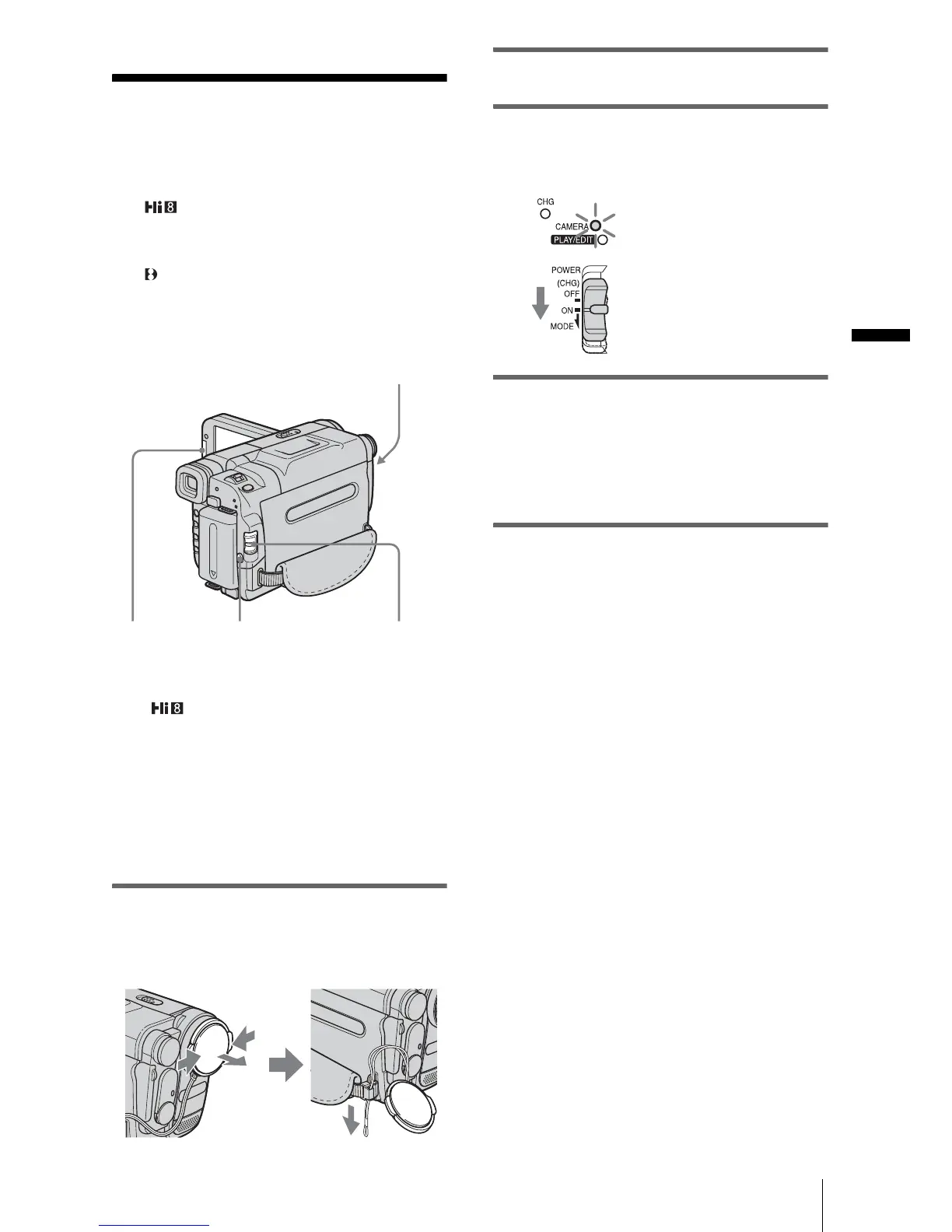
1 Remove the lens cap. Pull the lens cap
string down and attach it to the grip
belt.
2 Press OPEN and open the LCD panel.
3 Slide the POWER switch until the
CAMERA lamp lights up.
Your camcorder is set to the standby mode.
4 Press REC START/STOP.
Recording starts. [REC] appears on the
LCD screen and the Camera recording lamp
lights up.
Press REC START/STOP again to stop
recording.
To turn the power off
Slide the POWER switch up to (CHG) OFF.
z Tip
• If you do not use your camcorder for a long time,
remove the cassette and store it.
OPEN
POWER switch
REC START/STOP
Camera recording lamp
Slide the POWER
switch while
pressing the green
button.
,continued














 To Next Page