Getting started
20
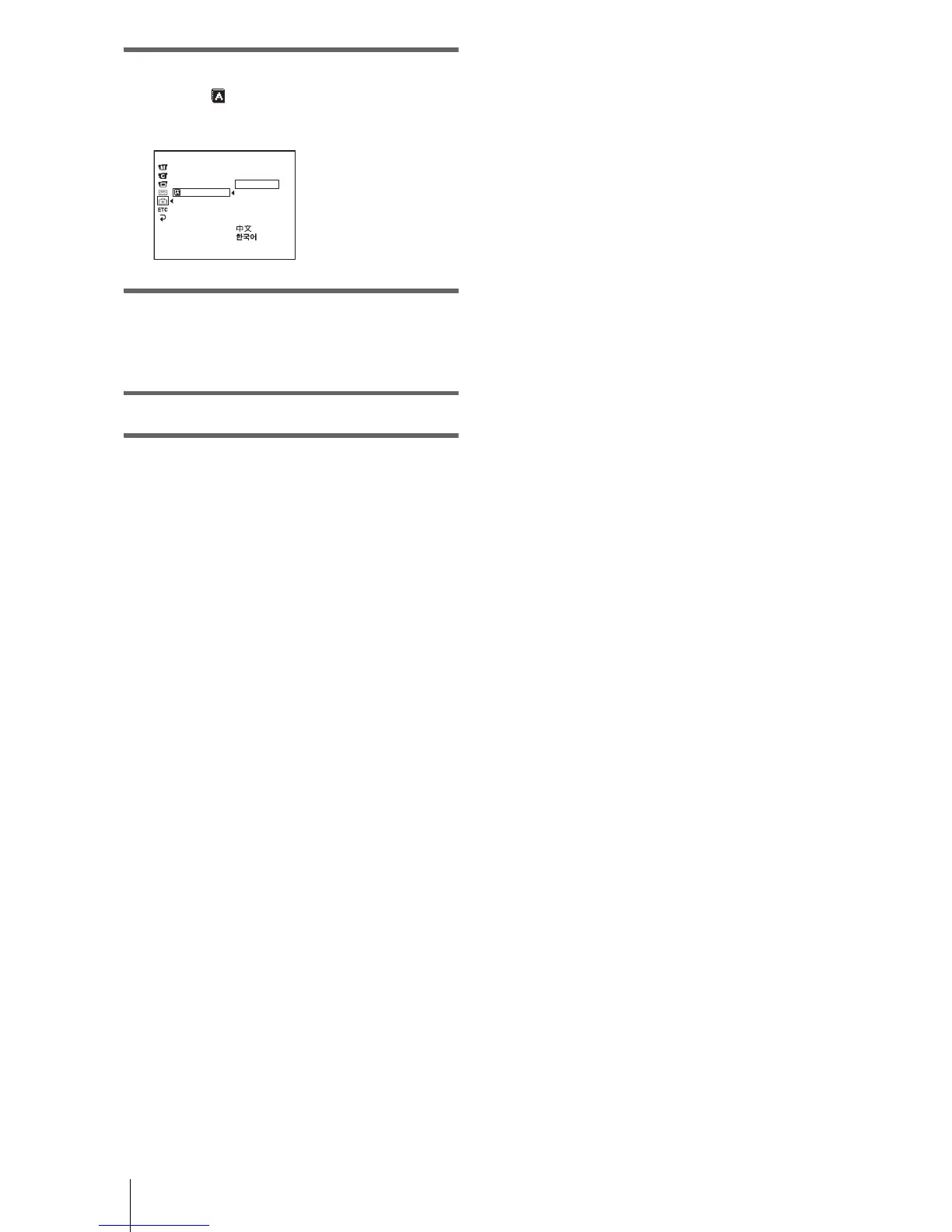
5 Turn the SEL/PUSH EXEC dial to
select [ LANGUAGE], then press
the dial.
6 Turn the SEL/PUSH EXEC dial to
select the desired language, then press
the dial.
7 Press MENU.
z Tip
• Your camcorder offers [ENG [SIMP]] (simplified
English) for when you cannot find your native
tongue among the options.
SETUP MENU
CLOCK SET
USB STREAM
LTR SIZE
LANGUAGE
DEMO MODE
[
MENU
]
: END
ENGLISH
ENG
[
SIMP
]
FRANÇAIS
ESPAÑOL
PORTUGUÊS
STBY














 To Next Page