Playback
42
Playing back still images in
sequence – Photo scan
You can also locate still images one after
another and display each image for 5 seconds
automatically.
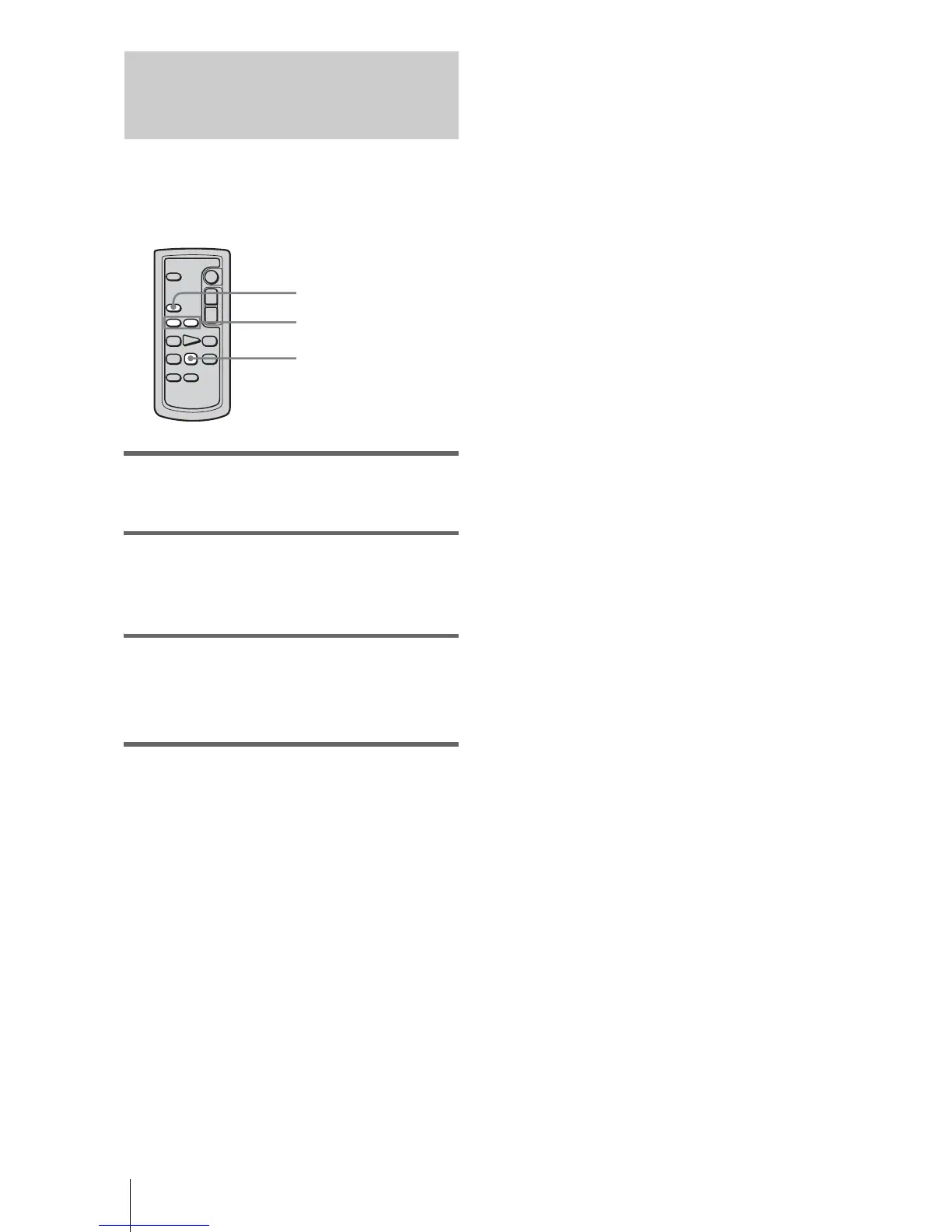
1 Slide the POWER switch repeatedly to
select the PLAY/EDIT mode.
2 Press SEARCH M. on the Remote
Commander repeatedly to select
[PHOTO SCAN].
3 Press . (previous)/> (next) on
the Remote Commander.
Each photo will be played back for about 5
seconds.
To cancel the operation
Press STOP on the Remote Commander.
b Note
• If a tape has a blank section between recorded
sections, the Photo scan function may not work
correctly.
. / >
SEARCH M.
STOP














 To Next Page