4
Notes on using the camcorder
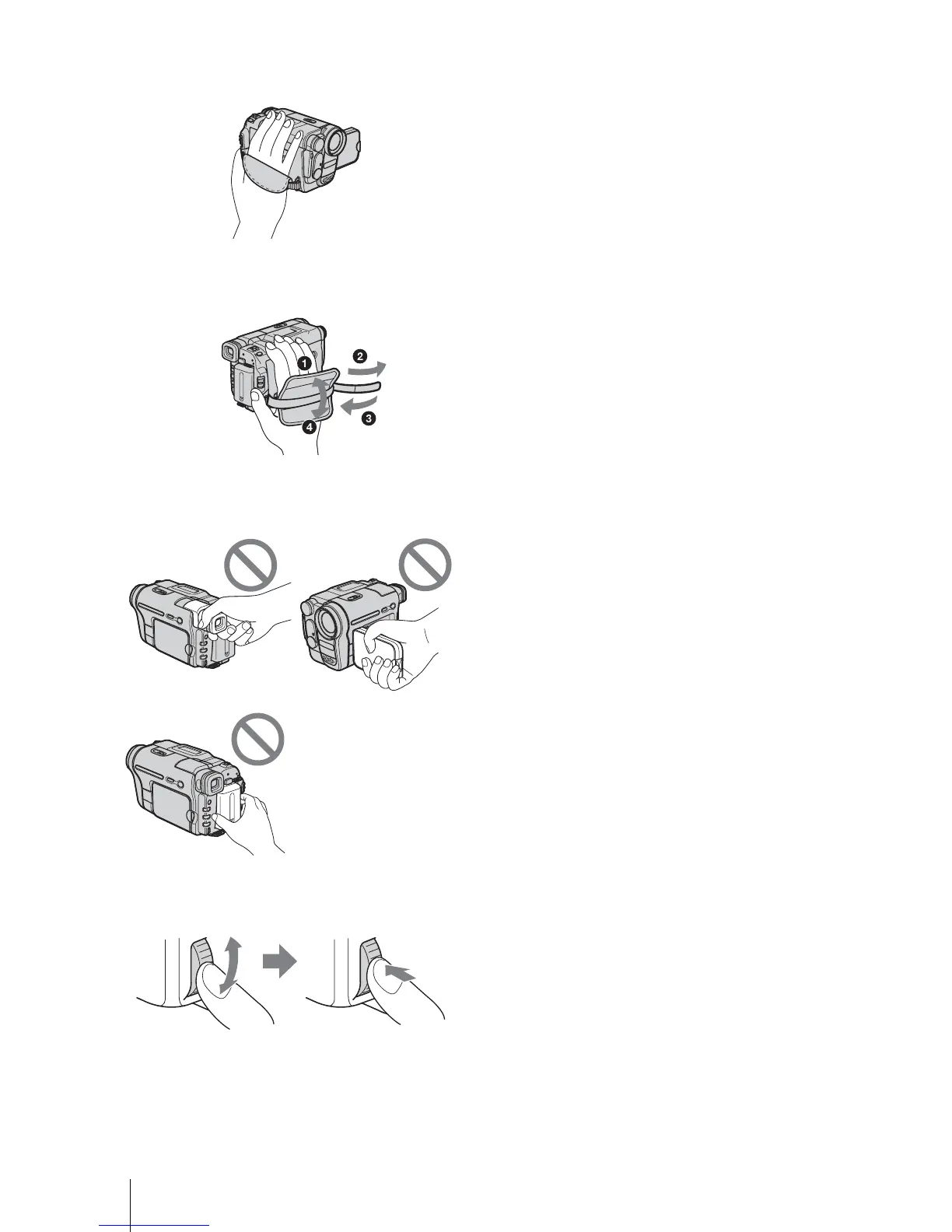
• Hold your camcorder correctly.
• To ensure a good grip, fasten the grip belt as shown
in the following illustration.
• You can change the language to be used for screen
display on your camcorder (p. 19).
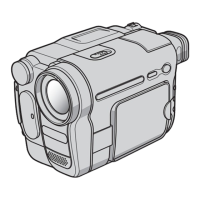
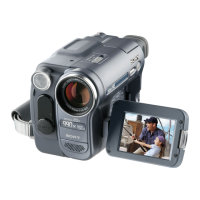
• Do not hold the camcorder by the following parts.
• Turn the SEL/PUSH EXEC dial to select desired
item, then press the dial to decide.
Viewfinder
LCD panel
Battery pack





 To Next Page