34
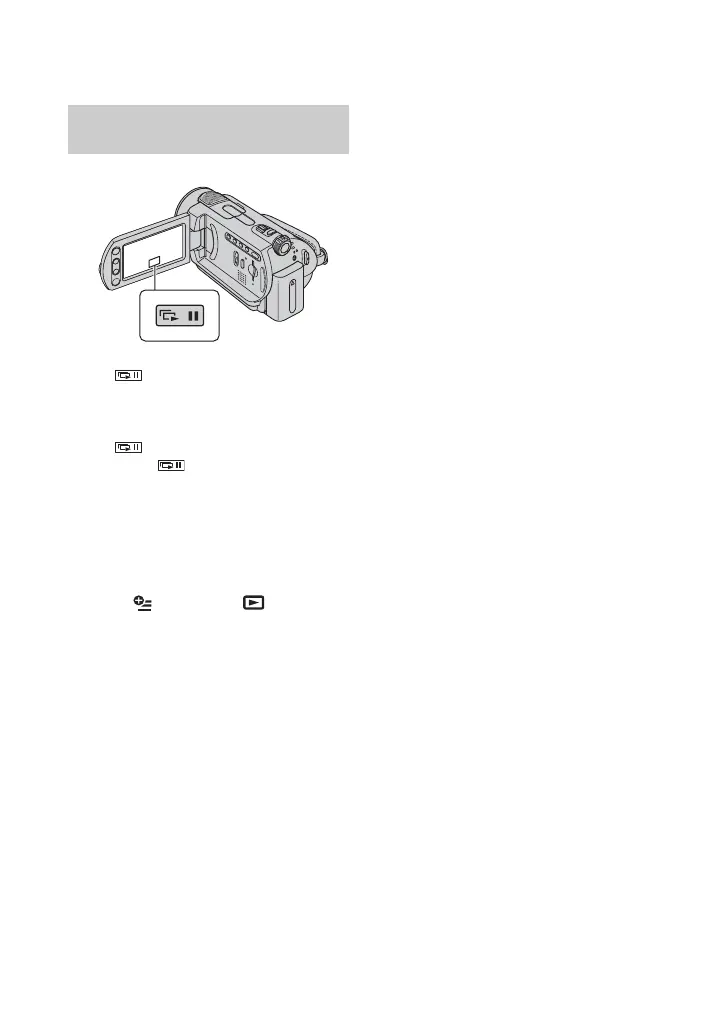
Touch on the still image playback
screen.
The slide show begins from the selected
image.
Touch to stop the slide show. To
restart, touch again.
b Notes
• You cannot operate playback zoom during slide
show.
z Tips
• You can set continuous slide show playback by
selecting (OPTION) t tab t
[SLIDE SHOW SET]. The default setting is
[ON] (continuous playback).
Playing back a series of still
images (Slide show)









 To Next Page