44
4 Touch t [YES] t .
z Tips
• The original images are not changed even if you
erase the images from the Playlist.
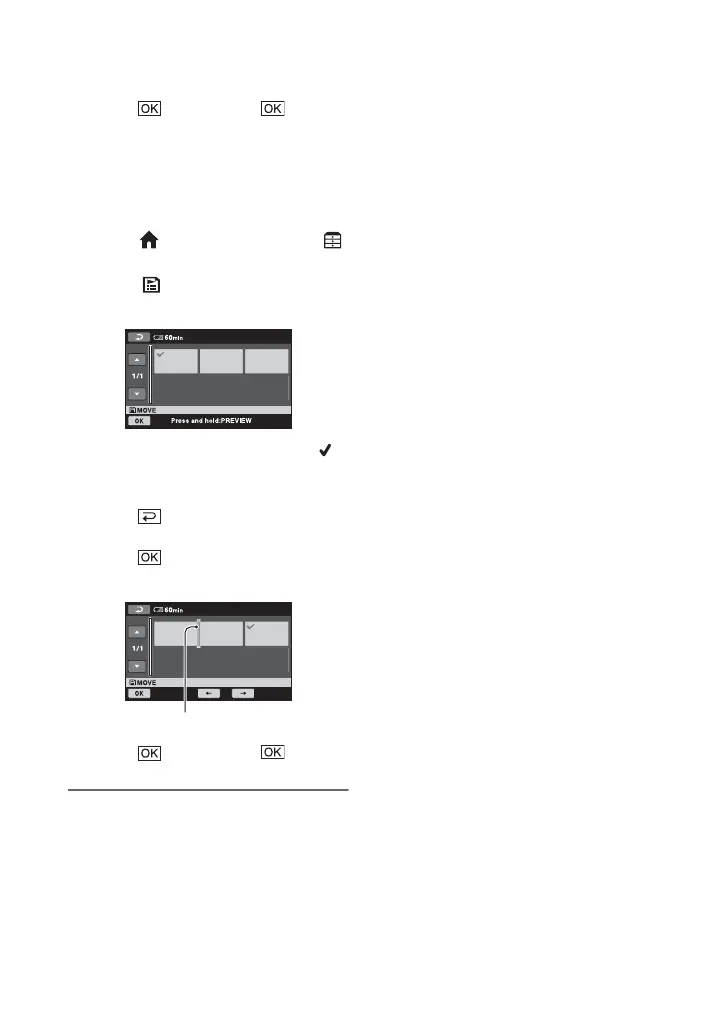
To change the order within the Playlist
1 On the (HOME MENU), touch
(OTHERS) t [PLAYLIST EDIT].
2 Touch [ MOVE].
3 Select the image to be moved.
The selected image is marked with .
Press and hold the image on the LCD
screen to confirm the image.
Touch to return to the previous
screen.
4 Touch .
5 Select the destination with [T]/[t].
6 Touch t [YES] t .
z Tips
• When you select multiple images, the images
are moved following the order appeared in the
Playlist.
Destination bar









 To Next Page