Using your printer with Windows computers
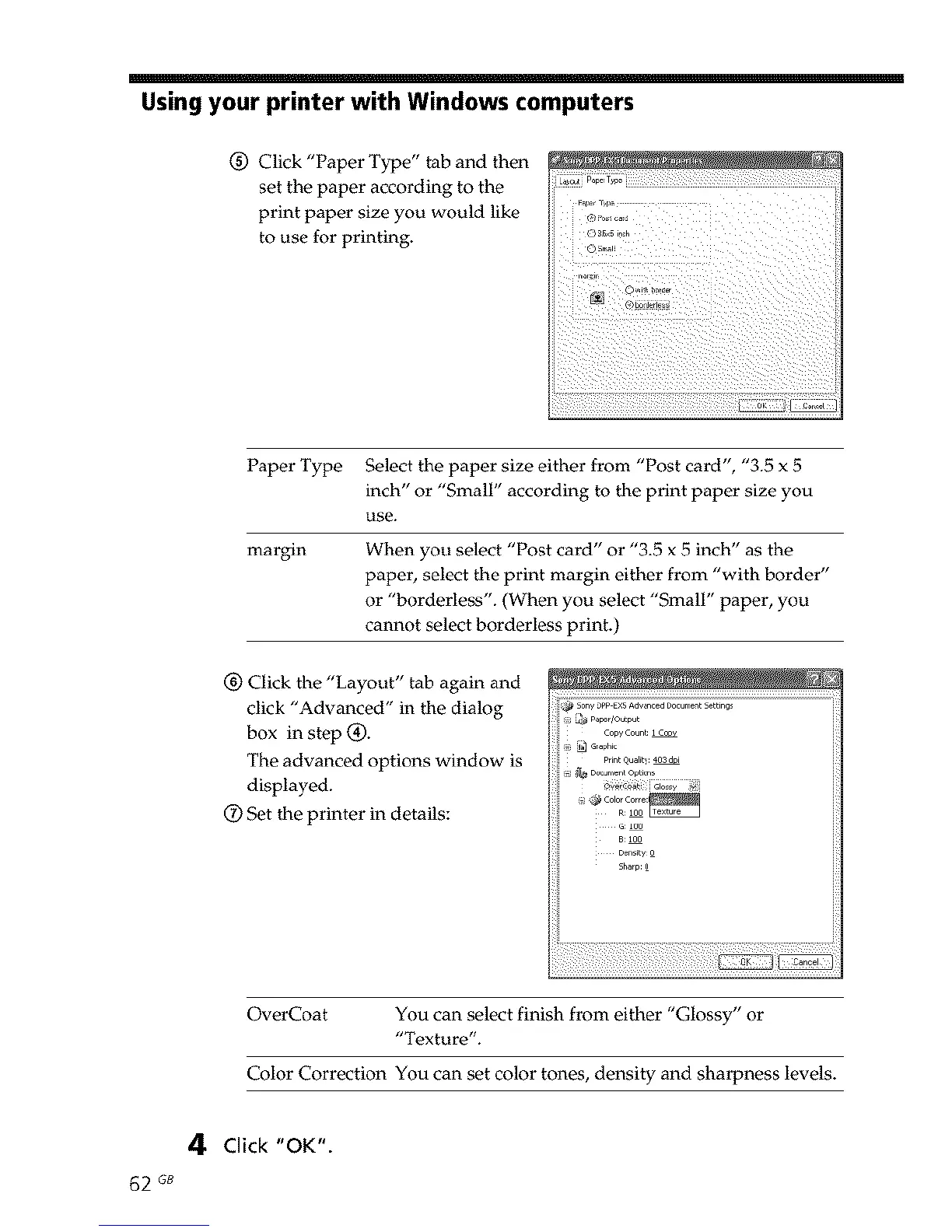
(_) Click "Paper Type" tab and then
set the paper according to the
print paper size you would like
to use for printing.
Paper Type Select the paper size either from "Post card", "3.5 x 5
inch" or "Small" according to the print paper size you
use.
margin When you select "Post card" or "3.5 x 5 inch" as the
paper, select the print margin either from "with border"
or "borderless'. (When you select "Small" paper, you
cannot select borderless print.)
_) Click the "Layout" tab again and ,' '....... _'" 7"J;
click "Advanced" in the dialog
box in step (_).
The advanced options window is
displayed.
(_) Set the printer in details:
_igh4!ii61ossy !_i
G:100
B:100
Density_
Sharp:_
OverCoat You can select finish from either "Glossy" or
"Texture".
Color Correction You can set color tones, density and sharpness levels.
4 Click "OK".
62 GB



 To Next Page