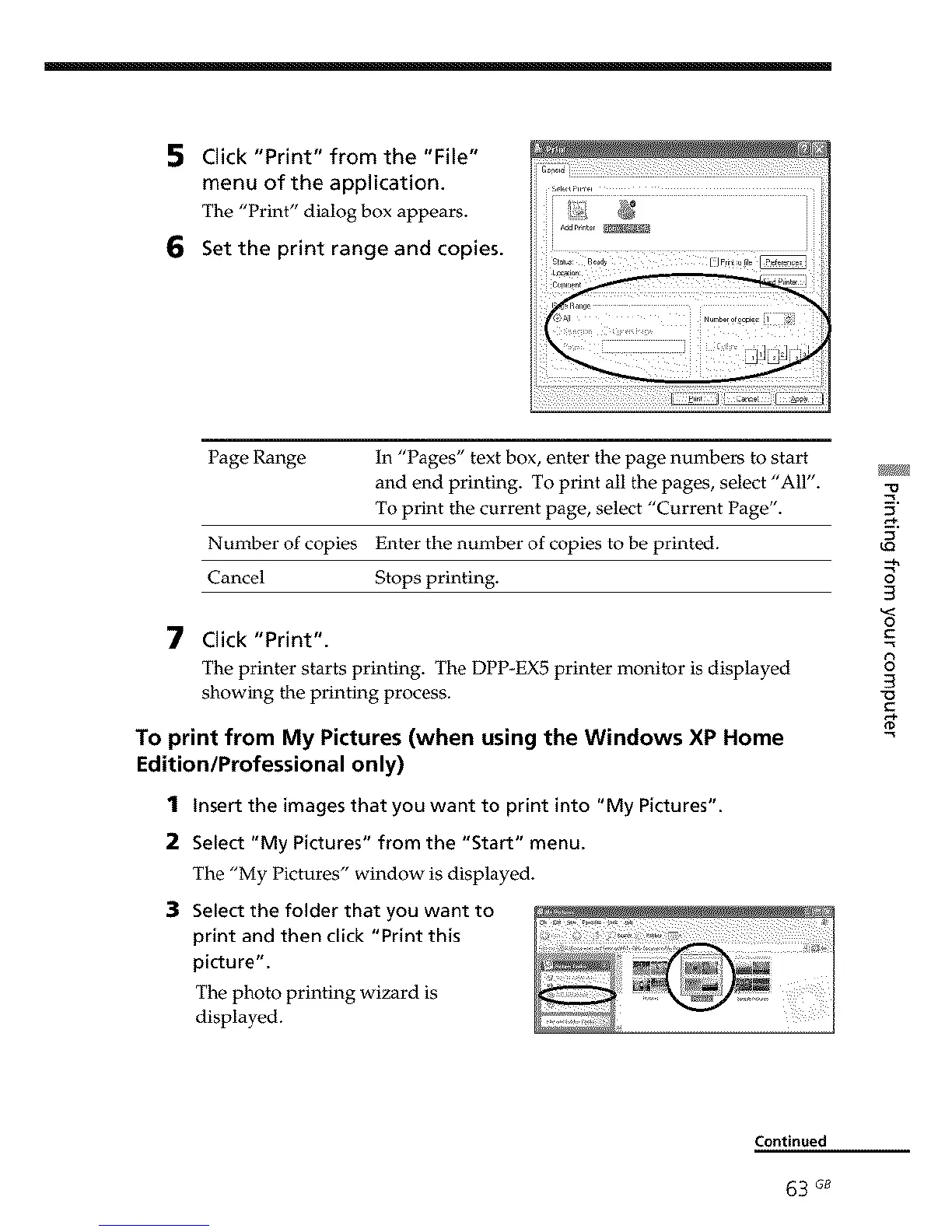
5 Click "Print" from the "File"
menu of the application.
The "Print" dialog box appears.
6 Set the print range and copies.
Page Range In "Pages" text box, enter the page numbers to start
and end printing. To print all the pages, select "All".
To print the current page, select "Current Page".
Number of copies Enter the number of copies to be printed.
Cancel Stops printing.
7 Click "Print".
The printer starts printing. The DPP-EX5 printer monitor is displayed
showing the printing process.
To print from My Pictures (when using the Windows XP Home
Edition/Professional only)
1 Insert the images that you want to print into "My Pictures".
2 Select "My Pictures" from the "Start" menu.
The "My Pictures" window is displayed.
3 Select the folder that you want to
print and then click "Print this
picture".
The photo printing wizard is
displayed.
5,
LO
-.h
3
3
o
C
8
3
"O
Continued
63 G8



 To Next Page