EasyManua.ls Logo

Sony DPP-FP67 - User Manual

Sony DPP-FP67
72 pages
Print Icon
To Next Page IconTo Next Page
Loading...
4-129-145-12 (1)
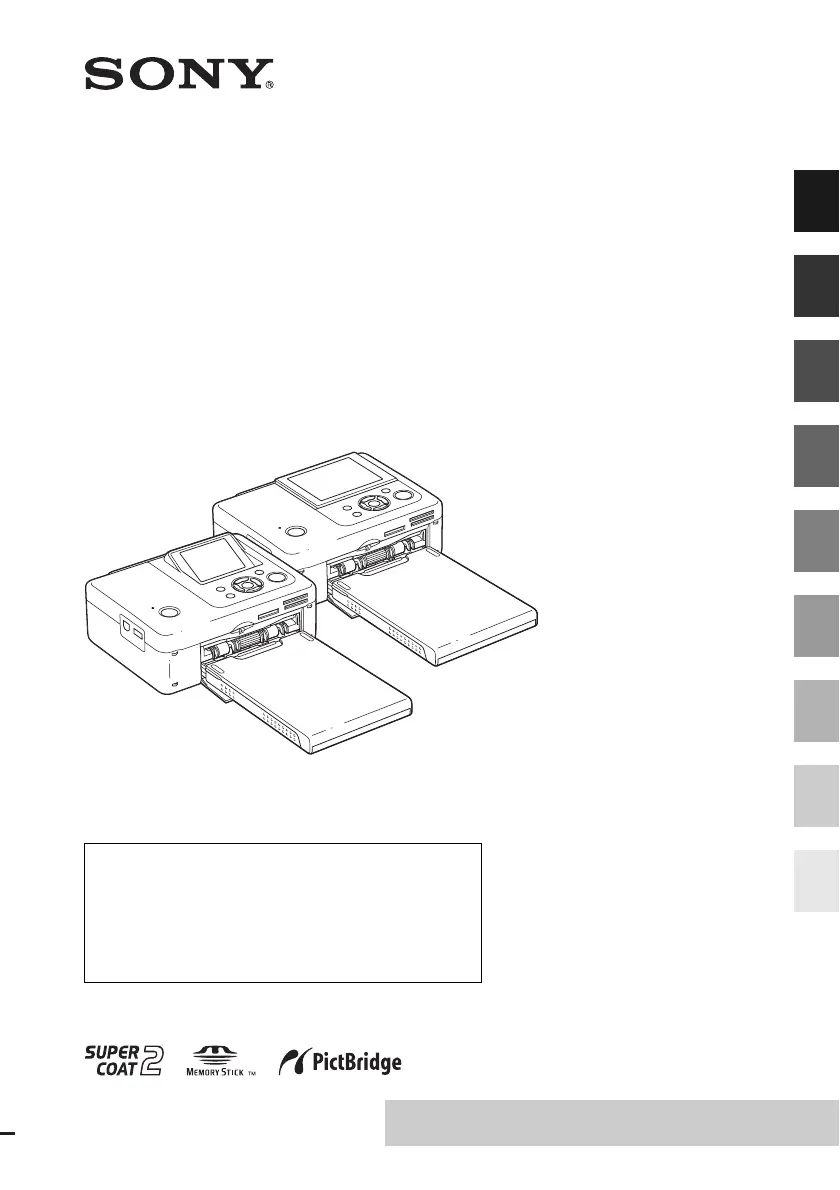
Digital Photo
Printer
DPP-FP67/FP77
© 2009 Sony Corporation
Before you begin
Preparations
Direct printing
Printing from a PictBridge
camera
Printing from a Bluetooth-
compliant device
Printing from a PC
Error messages
Troubleshooting
Additional information
Operating Instructions
Before operating this unit, please read “Read This First” and
“About the Print Packs” supplied and this manual, “Operating
Instructions,” thoroughly and retain them for future reference.
These models are not available in every country
and region.
Owner’s Record
The model and serial numbers are located on the bottom.
Record the serial number in the space provided below. Refer to
these numbers whenever you call upon your Sony dealer
regarding this product.
Model No. DPP-FP67/FP77
Serial No. ________________________
Please read the supplied “Read This First”
and “About the Print Packs.”


Table of Contents

Questions and Answers

  • T
    Thomas GarciaSep 8, 2025
    What to do if the ink ribbon cannot be removed from Sony Printer?
    • L
      Lindsey Harrington MDSep 8, 2025
      If the ink ribbon cannot be removed from your Sony Printer, turn the printer off and then on again. After the motor sound stops, try removing the ink ribbon.
  • A
    Amy MorrisSep 7, 2025
    Why can't I use the Edit menu on my Sony DPP-FP67 Printer?
    • M
      Marie BoydSep 7, 2025
      If the Edit menu cannot be used on your Sony Printer, it may be because you have already performed a correction with the AUTO TOUCH-UP button. Perform any desired edits first, then use the AUTO TOUCH-UP feature.
  • A
    Aaron McgeeAug 22, 2025
    How to fix a Sony DPP-FP67 Printer that cannot be turned on?
    • G
      Gina WebbAug 22, 2025
      To address the issue of your Sony Printer not turning on, ensure that the AC power cord is securely connected to an AC outlet.
  • C
    Cory AvilaSep 4, 2025
    How to print the date on my Sony DPP-FP67?
    • W
      William Cabrera MDSep 4, 2025
      To print the date on your Sony Printer, ensure that the “Date Print” setting is set to “ON”. Also, the image must be compatible with the DCF standards for the “Date Print” function to work.
  • J
    James Smith PhDSep 3, 2025
    Why does the LCD screen on my Sony Printer display no images?
    • P
      Patricia BallardSep 3, 2025
      If the LCD screen on your Sony Printer is not displaying any images, insert a memory card or connect a USB memory properly. Also, ensure that the memory card or USB memory contains recorded images and that the file formats are compatible with the printer. If an image is not compatible with the DCF standard, it may not be printed even if it displays on a PC monitor.
  • P
    Penny JohnsonSep 1, 2025
    How to insert ink ribbon smoothly in Sony Printer?
    • M
      Mallory PooleSep 1, 2025
      If you cannot insert the ink ribbon smoothly into your Sony Printer, remove the ink ribbon and re-insert it. If the ink ribbon is too slack, remove the slack before re-inserting it.
  • T
    Tamara JensenAug 31, 2025
    Why are my printed pictures from Sony DPP-FP67 Printer inferior in quality?
    • S
      Sonia GarciaAug 31, 2025
      If you are experiencing inferior quality in your printed pictures from your Sony Printer, it could be due to a few reasons. If thumbnail images are not displayed properly, they might be small images, leading to rough printing quality. Also, enlarged images may have deteriorated quality depending on their original size.
  • T
    Taylor EricksonAug 30, 2025
    What to do if I cannot stop printing on Sony DPP-FP67?
    • A
      Amanda BridgesAug 30, 2025
      If you cannot stop printing on your Sony Printer even after pressing CANCEL, note that only the next print job will be canceled. Depending on your digital camera model, you might need to cancel the printing directly from the camera itself. Check your camera's manual for instructions.
  • M
    Martin SmithAug 28, 2025
    How to stop Sony Printer from printing the date?
    • R
      regina74Aug 29, 2025
      If the date is being printed unintentionally on your Sony Printer, set “Date Print” to “OFF”. Alternatively, if the date was saved with the image itself, you cannot print without the date.
  • K
    Kathryn DanielAug 27, 2025
    What to do if Sony DPP-FP67 does not respond when connecting USB cable?
    • E
      eatontimAug 28, 2025
      If you've connected and disconnected the USB cable on your Sony Printer and nothing happens, the printer may have an over-current error. To resolve this, unplug the AC power cord, plug it back in, and then press the power button to recover.

Sony DPP-FP67 Specifications

General IconGeneral
TypePhoto Printer
Print TechnologyDye-sublimation
Maximum Print Size4 x 6 inches
Print Resolution300 x 300 dpi
Paper Size4 x 6 inches
ConnectivityUSB
Power SourceAC Adapter
Print SpeedApproximately 45 seconds for a 4 x 6 inch print
Memory Card SlotsMemory Stick, SD Card
Display2.5 inch LCD

Related product manuals