EasyManua.ls Logo

Sony DPP-FP67 - User Manual

Sony DPP-FP67
72 pages
Print Icon
To Next Page IconTo Next Page
Loading...
4-129-145-12 (1)
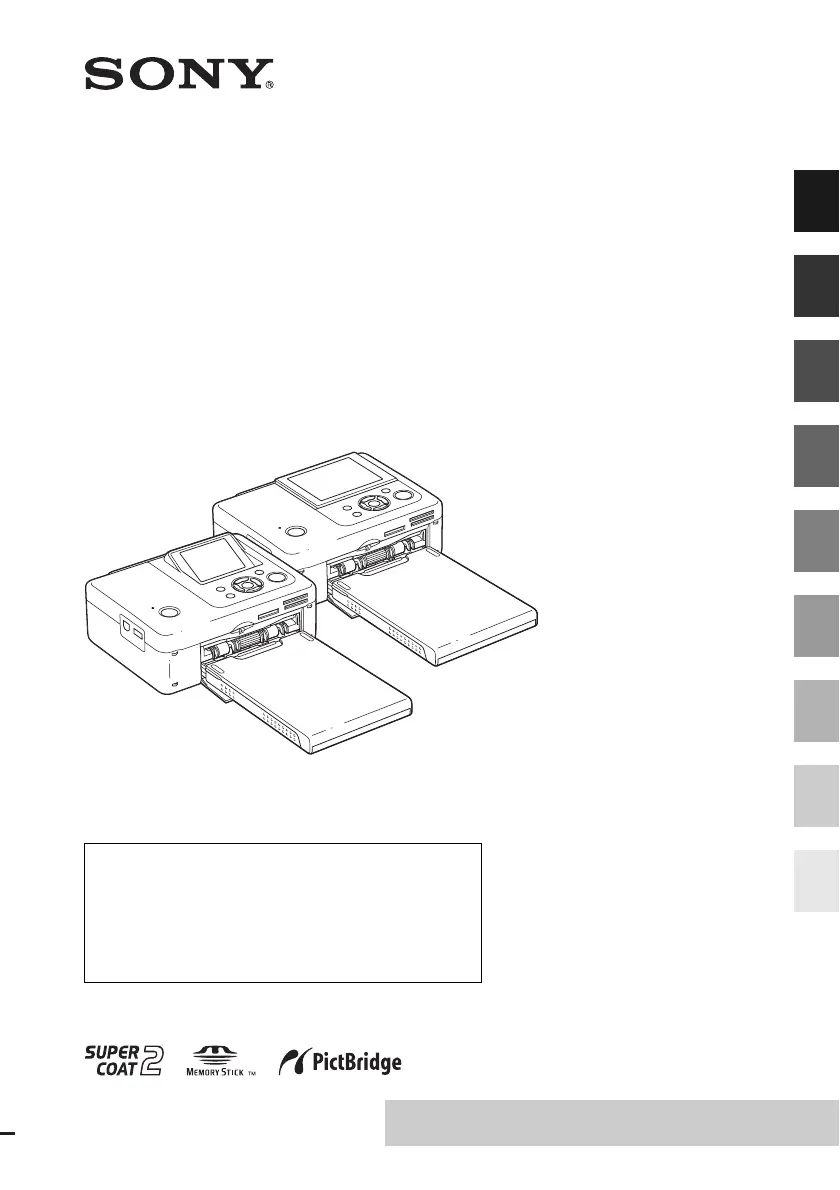
Digital Photo
Printer
DPP-FP67/FP77
© 2009 Sony Corporation
Before you begin
Preparations
Direct printing
Printing from a PictBridge
camera
Printing from a Bluetooth-
compliant device
Printing from a PC
Error messages
Troubleshooting
Additional information
Operating Instructions
Before operating this unit, please read “Read This First” and
“About the Print Packs” supplied and this manual, “Operating
Instructions,” thoroughly and retain them for future reference.
These models are not available in every country
and region.
Owner’s Record
The model and serial numbers are located on the bottom.
Record the serial number in the space provided below. Refer to
these numbers whenever you call upon your Sony dealer
regarding this product.
Model No. DPP-FP67/FP77
Serial No. ________________________
Please read the supplied “Read This First”
and “About the Print Packs.”


Table of Contents

Questions and Answers

  • W
    william88Aug 27, 2025
    What to do if Sony Printer paper is ejected without printing?
    • P
      Paul LangAug 27, 2025
      If your Sony Printer ejects the print paper without printing, make sure you are using print paper specifically designed for the printer. Using incompatible paper can cause issues.
  • J
    Jeanette RobinsonAug 25, 2025
    Why do colors on my Sony DPP-FP67 Printer differ between PC and memory card prints?
    • C
      cohentonyAug 26, 2025
      If the printed image from your PC has different colors compared to printing from a memory card on your Sony Printer, it's because the printing process differs between the two methods, which can result in slight color variations.
  • J
    Jennifer HernandezAug 23, 2025
    What to do if Sony DPP-FP67 Printer paper does not feed?
    • Y
      youngdanaAug 23, 2025
      If your Sony Printer is not feeding paper, make sure the print paper is properly loaded. Here are some things to check: * Use the correct set of print paper and ink ribbon. * Load the print paper in the correct direction in the tray. * Do not exceed the maximum of 20 sheets of print paper in the tray. Remove any extra sheets if necessary. * Riffle the print paper thoroughly before inserting it into the tray. * Ensure the print paper is not bent or folded before printing to prevent printer malfunctions.

Sony DPP-FP67 Specifications

General IconGeneral
TypePhoto Printer
Print TechnologyDye-sublimation
Maximum Print Size4 x 6 inches
Print Resolution300 x 300 dpi
Paper Size4 x 6 inches
ConnectivityUSB
Power SourceAC Adapter
Print SpeedApproximately 45 seconds for a 4 x 6 inch print
Memory Card SlotsMemory Stick, SD Card
Display2.5 inch LCD

Related product manuals