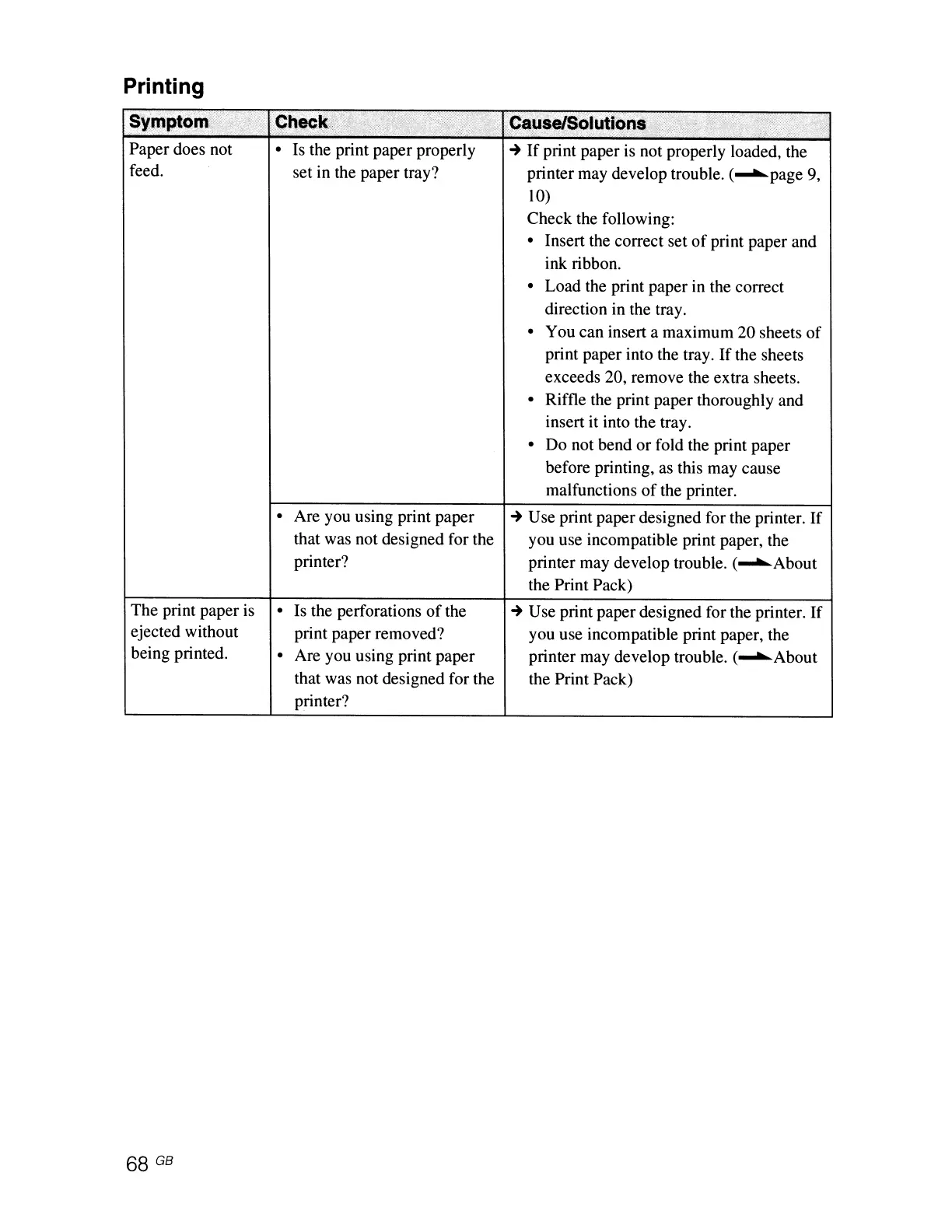
Printing
Sympt9~
.
Paper does not
feed.
The print paper is
ejected without
being printed.
68 GB
• Is the print paper properly
set in the paper tray?
• Are you using print paper
that was not designed for the
printer?
• Is the perforations
of
the
print paper removed?
• Are you using print paper
that was not designed for the
printer?
~
If
print paper is not properly loaded, the
printer may develop trouble. (
...........
page 9,
10)
Check the following:
• Insert the correct set
of
print paper and
ink ribbon.
• Load the print paper in the correct
direction in the tray.
• You can insert a maximum 20 sheets
of
print paper into the tray.
If
the sheets
exceeds 20, remove the extra sheets.
• Riffle the print paper thoroughly and
insert it into the tray.
• Do not bend or fold the print paper
before printing, as this may cause
malfunctions
of
the printer.
~
Use print paper designed for the printer.
If
you use incompatible print paper, the
printer may develop trouble. (
...........
About
the Print Pack)
~
Use print paper designed for the printer.
If
you use incompatible print paper, the
printer may develop trouble. (
...........
About
the Print Pack)



 To Next Page