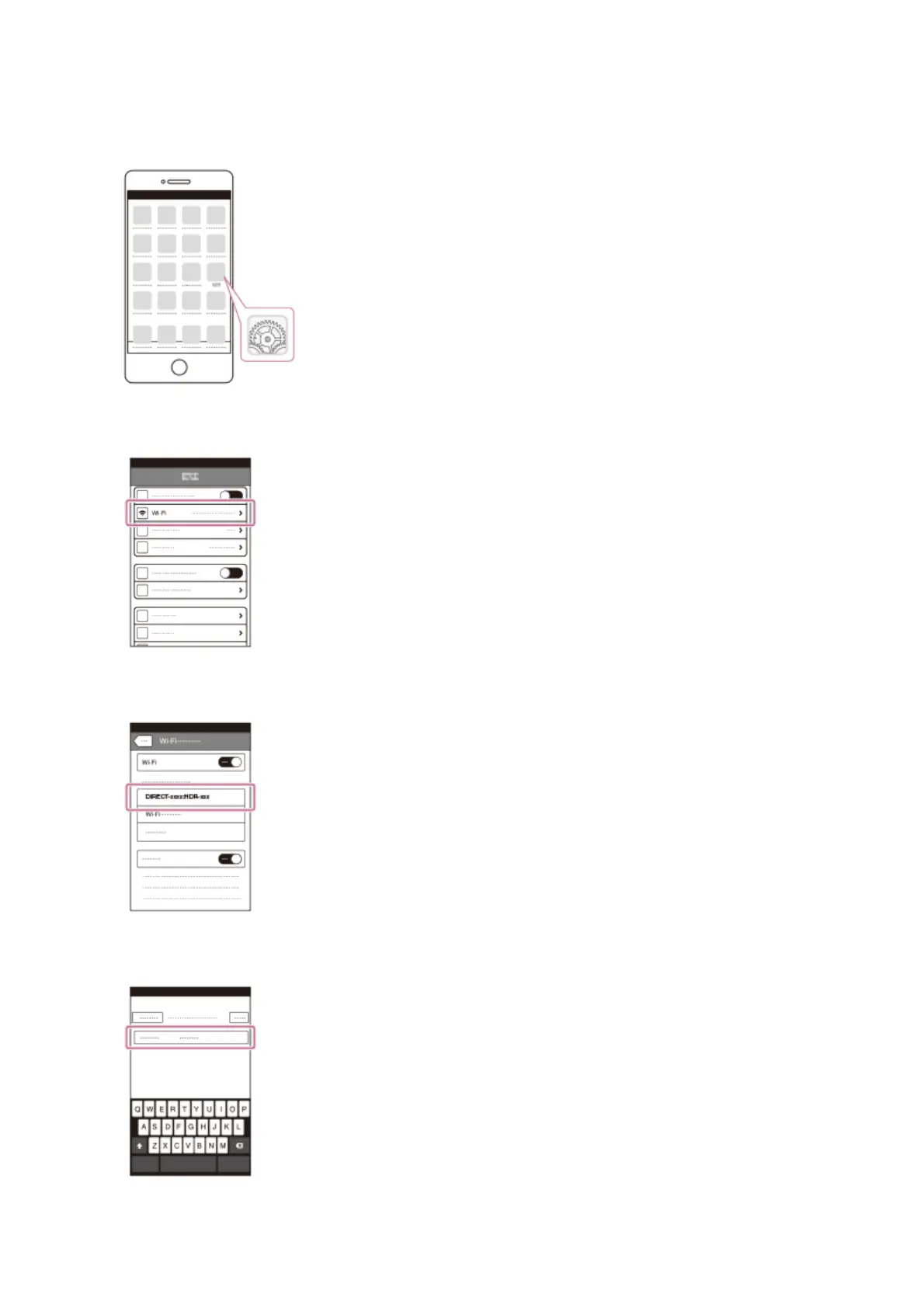
Shows how to connect this product to your iPhone or iPad. Display the SSID and password
in advance by selecting [Send to Smartphone] or [Ctrl with Smartphone] on this product.
1. Open the settings menu.
2. Select Wi-Fi.
3. Select the SSID displayed on this product.
4. Enter the password displayed on this product.
5. Confirm that the SSID displayed on this product is selected.



 To Next Page